This post contains affiliate links. We may earn a small commission when you buy through our links — at no extra cost to you.
Many app-based baby monitors stop working the moment your home Wi-Fi stutters, leaving you scrambling to reconnect while your baby is sleeping. The problem isn’t the app itself—it’s that most of these cameras rely entirely on your network, with no fallback when the router burps or you lose power. A dedicated parent unit that uses a direct radio connection—like FHSS—keeps the video feed steady even when the internet goes dark. This guide focuses on monitors that strike that balance: giving you the convenience of a smartphone app while maintaining a reliable local link.
The trade-off you’ll face is between battery life on the parent unit and the breadth of features. Longer-lasting batteries often mean fewer gadgets, but a screen with 10 hours of runtime won’t help if it takes two hours to recharge. We’ve prioritized models that prove their reliability through thousands of reviews, so you don’t have to discover the limits of your monitor at 2 a.m.

Best for Monitor & App
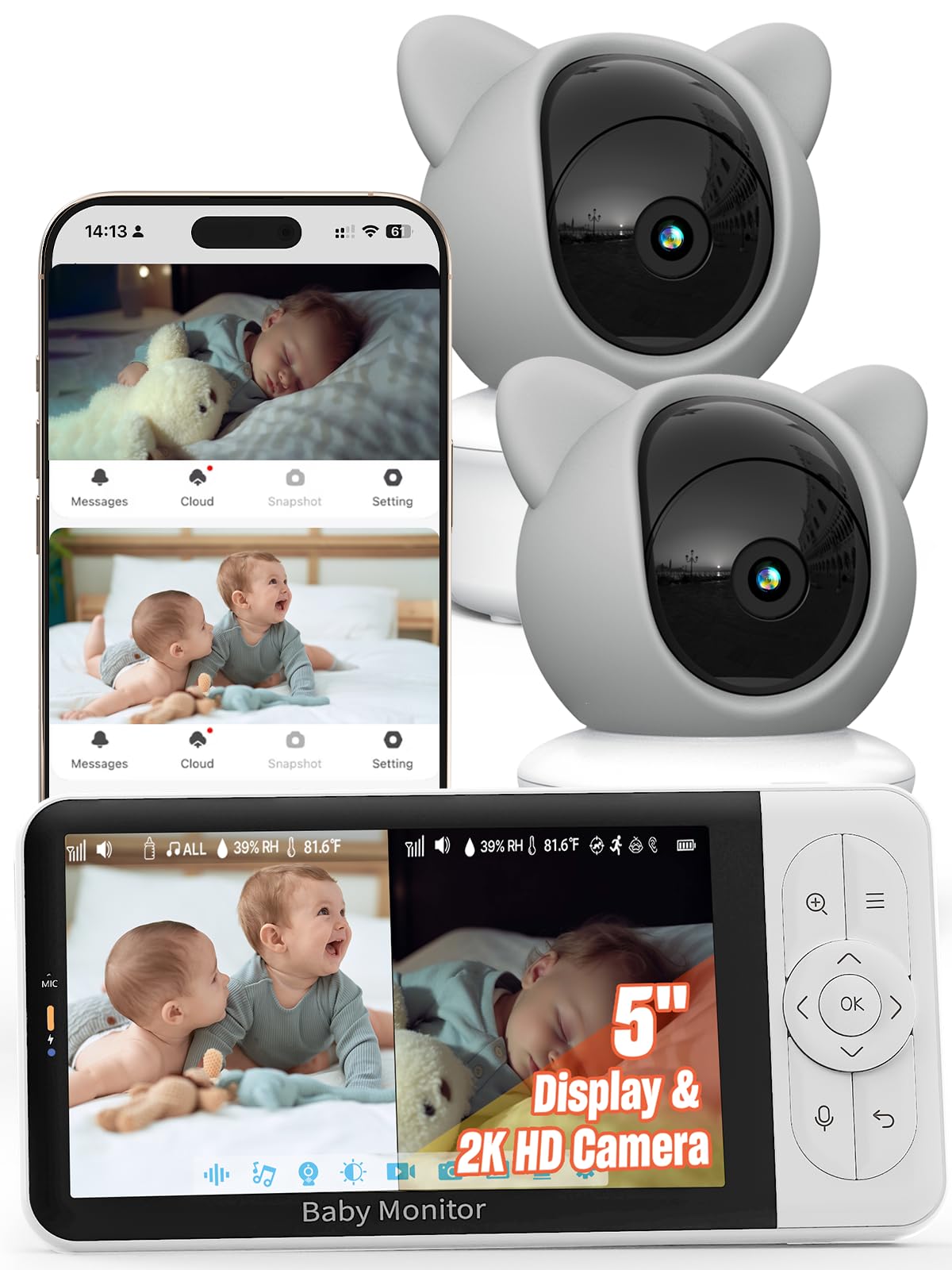
iFamily TY601+2 2K
Key Features
- Resolution: 2K
- Parent Unit: 5-inch screen
- Pan/Tilt: Yes
- Battery: 3000 mAh
- Price: Mid-Range
The 2K resolution on the iFamily TY601+2 is noticeably sharper than typical 1080p monitors, making it easy to see facial expressions and small movements from across the room. The 5-inch parent unit responds quickly to pan/tilt commands, and the app mirrors the camera feed without the lag or dropouts common in cheaper Wi-Fi-only options. This clarity and responsiveness reduce the need to constantly check the crib in person.
Over 10,000 customer reviews highlight a consistent experience: the dedicated monitor stays connected reliably, and the app adds flexibility for checking in from another room or when the parent unit is charging. The motion tracking works well for following a toddler who moves around the crib, and the temperature sensor provides useful peace of mind. The parent unit’s battery, however, drains noticeably faster than competitors — many users report needing to plug it in after a couple of hours of use.
This monitor suits families who want a dedicated screen for nighttime checks but also appreciate the convenience of phone access during daytime naps or when away from the nursery. It is less ideal for parents who expect the parent unit to last through the night unplugged — the battery is best treated as a short-tether resource, and long sleep sessions will require the power cord nearby.
Pros
- Crisp picture quality with 2K resolution makes details easy to see.
- Extremely easy to set up and start monitoring within minutes.
- Good value for a combo system that includes both a dedicated monitor and app access.
Cons
- Parent unit battery drains quickly; expect to keep it plugged in overnight.
Buy this if you want sharp 2K video on a dedicated monitor plus phone access without sacrificing reliability. Skip it if you need the parent unit to last all night away from an outlet.
Best for App-Only Budget
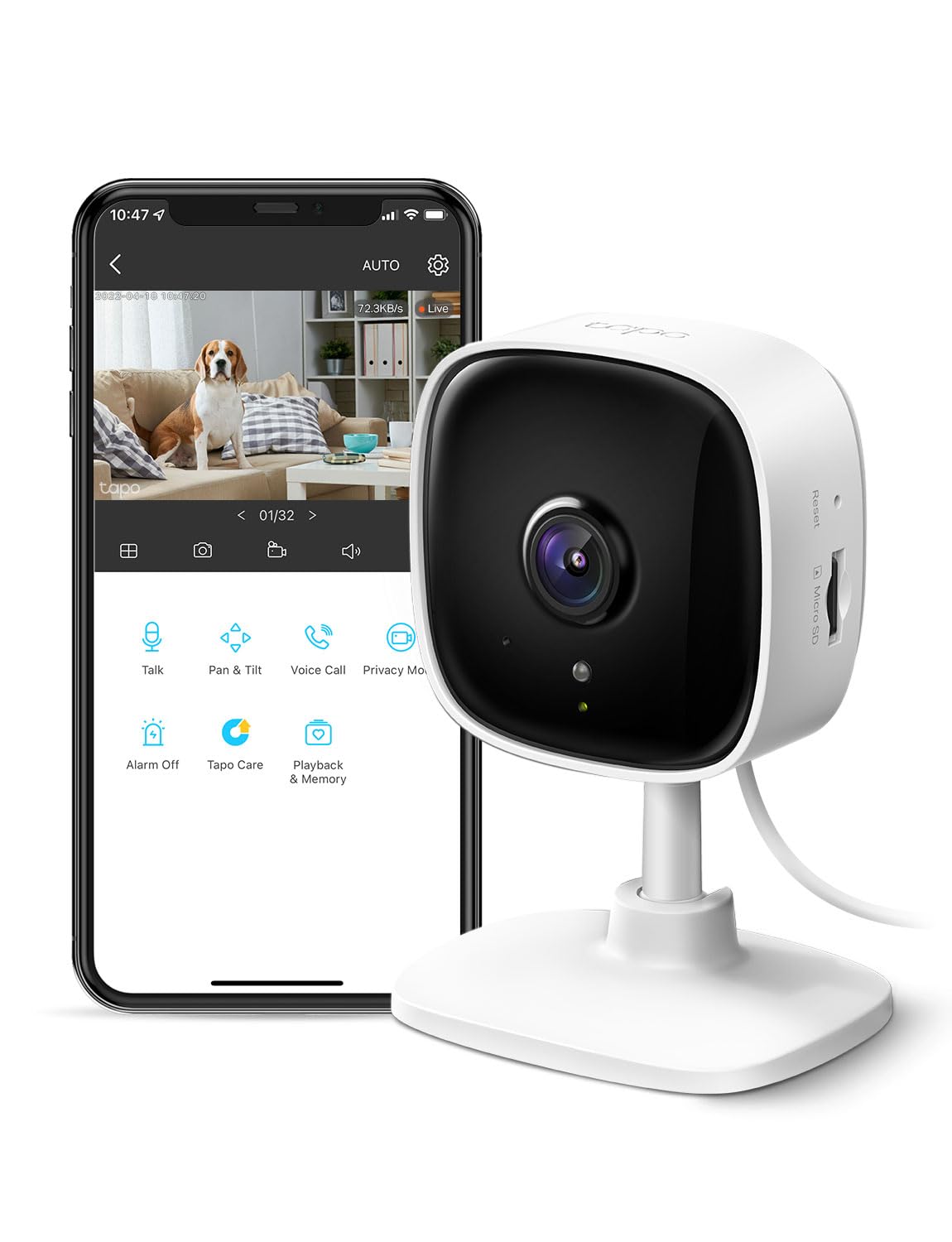
Tapo C100 1080p
At its low price point, the Tapo C100 provides crisp 1080p video and app-based monitoring, but lacks the pan-tilt flexibility and higher resolution of the step-up C210 model. What you gain in affordability you give up in physical camera controls and network independence – this camera lives entirely inside the Tapo app and your Wi-Fi signal.
This camera suits budget-conscious parents or first-time buyers who want a low-cost trial of app monitoring, as well as pet owners or secondary-room setups. However, it relies entirely on Wi-Fi; if your network drops or your router is far from the nursery, the feed stops. There is no dedicated parent unit or local screen as a fallback.
Pros
- Crisp 1080p video day and night with clear detail.
- Great value for the price – one of the cheapest app-only monitors.
- Setup takes under five minutes using the Tapo app.
Cons
- Wi-Fi connectivity can be inconsistent; users occasionally struggle to connect or stay paired.
- A portion of units stop working after a few months of use.
Buy this if you want the most budget-friendly way to monitor a nursery or pet via your phone and don’t need a dedicated screen. Skip it if your Wi-Fi is unreliable or you prefer a camera with physical controls.
Best for Value + App
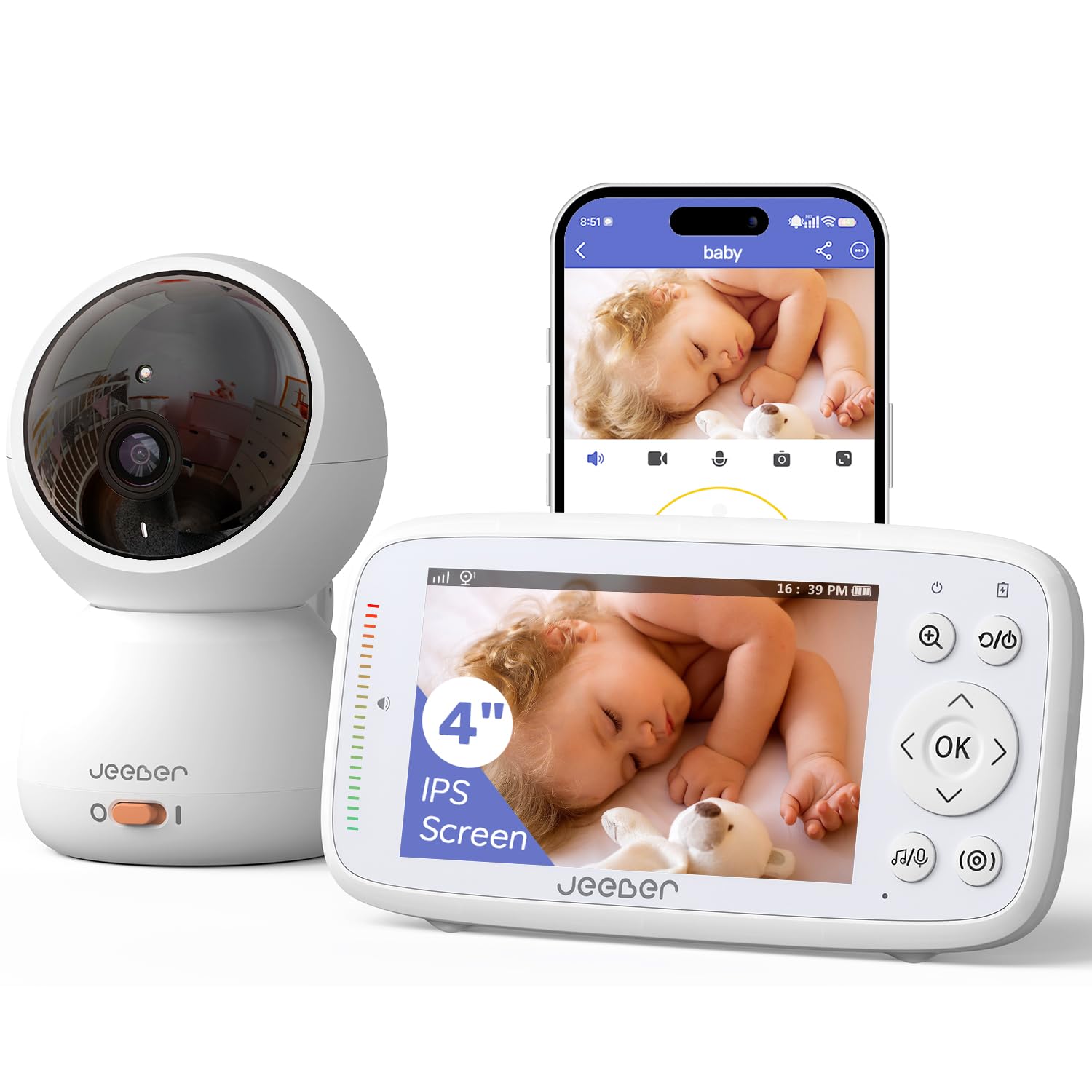
Jeeber VB816PRO 1080p
Key Features
- Resolution: 1080p
- Parent Unit: 4-inch IPS
- Pan/Tilt: Yes (340°)
- Battery: Up to 14h
- Price: Mid-Range
Compared to the top pick in this group, the Jeeber trades 2K resolution and a larger user base for a noticeably lower price and video quality that still looks sharp on the 4-inch parent unit. The 1080p camera delivers clear video and audio, and setup is quick enough to get the monitor running within minutes. What you gain is strong value; what you give up is the reassurance of a long, well-documented track record and the higher resolution that some parents prefer for spotting small details.
This monitor suits parents who want a dedicated physical screen plus app access without paying a premium. The moderate price makes it one of the stronger values in the mid-range segment. However, the smaller user base (367 reviews) means long-term reliability is less certain than with more established alternatives—something to weigh if you plan to use the monitor for multiple children over several years.
Pros
- Sharp 1080p video and clear audio keep you connected to your baby.
- Delivers strong value for a monitor+app combo in the mid-range price bracket.
- Simple setup process gets the monitor running quickly out of the box.
Cons
- Limited long-term reliability data due to a smaller review base (367 reviews) compared to more established brands.
Buy this if you want a feature-packed dedicated monitor with app access at a cost that doesn’t break the bank. Skip it if you need 2K resolution or prefer a product with a long, proven track record.
Best for Two-Camera Set
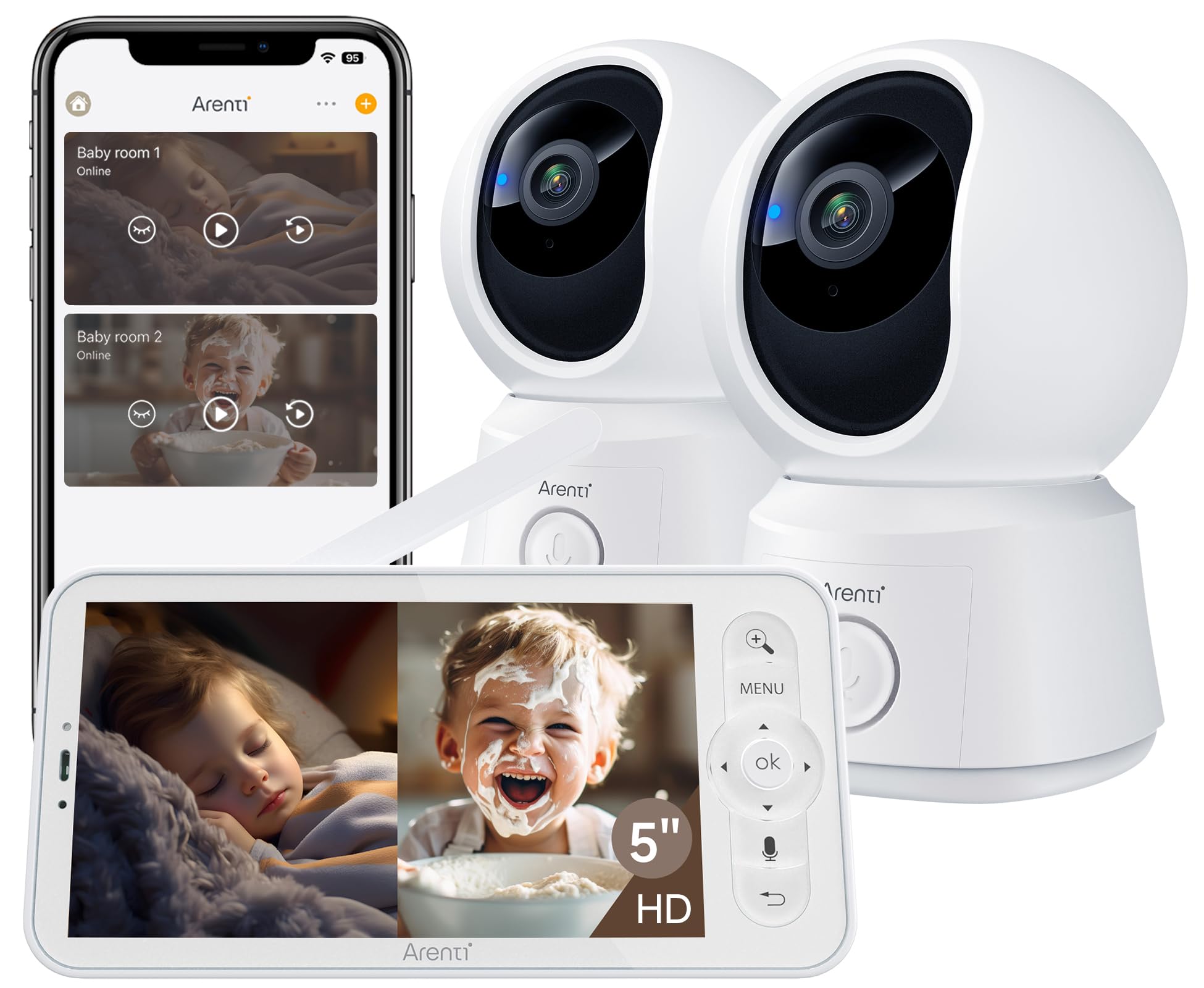
ARENTI B2 2-Cam 1080p
Key Features
- Resolution: 1080p
- Parent Unit: 5-inch screen
- Pan/Tilt: Yes
- Price: Mid-Range
The ARENTI B2 set includes two 1080p cameras with a 5-inch parent unit, undercutting most twin-pack competitors on price. Image quality is clear and the included features — temperature sensor, sound detection, auto motion tracking, VOX mode — cover the basics well. The trade-off is connectivity: some users report occasional dropouts or brief freezes, and with only 330 reviews this system lacks the long-term track record of more established monitors.
This is for parents who need to monitor two children in separate rooms and want both a dedicated display and smartphone app access without spending a premium. The connectivity hiccups mean it’s less suited for those who require an unwavering, rock-solid connection, but for everyday use the value proposition is strong. Expect a system that works well most of the time, with minor annoyances rather than deal-breaking failures.
Pros
- Two cameras included at a price that often buys just one from other brands.
- Clear 1080p image quality with good overall build feel.
- Image quality is crisp and neat for a dedicated monitor.
Cons
- Occasional disconnections can interrupt the video feed.
- Inconsistent performance with occasional freeze or lag.
Buy this if you need two cameras for separate rooms and want a budget-friendly system with a parent unit and app access. Skip it if rock-solid connection reliability is a must or you prefer a more polished twin pack with a larger user base.
Best for Pan/tilt Budget
Tapo C210 2K Pan/Tilt
This camera trades the dedicated parent unit of the top pick for a lower price and full pan/tilt control. The 2K sensor captures crisp video, and the motorized head lets you follow a crawling toddler or a roaming pet from your phone. Setup takes minutes via the Tapo app, and the motion tracking works well in bright rooms. Compared to the bare-bones budget options, the C210 adds meaningful versatility without breaking the bank.
Best suited for tech-savvy parents who are comfortable checking in via smartphone and don’t mind the absence of a standalone monitor. Acknowledge that Wi-Fi connectivity can be inconsistent — some units drop offline briefly, and the camera requires a 2.4GHz network. It also works well as a multi-purpose pet or home security camera, making it a flexible buy for households that want one device for several roles.
Pros
- Sharp 2K video with smooth pan/tilt control
- Quick app-based setup with intuitive controls
- Affordable price for a pan/tilt 2K camera
Cons
- No dedicated parent unit; requires smartphone app
- Some units experience intermittent Wi-Fi disconnections
Buy this if you want 2K pan/tilt at a low price and are fine with phone-only monitoring. Skip it if you need a dedicated parent unit or have a 5GHz-only Wi-Fi network.
Best for Ultra-Budget
Cinnado D1 2K 360°
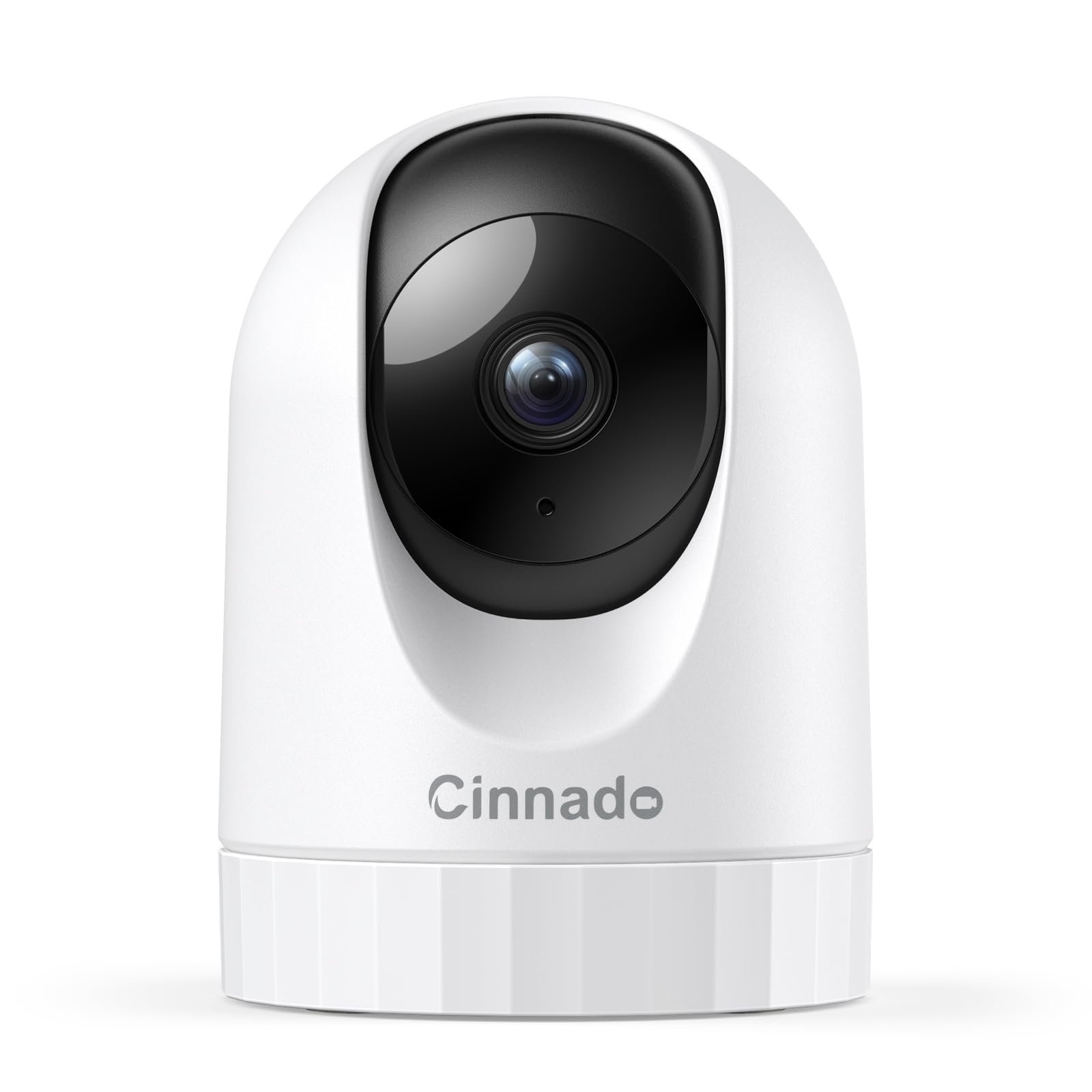
The Cinnado D1 delivers a surprising 2K resolution and full 360° pan/tilt at a budget-friendly price. Setup is quick, and the app interface is intuitive, making it easy to place in a nursery or pet area. However, the camera is prone to occasional Wi-Fi disconnections that require a manual power cycle to restore. This limits its reliability as a primary baby monitor, but for non-critical use – checking in on pets or as a temporary setup – it’s hard to beat the value.
Pros
- Sharp 2K picture quality at an entry-level price.
- Full 360° pan and tilt for a fraction of the cost of competitors.
Cons
- Camera may go offline and require power cycling to reconnect.
Worth considering if you need an ultra-cheap secondary camera for pet or temporary monitoring and can accept occasional disconnects.
Best for Budget + App
Simyke BME28-1 720p

Key Features
- Resolution: 720p
- Parent Unit: 2.8-inch screen
- Pan/Tilt: No
- Battery: Short
- Price: Budget
The Simyke brings a physical 2.8-inch screen and app access for the price of a basic phone-only camera. Build quality and night vision outperform expectations at this cost, and setup takes minutes. However, the 720p camera delivers noticeably softer video than 1080p competitors, the parent unit needs frequent charging, and Wi-Fi connectivity can be inconsistent with occasional app glitches. These trade-offs make it a step behind similarly priced alternatives that offer sharper imagery and more reliable links.
Pros
- Better physical build than other monitors in its price range.
- Night vision provides adequate clarity in low light.
- Quick and straightforward setup process.
Cons
- Wi-Fi connectivity can drop and the app occasionally freezes.
- Parent unit battery lasts only a few hours, needing frequent recharging.
Worth considering if you need a low-cost monitor with both a dedicated screen and phone app, and can accept softer 720p video and shorter battery life.
Best for Secure Mid-Range
BOIFUN Baby 2TM 2K
Key Features
- Resolution: 2K
- Parent Unit: 5-inch screen
- Pan/Tilt: Yes (360°)
- Battery: 3000 mAh
- Price: Mid-Range
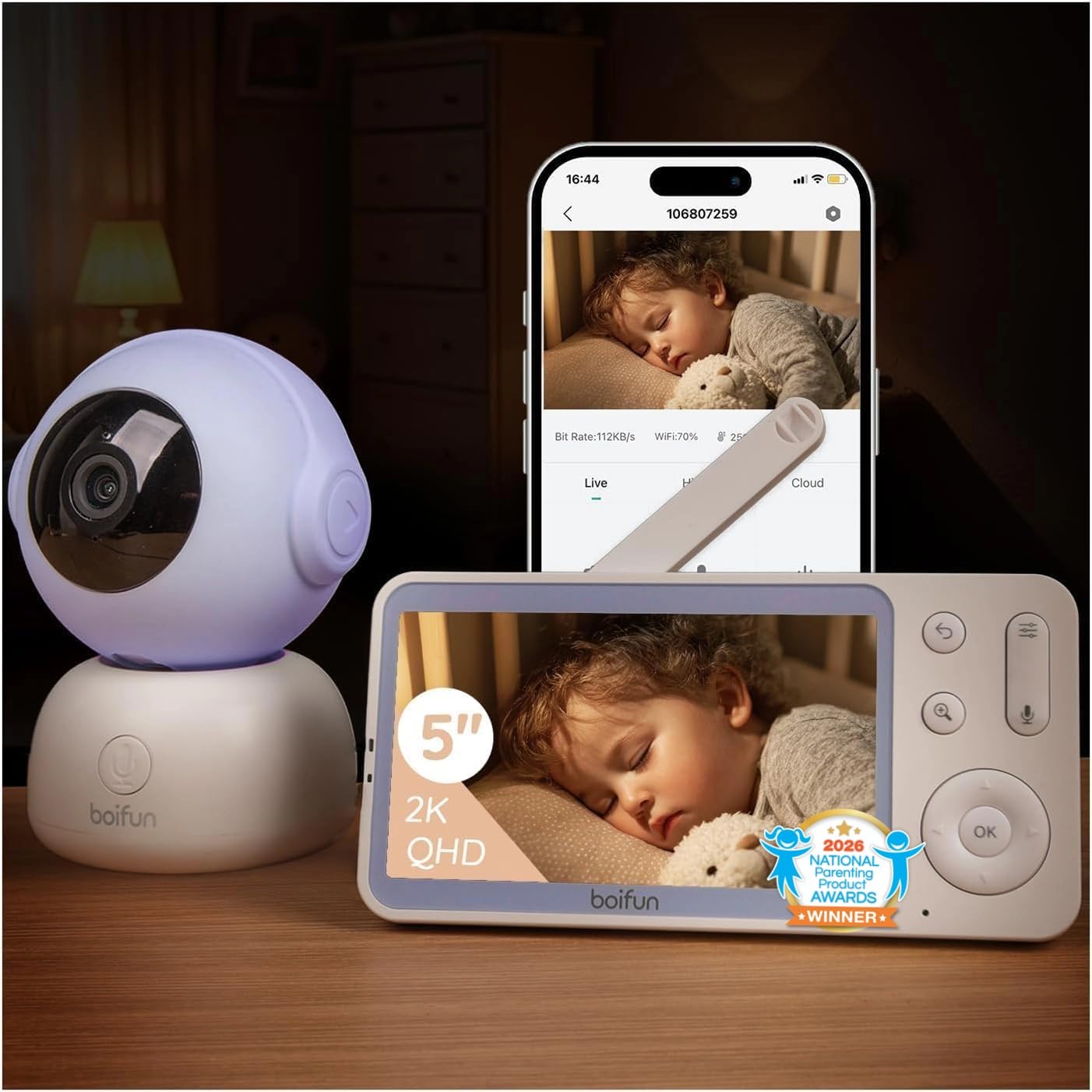
The BOIFUN delivers crisp 2K video day and night, with intuitive controls and responsive auto motion tracking — features that typically cost more. Its AES128 encryption and dual connection modes (Wi‑Fi plus local FHSS) add privacy and a fallback option if the network dips. However, with only around 800 reviews, this model is still building its track record. Occasional connectivity drops and freezing have been reported, which may frustrate parents relying entirely on Wi‑Fi. For those who value encryption and don’t mind a newer brand, it’s a competent mid‑range choice, but the iFamily TY601+2 (our top pick) offers more user data for the same price bracket.
Pros
- Crisp 2K video clarity day and night.
- Simple setup process with responsive controls.
- Auto motion tracking follows baby’s movement accurately.
Cons
- Occasional connectivity drops and screen freeze.
- Limited user feedback makes long-term performance uncertain.
Worth considering if you want AES128 encryption and a physical monitor with app access, and you’re okay with a new brand that still has a smaller user base.
How to Choose
The most important factor is whether the monitor can work without your home Wi-Fi, because app-only cameras stop monitoring when the network drops.
Resolution: 1080p vs 2K
A 1080p camera is sufficient for seeing your baby’s face clearly in a standard nursery. 2K offers sharper detail and better zoom, which helps if the camera is mounted farther away or you want to check fine motor movements. But higher resolution can strain Wi-Fi bandwidth and increase latency—stick with 1080p if your network is older or shared heavily.
Parent Unit vs App-Only
A dedicated parent unit with a direct FHSS or proprietary radio link keeps streaming even when the internet goes down. App-only monitors are cheaper but become useless during a power outage or router reboot. If you work from home or travel frequently, the extra cost of a parent unit is worth the peace of mind.
Wi-Fi Reliability
Most cameras only support 2.4 GHz Wi-Fi, which is more prone to interference from neighbours and household appliances. Look for monitors that list dual-band support or, better yet, offer a non-Wi-Fi backup mode. Position the camera within 30 feet of your router to minimise disconnections.
Pan/Tilt Capability
Motorised pan and tilt lets you follow a moving baby around the crib or check different corners without repositioning the camera. It’s a convenience feature, not a necessity—fixed cameras work fine if the crib is in the centre of the shot. If you have a wide room, prioritise pan/tilt.
Battery Life of Parent Unit
A parent unit’s battery is often overstated in marketing. Look for at least 3000 mAh capacity, which typically delivers 8-10 hours of continuous video. Keep in mind that capacity degrades over months of daily charging. If you need all-night monitoring, consider keeping the unit plugged in while sleeping.
FAQ
Why does my baby monitor keep disconnecting from WiFi?
It’s usually because the monitor only supports 2.4 GHz Wi-Fi and is placed too far from your router, or the router’s channel is congested. Move the camera closer or switch to a monitor with a direct radio connection (FHSS) that doesn’t rely on Wi-Fi at all.
Can I use a baby monitor without WiFi at home?
Yes, if the monitor has a dedicated parent unit that uses a proprietary radio frequency like FHSS. These monitors stream video and audio without needing your home internet, so they keep working during outages. App-only models will fail without Wi-Fi.
How long should a baby monitor parent unit battery last?
Aim for at least 8–10 hours of continuous use from a full charge. Models with a 3000 mAh battery typically hit this range when new. Capacity drops over months of nightly charging, so expect to plug it in overnight for reliable all-night monitoring.
Do I need a subscription to store baby monitor video footage?
No. Most monitors support local storage via a microSD card, which records without any monthly fee. Cloud subscriptions are optional and add features like event history and remote playback. If you just want to review a motion event, local storage is sufficient.