This post contains affiliate links. We may earn a small commission when you buy through our links — at no extra cost to you.
Most movement monitors promise 24–30 hours of battery life, but real-world use often means plugging in every night. WiFi models offer app convenience, yet they introduce network hiccups and privacy trade-offs. The gap between marketing and daily reality is wide. This guide cuts through the claims to highlight monitors that deliver on battery life, secure non-WiFi connections, and features that genuinely simplify your routine. Whether you value a large screen, pan‑tilt, or 4K video without subscription fees, the right pick balances what you need with what actually works long‑term.

Best for Budget-Conscious Parents
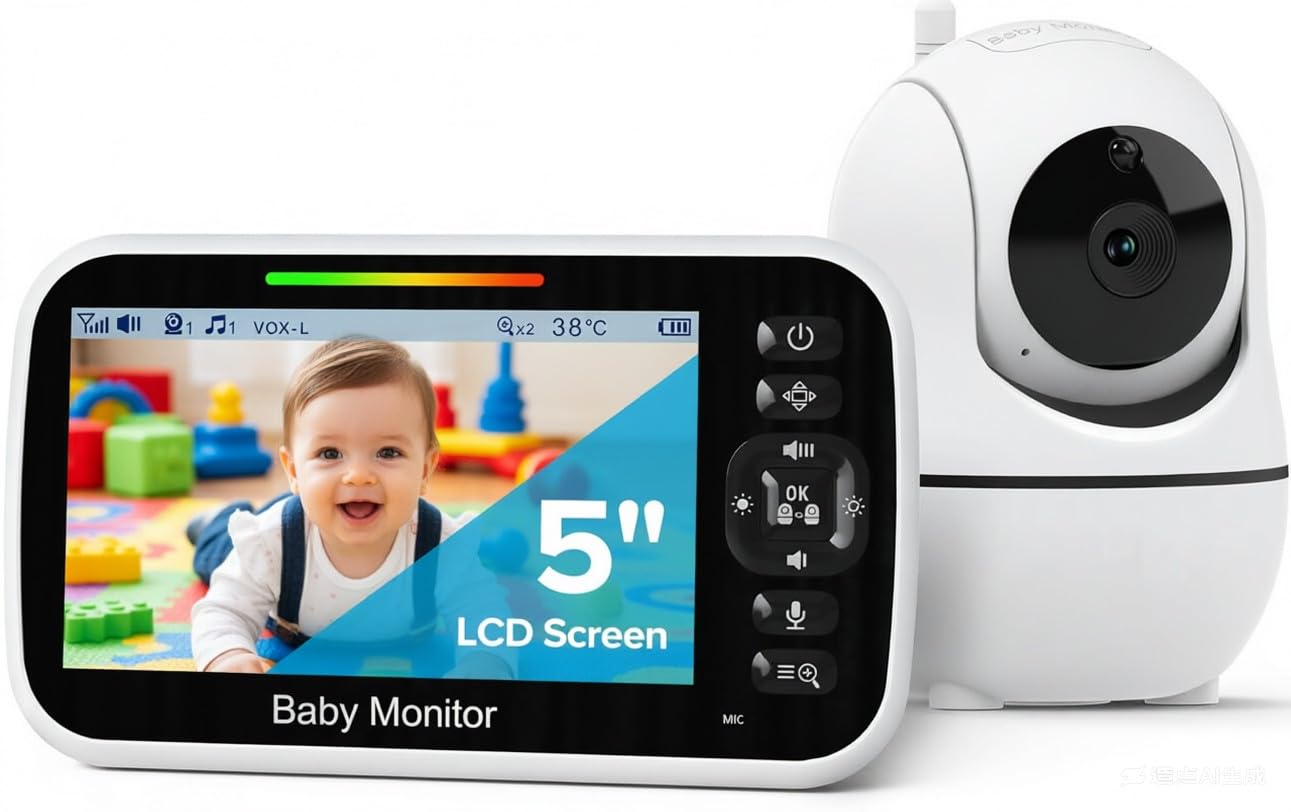
GoodBaby 5" Non-WiFi PTZ Monitor
Key Features
- Screen Size: 5 inches
- Battery Life: 30 hours (VOX)
- Pan/Tilt: 355° pan, 120° tilt
- WiFi vs Non-WiFi: Non-WiFi (FHSS)
- Price: Budget
The GoodBaby pairs a remote pan/tilt camera with a 5-inch parent unit that auto-switches to night vision and tracks room temperature. Picture quality stays clear during the day and in dim light, and the 960-foot range covers most homes without dropouts. Setup takes minutes — just plug in and pair. Sound pickup is above average for this price tier, though the battery life is best treated as a backup for short naps rather than overnight sessions; some units show charging quirks after months of use.
This monitor fits first-time parents who want security (no WiFi) and a full feature set without spending extra. Budget-conscious households get PTZ, lullabies, and two-way talk at a price that undercuts competitors. Skip it if you need app-based remote viewing or if consistent all-night battery life is mandatory — plan to keep the parent unit plugged in for overnight monitoring.
Pros
- Clear image quality, especially in night vision mode
- Packs PTZ, temperature sensor, and lullabies at a budget price
- Out-of-box setup takes minutes with minimal fuss
Cons
- Battery life varies; some units lose capacity or stop charging after months
- Sound quality is decent but not stellar compared to pricier monitors
Buy this if you want the most feature-rich non-WiFi monitor at a budget-friendly price and don’t need app access. Skip it if all-night battery life is a must or you require remote viewing via WiFi.
Best for Large-Screen Users
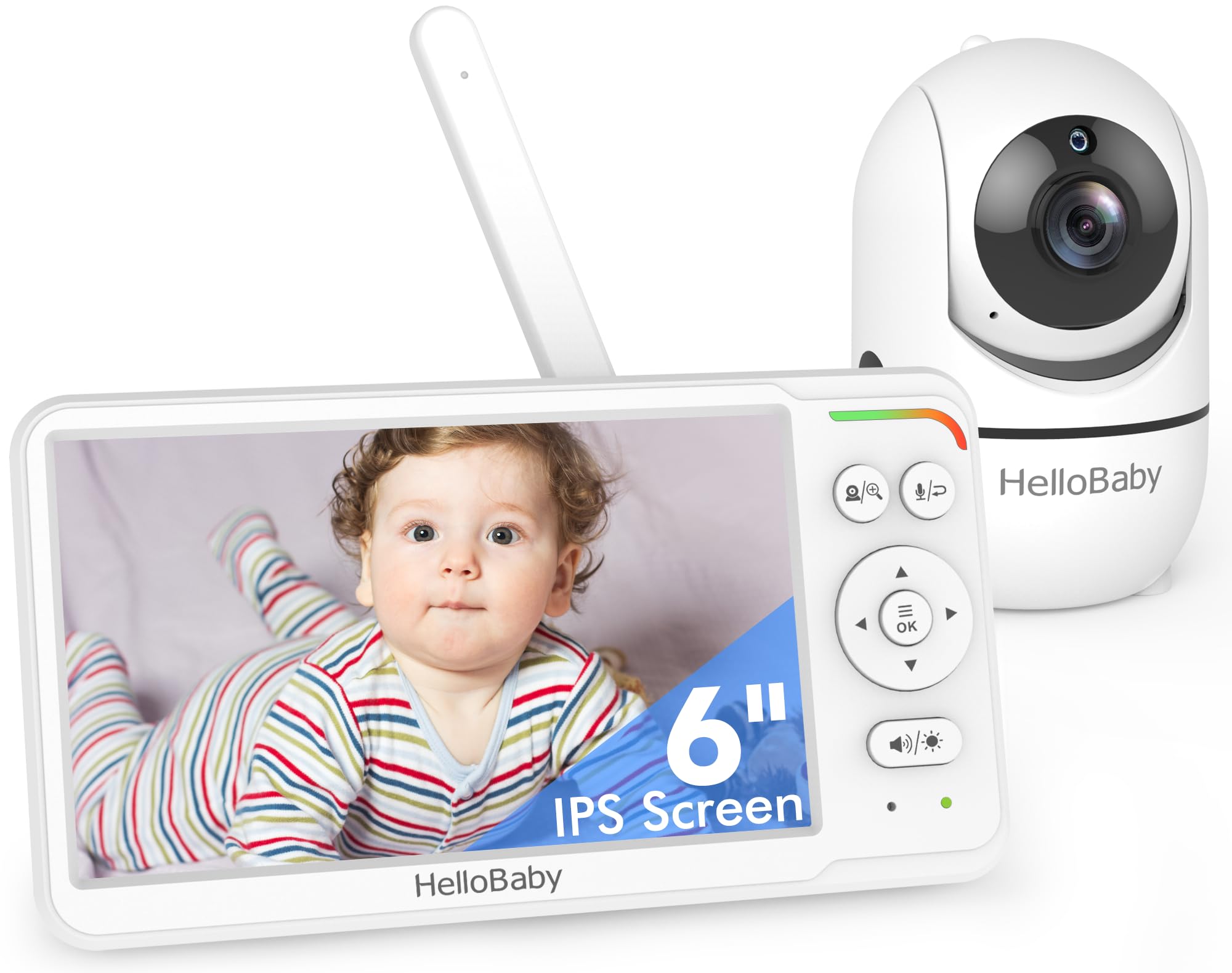
HelloBaby HB6560 6" IPS Monitor
Key Features
- Screen Size: 6 inches (IPS)
- Battery Life: 16–30 hours
- Pan/Tilt: 355° pan, 120° tilt
- WiFi vs Non-WiFi: Non-WiFi (FHSS)
- Price: Mid-Range
The 6-inch IPS panel on the HelloBaby HB6560 is genuinely a size advantage — you can read it from across the room without squinting, which is rare in this category. Compared to the top-selling non-WiFi monitor, you lose expandability (only two cameras, no 4-camera split) and a larger review base, but you gain a notably larger screen. That trade-off makes sense for grandparents or anyone with vision difficulties who wants a simple, secure no-WiFi setup. The battery, however, is the main catch: it may not last a full night for some users, and a minority report charging port issues after months of use.
Pros
- Large 6" IPS screen easy to read from a distance
- Very easy setup with intuitive controls
- Good picture quality with wide viewing angles
Cons
- Battery life inconsistent; some units struggle to last through the night or have charging port failures
- System supports only up to 2 cameras, limiting expandability
Buy this if you or a family member need a large, easy-to-read screen and prefer a secure, no-WiFi monitor. Skip it if you plan to monitor more than two rooms or need all-night battery without plugging in.
Best for Tech-Savvy Parents
eufy E30 4K PTZ Indoor Cam
Key Features
- Pan/Tilt: 360° pan, auto tracking
- WiFi vs Non-WiFi: WiFi (2.4GHz)
- Price: Mid-Range
The eufy E30 offers superior 4K resolution and AI features compared to the top pick, but requires a microSD card (not included) and some users experience occasional connectivity drops. It’s best for tech-savvy buyers who want high-quality footage without ongoing costs and value smart tracking over plug-and-play simplicity.
Pros
- Crisp 4K video with color night vision for clear monitoring day or night.
- AI tracking automatically follows pets and people, reducing manual adjustments.
- No subscription fees – all recording is stored locally on a microSD card.
Cons
- Requires a microSD card (not included) for local recording.
- Connectivity can be spotty for some users; occasional offline errors reported.
Buy this if you want 4K resolution, AI tracking, and no monthly fees. Skip it if you need a dedicated baby monitor with built-in lullabies or if you prefer not to buy a microSD card.
Best for Multi-Camera Users
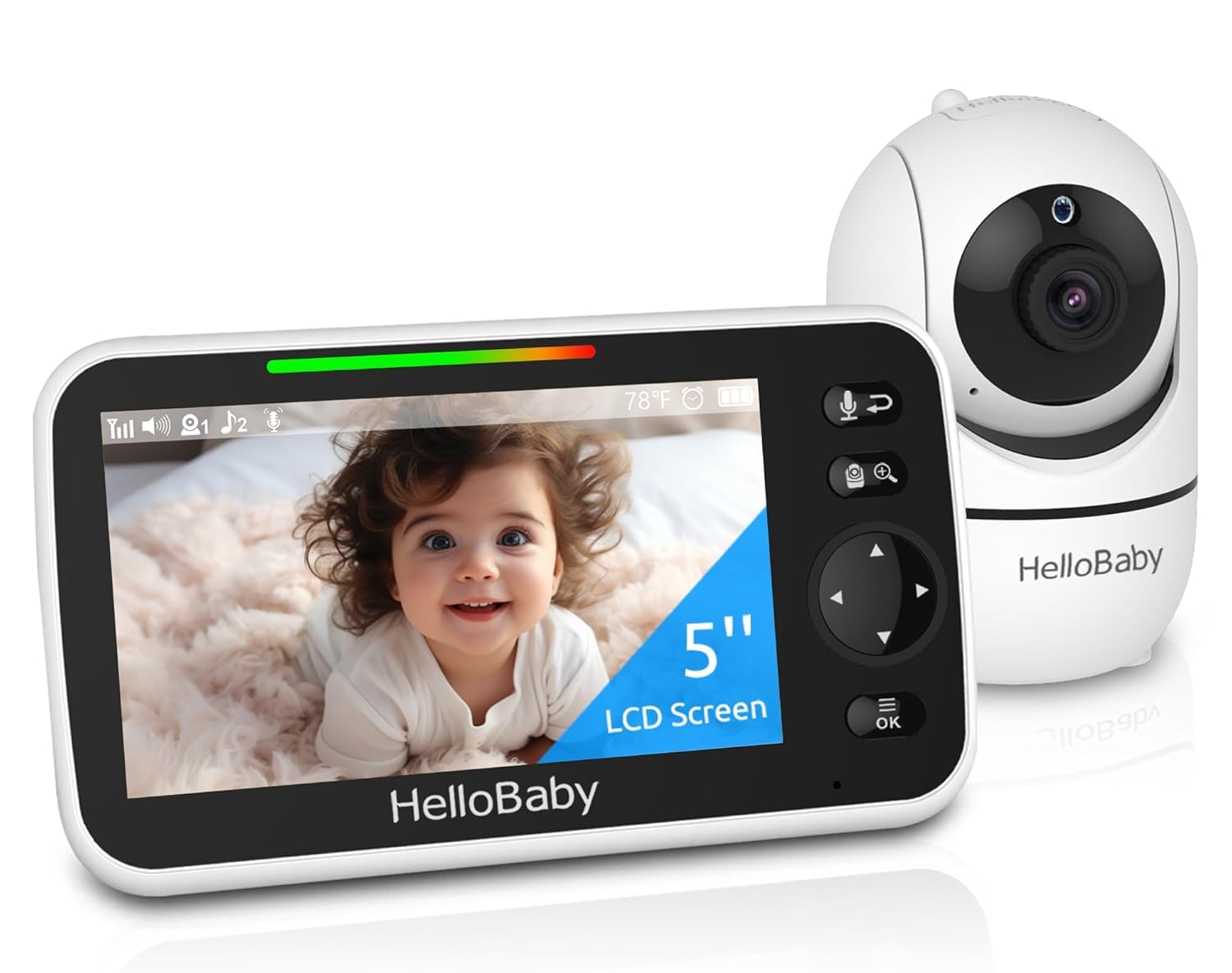
HelloBaby HB6550 5" PTZ Monitor
Key Features
- Screen Size: 5 inches
- Battery Life: 30 hours (advertised)
- Pan/Tilt: 355° pan, 120° tilt, 2x zoom
- WiFi vs Non-WiFi: Non-WiFi (2.4GHz FHSS)
- Price: Mid-Range
The HelloBaby HB6550 is the most reviewed non-WiFi monitor on the market, offering pan-tilt-zoom and expandability to four cameras at a mid-range price. Unlike the larger-screen option in this roundup, its 5-inch display is compact but adequate for keeping an eye on your little one. Parents who prioritize privacy over remote access will appreciate the direct 2.4GHz connection. That said, a portion of units develop charging issues or stop powering on after a few months, and the advertised 30-hour battery can be inconsistent, especially over time. This makes it ideal for those who want a feature-rich local monitor and are willing to accept some risk of early replacement.
Pros
- Clear picture quality with crisp night vision.
- Simple setup without WiFi or app, just plug and play.
- Solid build quality with a durable feel.
Cons
- Durability variances; some units stop working or develop charging faults after a few months.
- Battery life often falls short of the 30-hour claim, especially after extended use.
Buy this if you want a secure, non-WiFi monitoring system with pan/tilt and multi-camera expandability. Skip it if long-term durability is your top priority.
Best for Budget Shoppers
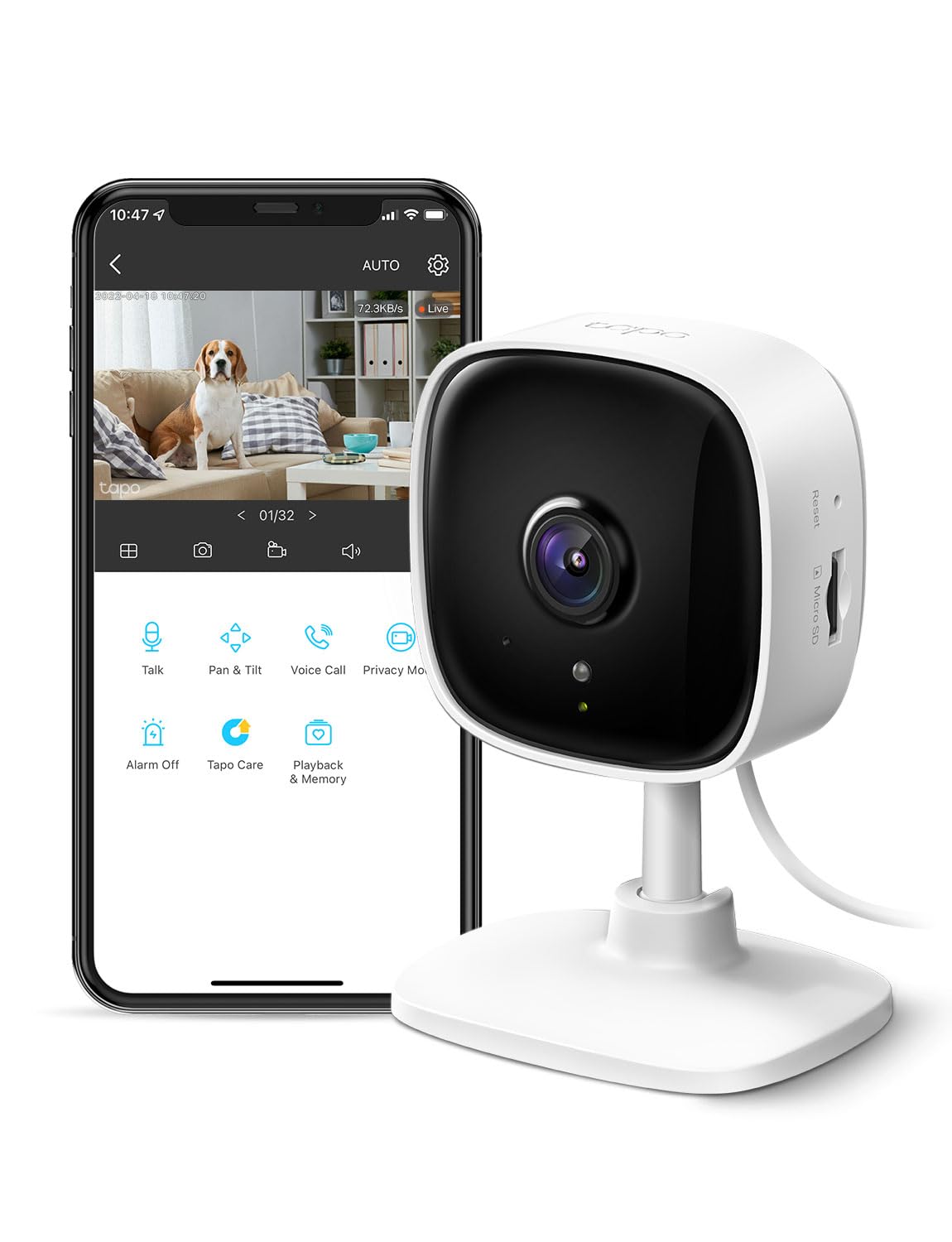
Tapo C100 Fixed 1080p Cam
This fixed 1080p camera delivers clear daytime and night vision for a low price, but lacks pan/tilt and covers only a 110° field of view. Motion detection is accurate and adjustable, though connectivity hiccups and occasional unit failures after a few months make it better suited as a backup or temporary monitor than a primary baby cam. Setup is simple, local storage avoids subscription fees, and it integrates with Alexa/Google Home — ideal for budget-minded users already in the Tapo ecosystem or those needing a cheap, no-frills eye on a pet or entryway.
Pros
- Sharp 1080p video with effective night vision for a low-cost camera.
- Great value: the cheapest option with solid features.
- Simple setup process that takes minutes.
Cons
- Occasional WiFi connectivity problems may cause dropouts for some users.
- Quality control variances can lead to unit failures within a few months for a minority of buyers.
Buy this if you need a cheap, fixed camera for occasional monitoring or as a secondary unit. Skip it if you require pan/tilt capabilities or a dependable primary baby monitor.
Best for Tech-Savvy Users
Tapo EC70 Pan/Tilt 1080p

Key Features
- Pan/Tilt: Pan & tilt, motion tracking
- WiFi vs Non-WiFi: WiFi (2.4GHz)
- Price: Budget
The EC70 offers impressive pan/tilt and motion tracking at a budget price, with solid 1080p video and local storage. However, a significant portion of units suffer from WiFi connection failures and random disconnections, making it a gamble for critical monitoring. Best suited as a temporary pet cam or for tech-savvy users willing to troubleshoot.
Pros
- Sharp 1080p video with clear night vision.
- Pan/tilt motion tracking at a budget price.
Cons
- WiFi connectivity can be inconsistent – some units fail to connect or drop out.
Worth considering if you need an inexpensive pan/tilt camera for casual pet monitoring and are comfortable with potential WiFi troubleshooting.
How to Choose
The biggest difference between a monitor you love and one you return is real-world battery life versus advertised claims.
Screen Size and Clarity
Larger screens make it easier to see your baby from across the room, but they can also increase the monitor’s footprint. IPS panels offer wider viewing angles, while standard LCD may look fine head-on. Resolution matters less for a small screen; 720p is sufficient on a 5- or 6-inch display.
Battery Life
Advertised battery life often assumes VOX mode (audio-only standby). In continuous video mode, most monitors last 8–12 hours. If you need all-night monitoring without recharging, look for a monitor that can remain plugged in or has a battery that lasts through a typical sleep schedule when used with VOX.
Pan/Tilt Capability
Motorized pan and tilt lets you scan the room from the parent unit without moving the camera manually. This is useful for toddlers who move around a crib or for covering a wide play area. Fixed cameras are simpler and cheaper but can miss activity outside their field of view.
WiFi vs. Non-WiFi Security
Non-WiFi monitors use a direct radio connection (FHSS) that cannot be hacked over the internet, offering peace of mind. WiFi cameras allow remote viewing from your phone but depend on home network stability and may have privacy vulnerabilities. Choose based on whether you need remote access or prefer a closed system.
Number of Cameras Expandable
If you have multiple children or rooms, a monitor that supports up to 4 cameras lets you add coverage later without buying a new system. Some models limit expansion to 2 cameras. Check whether the parent unit can split-screen or cycle between cameras.
FAQ
Why does my baby monitor battery drain so fast?
Most monitors claim 24–30 hours in VOX mode (audio-only standby), but continuous video mode cuts battery life to 8–12 hours. If you have the screen always on or keep two-way audio active, expect to charge daily. Using VOX and lowering screen brightness can extend runtime significantly.
Is a non-WiFi baby monitor more secure than a WiFi one?
Yes. Non-WiFi monitors use a direct radio frequency (FHSS) that transmits only between the camera and parent unit, making them impossible to hack remotely. WiFi monitors rely on your home network and can be vulnerable if not properly secured. For maximum privacy, choose a non-WiFi model.
How long should a baby monitor camera last before needing replacement?
Most quality non-WiFi monitors last 1–2 years with daily use before battery degradation becomes noticeable. WiFi cameras often last longer as they are plugged in, but connectivity failures or hardware defects can appear within months. Budget models may need replacement sooner – consider spending a bit more for better longevity.
What is the best baby monitor for a large two-story house?
Look for a non-WiFi monitor with a range of at least 1,000 feet and FHSS technology, which penetrates walls better than standard 2.4GHz. Models with a strong antenna and multiple channels can maintain signal across floors. Avoid WiFi cameras on a single router; they can drop signal if the router is far from the nursery.