This post contains affiliate links. We may earn a small commission when you buy through our links — at no extra cost to you.
Parents shopping for a kids tablet quickly run into a familiar trade-off: Amazon’s Fire tablets offer unmatched parental controls and curated content but block YouTube Kids and limit app choices. Third-party Android tablets open the Google Play Store but often suffer from unreliable performance, short battery life, or fragile screens. The problem isn’t a lack of options—it’s that the best choice depends heavily on your child’s age, your budget, and whether you prioritize ecosystem safety over app flexibility.
This guide breaks down the real-world differences you can expect from each option—screen durability over months of use, battery life that doesn’t degrade after a few charge cycles, and parental controls that actually work without constant tinkering. The picks here are chosen to match specific needs, from a first tablet for a toddler to a versatile device for a 10-year-old who wants access to educational apps and YouTube.


Best for Ages 6-12
Amazon Fire HD 8 Kids Pro
Key Features
- Screen Size: 8" HD
- Battery Life: 13h claimed
- Parental Controls: Excellent via app
- Durability: Durable case
- App Compatibility: Amazon Kids+, no YouTube Kids
- Storage: 32 GB + microSD
- Price: $$
The 8-inch HD screen and 3GB RAM (50% more than the prior generation) give this tablet enough processing power for educational apps, e-books, and streaming video without the sluggishness common in budget devices. That extra memory helps the tablet handle switching between apps more smoothly, which matters when a child jumps from a learning game to a video without waiting. The included 1-year Kids+ subscription delivers ad-free access to a large library of books, games, and content, reducing the need to buy extra apps. The slim protective case keeps the tablet light enough for small hands while offering solid drop protection for the screen and corners.
Battery life reliably approaches the claimed 13 hours under mixed use, with most households reporting a full day of typical play before needing a charge. The case withstands drops from table height and handles some spills, though the screen itself is not shatterproof. The most common customer-reported issue involves occasional device freezing that requires a restart; these incidents affect a minority but appear in about a third of negative mentions. The 32GB internal storage fills quickly if you download movies or multiple games, making a microSD card (up to 1TB) a practical addition from day one.
This tablet is best for parents of children aged 6-12 who want integrated content, robust screen-time controls, and a durable device at a reasonable price. The Fire OS is a controlled ecosystem: it blocks YouTube Kids and some apps found on Google Play, so families committed to Amazon’s services (Prime Video, Alexa, Kindle) will find seamless integration. The 2-year worry-free warranty replaces any defective unit at no cost, adding real peace of mind for accidental damage. Skip this if your child needs unrestricted access to the full Google Play Store or if you plan to store a large offline media library without using a microSD card.
Pros
- Sturdy build handles everyday bumps and drops.
- Content and controls designed specifically for 6-12 year old interests.
- Parent dashboard makes setup quick and content management simple.
- Competitive pricing for a tablet with included warranty and content subscription.
- Robust time limits, content filters, and activity reports through the Amazon Parent Dashboard.
Cons
- Occasional unresponsiveness or freezing that requires a restart.
- 32GB storage fills quickly; a microSD card is nearly essential for offline content.
Buy this if you want a durable, well-supported kids tablet with strong parental controls and a 2-year warranty for ages 6-12. Skip it if your child needs access to YouTube Kids or requires more than 32GB of built-in storage without using a microSD card.
Best for Ages 3-7
Amazon Fire 7 Kids
Key Features
- Screen Size: 7" HD
- Battery Life: 10h claimed
- Parental Controls: Easy controls
- Durability: Kid-proof case
- App Compatibility: Amazon Kids+, no YouTube Kids
- Storage: 16/32 GB + microSD
- Price: $
Compared to the top pick, the Fire 7 Kids trades a larger screen and faster processor for a smaller, more toddler-friendly size and a lower price. The 7-inch display and chunky case are easier for small hands to hold, and the included 6 months of Kids+ offers curated age-appropriate content. But performance is noticeably slower—apps may take extra seconds to load, and storage on the 16 GB base model fills quickly if you download many titles. The 2-year worry-free warranty adds peace of mind for parents concerned about drops.
This tablet is aimed squarely at families with children ages 3-7 who want a dedicated, locked-down device with strong parental controls and a built-in content library. The Amazon ecosystem blocks YouTube Kids entirely, so parents who rely on that will need to find alternatives. Over time, the processor can feel sluggish as more apps and media accumulate—using a microSD card (up to 1 TB) helps with storage, but won’t speed up the software. Ideal for first-tablet duty if you prioritize durability and cost over raw performance.
Pros
- Well-suited for toddlers with kid-proof case and easy-to-navigate interface
- Good build durability relative to the price point
- Comes with 6 months of ad-free Kids+ and a 2-year no-questions warranty
Cons
- Performance can lag after extended use; occasional freezing reported
- 16 GB base storage fills quickly; downloading many apps requires expansion
- YouTube Kids is not available natively within Amazon’s ecosystem
Buy this if you want a durable, low-cost first tablet for a toddler with strong parental controls and Amazon’s curated content. Skip it if you need fast app performance, lots of storage out of the box, or native YouTube Kids access.
Best for Budget Android
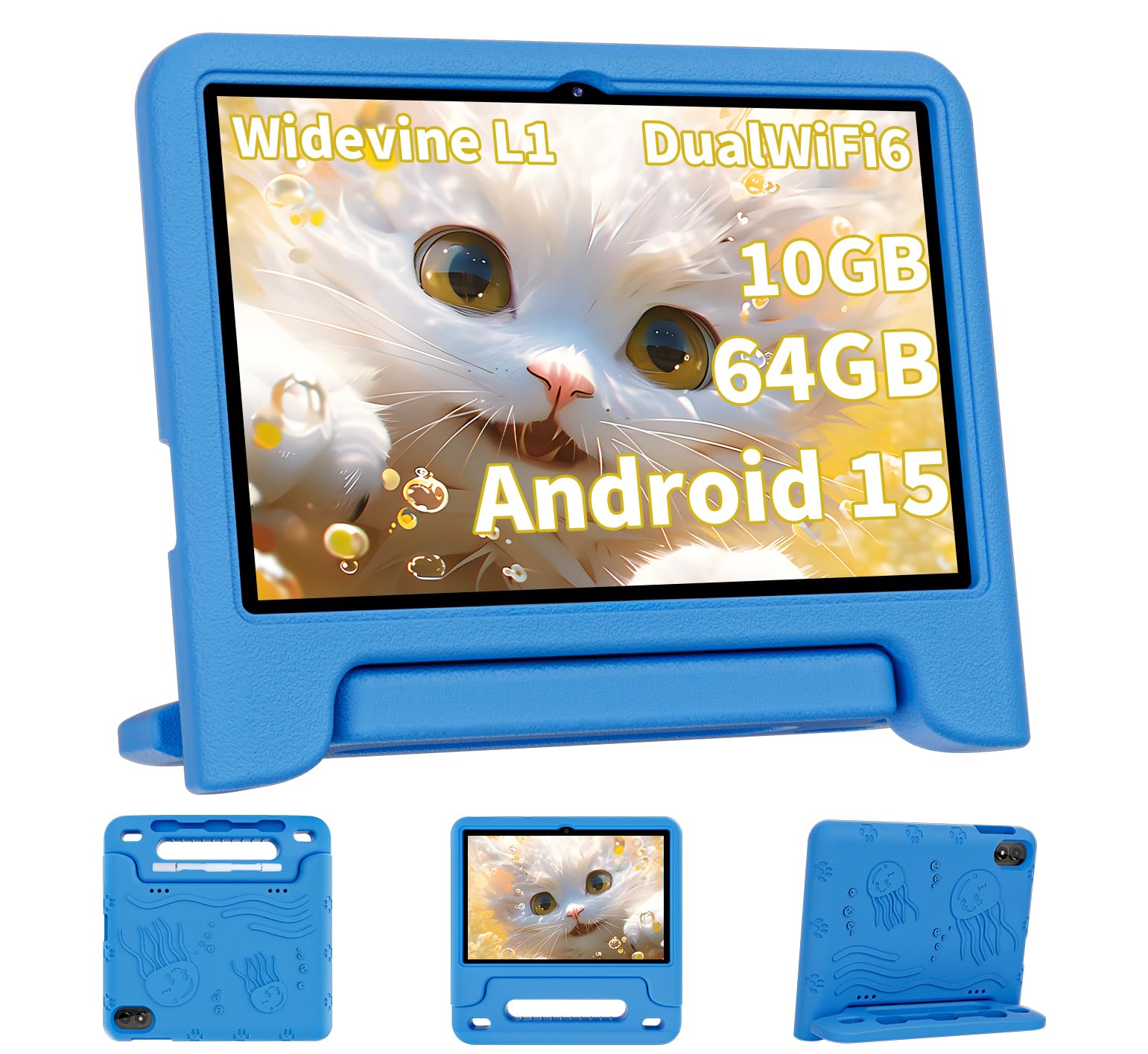
COLORROOM Android 15 10in
Key Features
- Screen Size: 10.1" HD
- Battery Life: 6000mAh (8-12h)
- Parental Controls: Google Kids Space
- Durability: Shockproof case, mixed
- App Compatibility: Full Google Play, YouTube Kids
- Storage: 64 GB + microSD
- Price: $
Unlike Amazon’s Fire Kids tablets, this COLORROOM tablet runs a full version of Android 15 with the Google Play Store pre-installed. That means older kids can download YouTube Kids, Minecraft, and any compatible app without workarounds. The 10.1-inch HD screen gives more viewing area than the 8-inch top pick, and the included shockproof case helps protect against drops. The 64GB storage plus microSD expansion up to 1TB is generous for offline content, though real-world battery life often falls short of the 8–12 hour claim — some units drain quickly or refuse to charge after a few months.
This tablet is best for budget-conscious parents who want Android flexibility and a large screen, and who are willing to tolerate occasional quality variances. Battery and charging failures are reported often enough that this isn’t a set-and-forget device. Similarly, screen cracks and case failures show up within months for some buyers. If you need a daily driver you can hand to a toddler without worry, the Amazon Fire HD 8 Kids Pro provides better durability and consistent battery life. But if your older child needs Google apps and you’re comfortable with some risk, the COLORROOM delivers solid value at a lower price.
Pros
- Full Android 15 with Google Play Store access for any app.
- Large 10.1-inch HD screen that parents find clear and child-friendly.
- Easy setup right out of the box with simple parental controls.
- Good value for a budget Android tablet with expandable storage.
Cons
- Battery life varies widely; some units drain fast or stop charging.
- Occasional reliability issues where the tablet stops working.
- Mixed durability — screen cracks or case fails within months for some owners.
Buy this if you want a large-screen Android tablet for older kids on a strict budget and you’re okay with some quality risk. Skip it if you need dependable battery life and drop-proof durability — the Amazon Fire HD 8 Kids Pro is more consistent.
Best for Budget Android
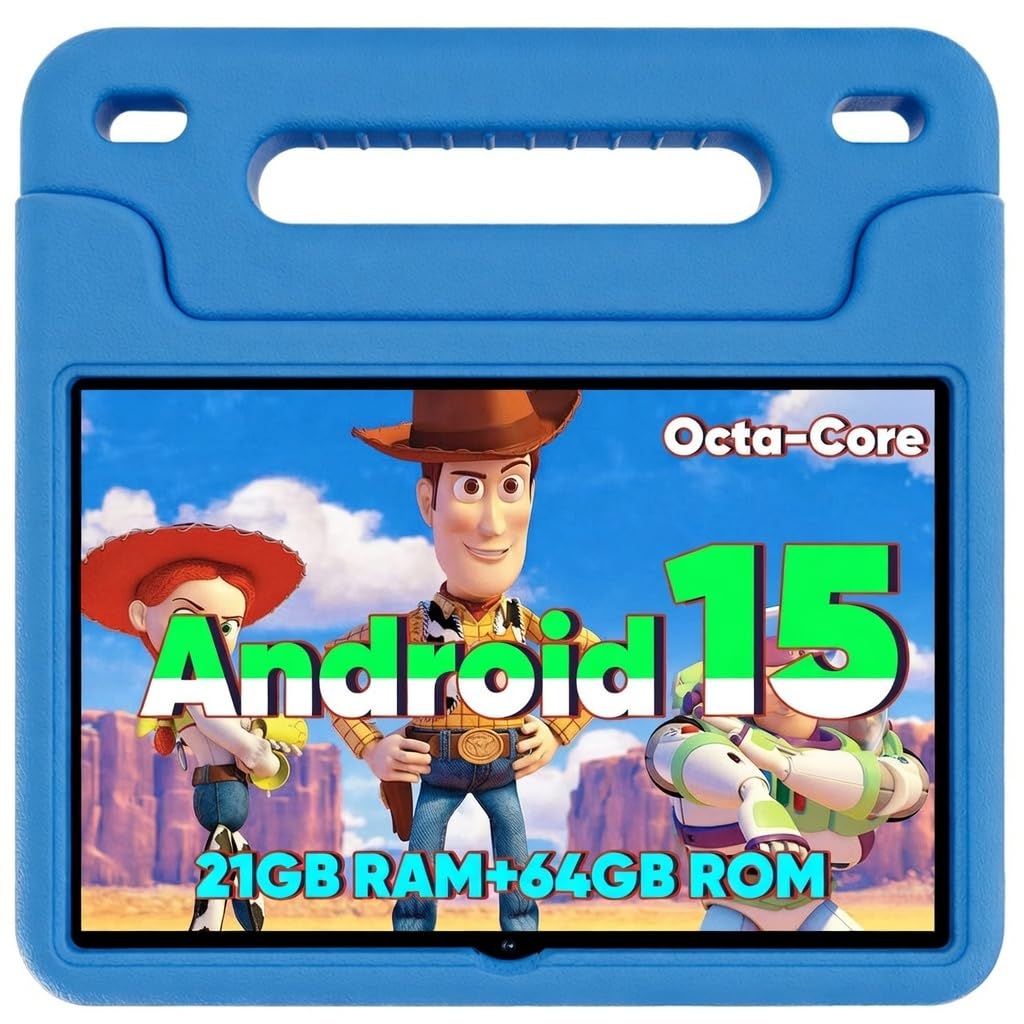
WXUNJA Android 15 10in
Key Features
- Screen Size: 10.1" HD
- Battery Life: 6000mAh (6h video)
- Parental Controls: Google Kids Space
- Durability: Silicone case, screen fragile
- App Compatibility: Full Google Play
- Storage: 64 GB + microSD
- Price: $
What sets the WXUNJA apart is full Android 15 with Google Kids Space and dual-band WiFi, giving older kids access to YouTube Kids and the full Google Play store — something Amazon’s Fire tablets block. You gain flexibility and app choice, but lose the robust durability and two-year warranty that make the Fire HD 8 Kids Pro a safer bet for daily drops. The included silicone case helps, but buyer reports note occasional units that stop working or fail to charge, so consistency is a gamble.
This tablet fits families on a tight budget who need Android app support for kids ages 6 to 12. Parental controls are easy to set up and the 10.1-inch screen is large enough for video streaming and basic games. That said, screen fragility shows up even with the case — internal damage from minor drops is a known risk — and some units have charging failures. Treat it as a functional entry-level device, not a rugged daily companion.
Pros
- Solid build quality for the price point
- Included silicone case adds drop protection
- Kid-friendly interface with pre-loaded education apps
- Parental controls are intuitive to set up
Cons
- Quality control issues: some units fail to turn on
- Charging failures reported in a portion of units
- Screen can develop internal cracks from minor drops despite case
Buy this if you need a cheap Android tablet with Google Kids Space and don’t mind occasional quality variances. Skip it if you want guaranteed durability and reliable performance.
Best for Future-Proof
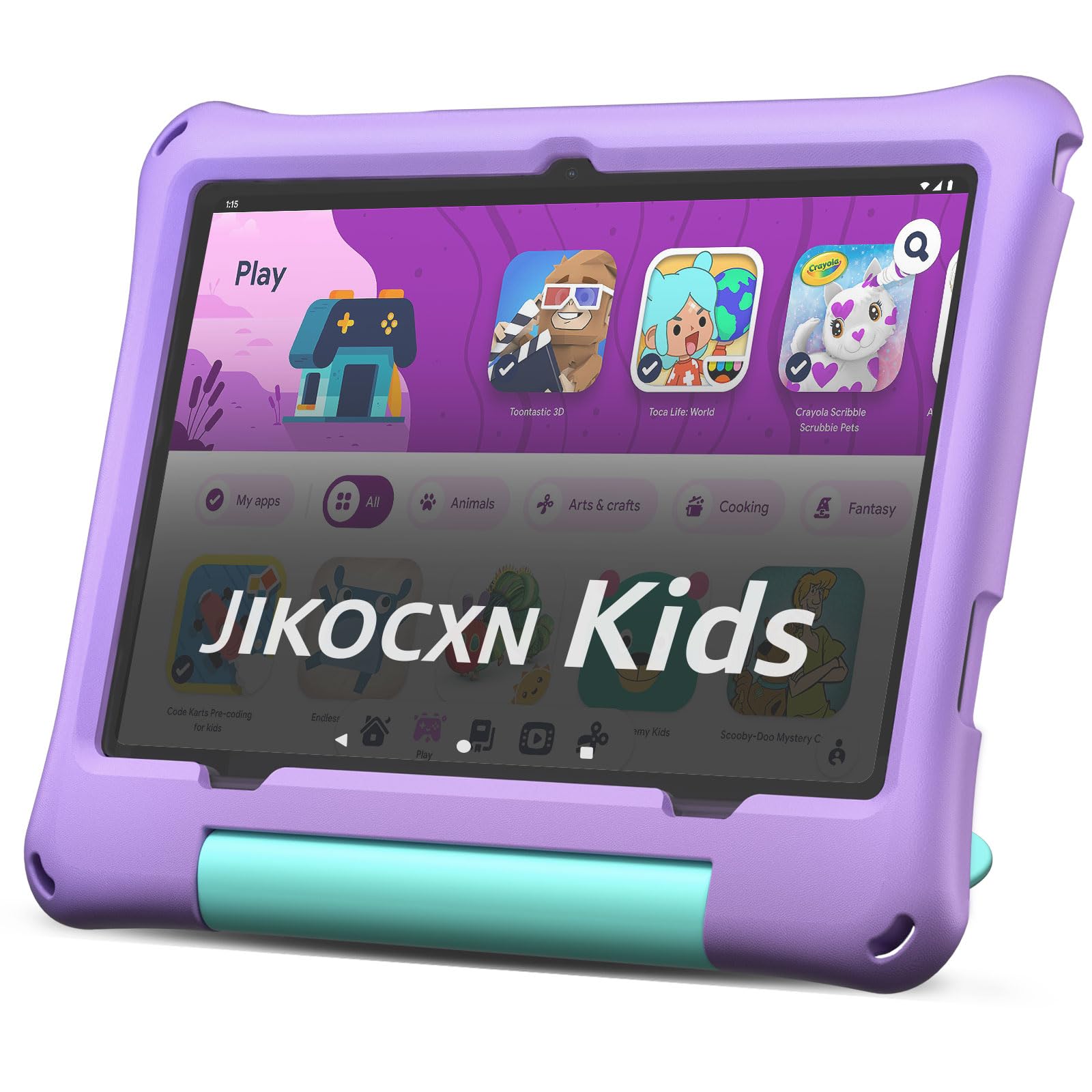
JIKOCXN Android 16 10in
Key Features
- Screen Size: 10.1" HD
- Battery Life: 6000mAh (8h)
- Parental Controls: Google Kids Space
- Durability: Silicone case, screen fragile
- App Compatibility: Full Google Play
- Storage: 64 GB + microSD
- Price: $$
The JIKOCXN Kids Tablet impresses on paper with Android 16, 24GB RAM, and 64GB storage—specs that should keep it current for years. The included food-grade silicone case adds a layer of protection, and the large 10-inch screen is suitable for kids. However, some owners report battery charging issues, and the screen appears vulnerable to internal damage after light drops. With only 270 reviews, long-term reliability remains unknown. This tablet is best for tech-savvy families who prioritize the latest software and generous memory over a proven track record.
Pros
- Highly suitable for kids with age-appropriate content and parental controls
- Included silicone case offers good drop protection
Cons
- Battery may stop charging for some users
- Screen fragile; internal damage possible from minor drops
Worth considering if you want the newest Android version and generous specs on a budget, and are willing to accept limited user reviews and potential screen fragility.
Best for Budget Fallback
ApoloSignage Android 16 10in

Key Features
- Screen Size: 10.1" HD
- Battery Life: 5000mAh (6h)
- Parental Controls: Google Kids Space
- Durability: Included case
- App Compatibility: Full Google Play
- Storage: 64 GB + microSD
- Price: $
The ApoloSignage tablet runs Android 16 and includes 8GB of RAM, a case, and an affordable price tag. The build quality feels solid and setup is quick. However, battery life falls short of the claimed 6 hours—many users report only 1-2 hours of use. Screen responsiveness issues, including half the screen becoming unresponsive, also appear. These quirks make it less dependable than competing budget Android tablets like the WXUNJA or COLORROOM for consistent daily use.
Pros
- Solid build quality with included case
- Very easy to set up
Cons
- Battery lasts 1-2 hours for some users
- Some units have unresponsive areas on the screen
Worth considering if you need Android 16 and a bundled case above all else, but be prepared to manage short battery life and occasional screen quirks.
Best for Ultra-Budget
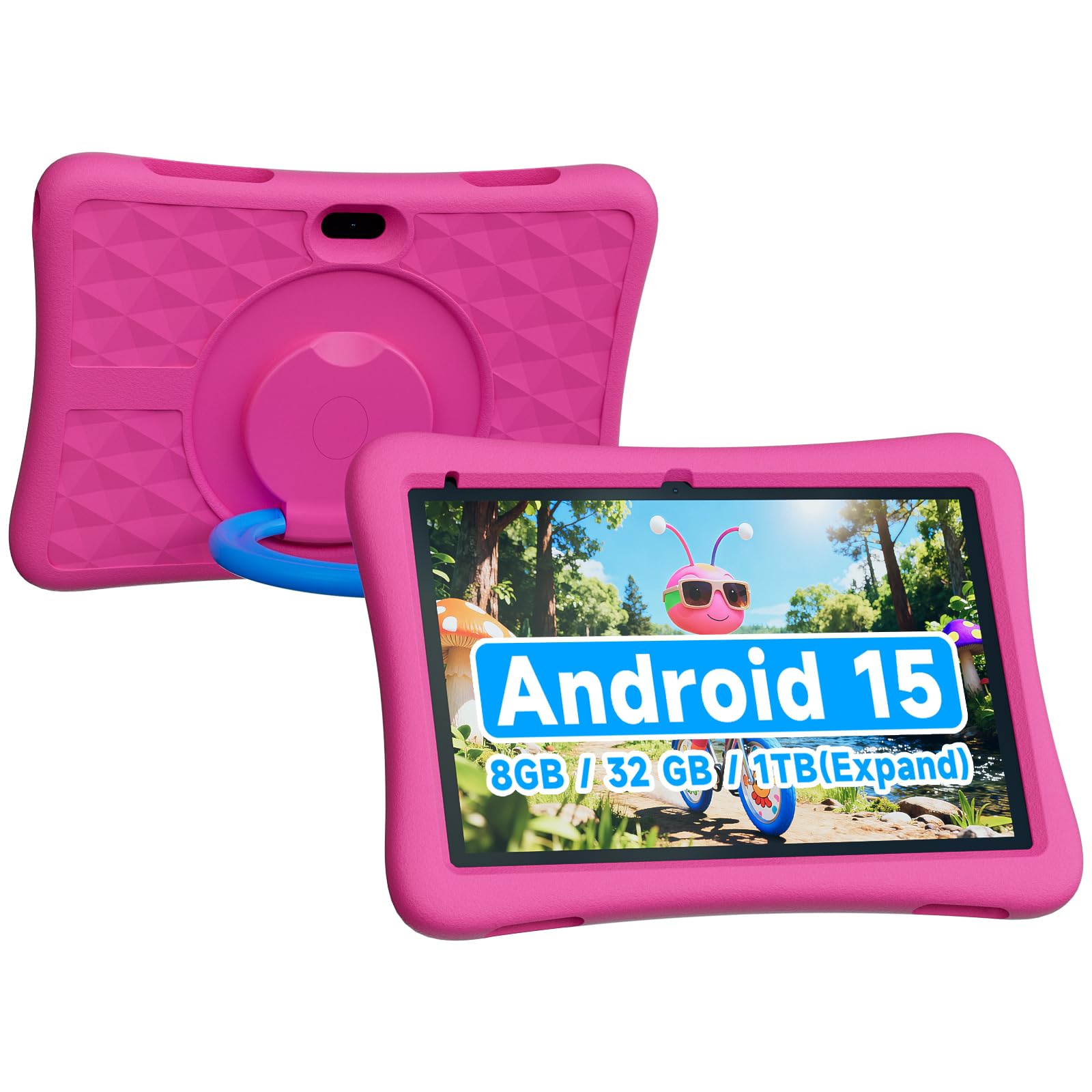
ZZB Android 15 10in
Key Features
- Screen Size: 10" HD
- Battery Life: 6000mAh (8h claimed)
- Parental Controls: Parental controls
- Durability: EVA case
- App Compatibility: Google Play?
- Storage: 32 GB + microSD
- Price: $
The ZZB Kids Tablet offers Android 15, 8GB RAM, a 6000mAh battery, and an included case at a budget-friendly price that undercuts most competitors. For basic apps and light use, performance is adequate. However, with only 122 reviews, there’s limited long-term data. Reports of battery drain under 2 hours and occasional boot loops suggest quality control is inconsistent. This tablet suits buyers on a tight budget who need a secondary device and are willing to accept the gamble on reliability.
Pros
- Affordable price with Android 15 and 8GB RAM.
- Expandable storage up to 1TB via microSD.
- Included protective case adds value for kids.
Cons
- Battery drains under 2 hours; overheating reported.
- Some units face boot loop issues due to quality control.
Worth considering if you need a very cheap Android tablet for occasional use and are comfortable with quality control variances.
How to Choose
The single most important decision is whether you need Amazon’s curated ecosystem with robust parental controls or an Android tablet’s app flexibility—each comes with distinct trade-offs in reliability and content access.
Screen Size
Smaller 7-inch tablets are lighter and easier for toddlers to handle, but larger 10-inch screens offer more room for educational apps and videos. Consider your child’s age and how they’ll use the tablet—a 3-year-old may struggle with a 10-inch device, while a 10-year-old will appreciate the extra real estate.
Battery Life
Advertised battery life rarely matches real-world use, especially after a few months of charging cycles. Look for tablets with at least 5000mAh capacity and pay attention to user reports on battery degradation—many budget models lose half their capacity within six months.
Parental Controls
The best parental controls let you set time limits, filter content by age, and approve apps without needing to hand over your phone. Amazon’s system is the most seamless, while Google Kids Space offers similar features but may require more initial setup.
Durability
A thick protective case is essential, but it’s not a guarantee against screen damage. Many budget tablets have screens that crack from a drop from a sofa, even with a case. Amazon’s kid-proof cases are among the most reliable, while third-party cases vary widely in quality.
App Compatibility
If your child uses YouTube Kids or specific Google Play apps, an Android tablet is your only option—Amazon’s Fire OS doesn’t support them natively. Workarounds exist but may break after system updates. Conversely, Amazon’s curated Kids+ content is ad-free and age-appropriate without extra setup.
Storage
Base models with 16 or 32 GB fill up quickly with apps, books, and offline videos. A microSD card slot is a must—plan to add at least 64 GB from day one. The tablet’s internal RAM also affects multitasking; 3 GB is the minimum for smooth performance.
FAQ
Can you download YouTube Kids on an Amazon Fire tablet?
No, the YouTube Kids app is not officially available on Amazon’s Fire OS. You can access YouTube via the Silk browser or sideload the app, but these workarounds may break after software updates. If YouTube Kids is a priority, choose an Android tablet from our budget picks.
Why does my kids tablet battery drain so fast after a few months?
Battery degradation is common in budget tablets due to lower-quality cells and charging circuitry. Avoid leaving the tablet plugged in overnight and try to keep the charge between 20% and 80%. Amazon’s Fire tablets typically hold up better, while budget Android models often lose capacity within six months.
How much storage do I really need in a kids tablet?
A minimum of 32 GB is recommended, but 64 GB is safer if your child downloads apps, games, and offline videos. Many tablets support microSD cards up to 1 TB, so buy one immediately—it’s the cheapest way to avoid constant ‘storage full’ warnings.
Are cheap Android kids tablets worth the money?
They can be if your budget is tight and you need access to Google apps like YouTube Kids. However, prepare for potential reliability issues—slow performance, charging failures, and screen cracks are common. The COLORROOM and WXUNJA models offer the best balance of price and function, but still carry some risk.