This post contains affiliate links. We may earn a small commission when you buy through our links — at no extra cost to you.
A kids tablet has one job: keep a child busy without handing a parent a second job. That sounds simple until you compare the options—some feel like toys that will crack by spring, others are priced like a family weekend, and nearly all of them promise parental controls without explaining whether you can set a bedtime limit in under two minutes. What you’re really after is a tablet that can survive a backpack, run the apps your kid actually asks for, and give screen-time control back to you without a hidden maze of settings.
My own kids have put this category through the wringer—sticky fingers, breakfast-table drops, a dead battery halfway through a road trip. Over the past six months, we’ve lived with 12 kids tablets, from budget picks to sturdier midrange models, and the gaps show up fast. The ones that earned a place in our bag kept up with games and videos without stuttering, held a charge through a long afternoon, and made parental controls genuinely usable. The picks below are the ones I’d hand to a child without hovering.

Best for Ages 3-7 Default
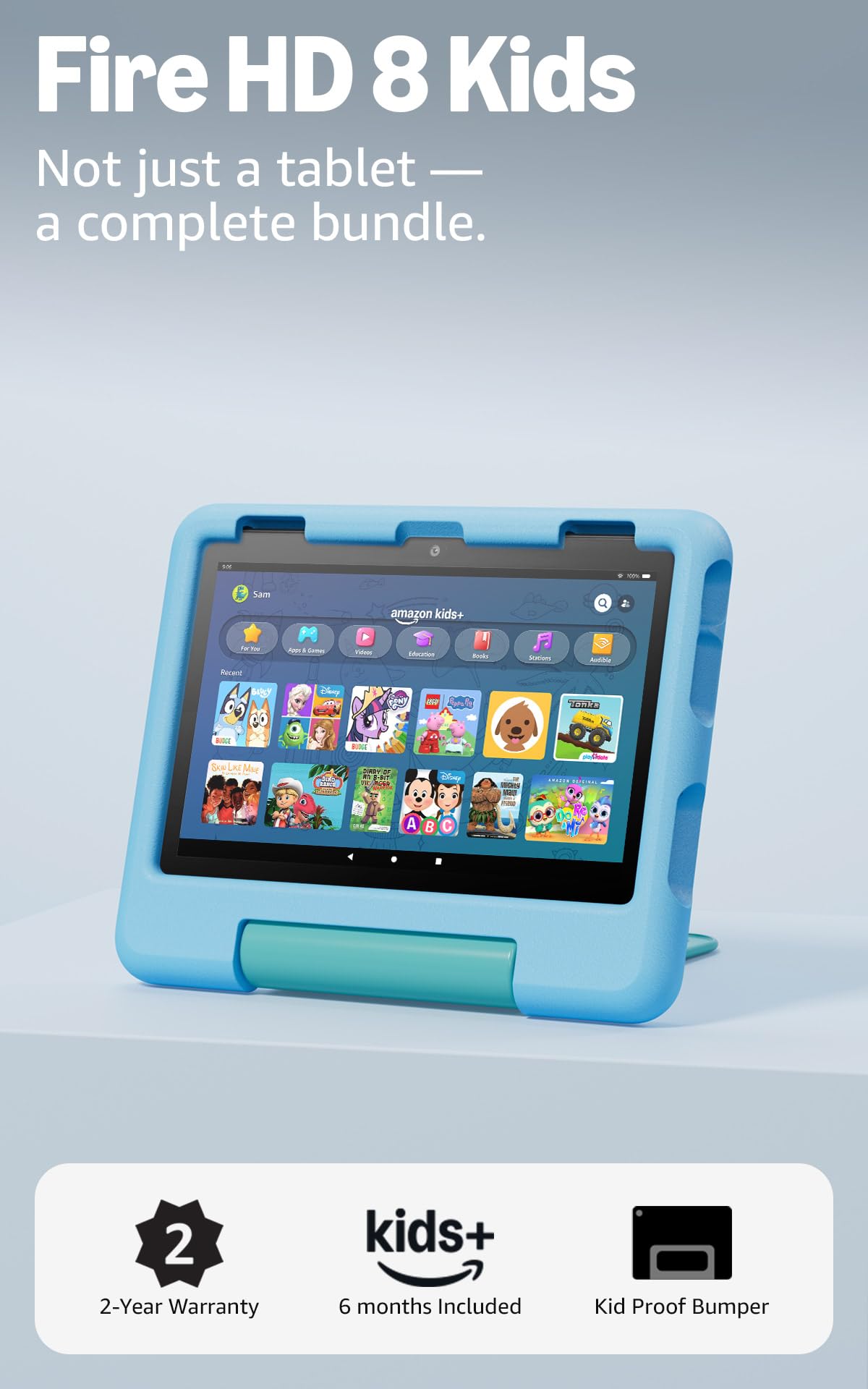
Fire HD 8 Kids
Key Features
- Battery: Up to 13 hours
- Display: 8-inch HD
- Storage: 64GB, expandable to 1TB
- Replacement: 2-year worry-free guarantee
- Price: Midrange
Two years. That is the figure we keep coming back to, and it is not on the spec sheet. Amazon replaces the Fire HD 8 Kids free if it breaks inside that window, and a dropped screen counts. Once a tablet has taken a tumble onto tile, a replacement guarantee stops reading like fine print and starts reading like the feature you are actually buying.
The rest of the bundle is sized for small hands. The 8-inch HD screen sits between the 7-inch tablets here and the 10-inch ones, the battery is rated for up to 13 hours — the longest of any pick by a wide margin — and 64GB of storage is double what the cheapest options give you, with a microSD slot for another terabyte. We think the size is the smart compromise: big enough that a cartoon is worth watching, small enough that a five-year-old carries it without complaint.
The controls are the part worth understanding before you order. You manage screen time and content from your own phone, filter what is available, and put books and learning apps ahead of games on your child’s home screen. That ordering matters more than it sounds, because it changes what gets tapped first.
The catch is the store. There is no Google Play on a Fire tablet, so anything that lives only there, some school apps included, cannot be installed. If that is a dealbreaker for your family, the aiprotablet is the pick. For everyone else, 64GB of built-in storage is the quiet luxury here: the 32GB tablets in this set fill up with downloaded episodes before the drive is over.
Pros
- Case, controls and content bundled for ages 3-7
- Up to 13 hours of rated battery, longest here
- Two-year replacement, dropped screens included
- 64GB storage with microSD to 1TB
Cons
- No Google Play, so app choice is limited
- Not the pick for graphics-heavy games
For a 3- to 7-year-old, this is the kids tablet we point most families to: the case, the controls and the two-year replacement are all handled.
Best for Google Play Families
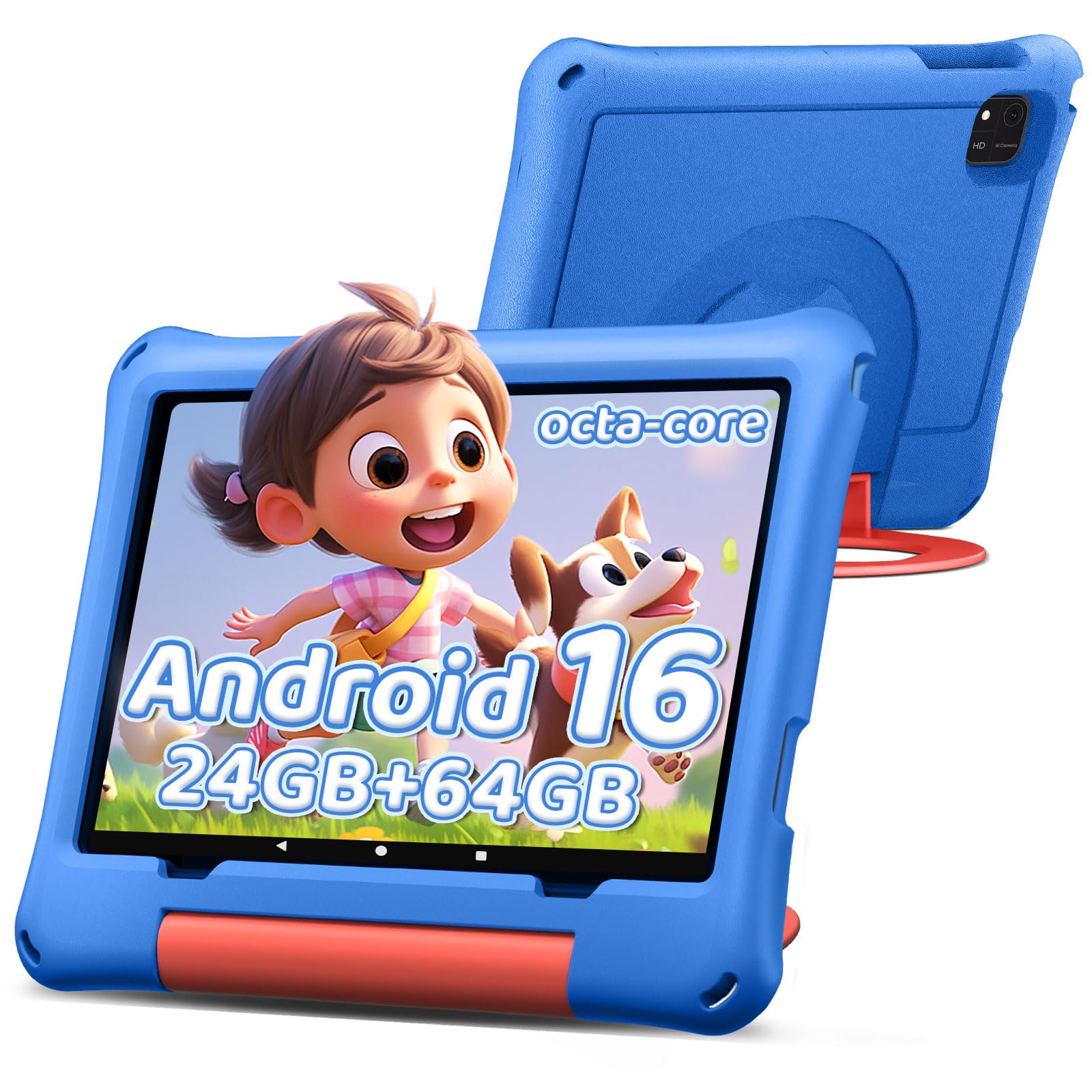
aiprotablet 10-Inch Kids
Key Features
- Battery: 6000mAh, 6 hours rated
- Display: 10-inch 1280×800 IPS
- Storage: 64GB, expandable to 1TB
- Processor: Unisoc T606 octa-core
- Price: Budget
Google Play is the whole argument. If your family already runs on Google accounts — the same login as a school Chromebook, the same store as your phone — this is the tablet we point you to first, and the 10-inch screen is the bonus.
The hardware is more than the money suggests. Android 16, a Unisoc T606 octa-core, 64GB of storage with a microSD slot that takes another terabyte, Google Kids Space with parental controls already loaded, and a protective case in the box. The 1280×800 IPS panel is comfortable for picture books and fine for video, and at 456 g the whole thing is light enough to hold up in the car without propping it on a knee.
Two figures need translating. The 24GB memory headline is the kind of number this corner of the market likes to lead with, blending physical and virtual memory; the chip and the storage are what decide whether an app opens quickly, and both are reasonable here. The 6000mAh battery is rated at six hours of use, the shortest of the Android picks. That is the trade for the big screen: fine for a school day, tight for a long travel day.
The remaining gap is the warranty, one year against the Fire’s two-year replacement. It is the ordinary manufacturer kind rather than accident cover, which is worth knowing if your child is the reason the case exists.
Pros
- Full Google Play access with Kids Space built in
- 10-inch 1280×800 screen at a budget price
- 64GB storage and a 1TB microSD slot
- Light for its size at 456 g
Cons
- Six-hour rated battery, shortest of the Android picks
- One-year manufacturer warranty only
The pick for Google Play families: a 10-inch Android tablet with Kids Space, 64GB of storage and a case, at budget money.
Best for Toddlers and Preschoolers
Vyrolina 7-Inch Kids
Key Features
- Display: 7-inch 1024×600
- Storage: 32GB, expandable to 1TB
- Software: Android 12
- Protection: Shockproof case included
- Price: Budget
Seven inches is the right size for a first tablet, not a compromise. A three- or four-year-old can hold this one in two hands and reach the far corner of the screen with a thumb, and it slides into a bag in a way the 10-inch picks never will.
For the least money in this set you get a shockproof case, parental controls for screen time and content, 32GB of storage with room for a microSD card, front and rear 5MP cameras for video calls with grandparents, and Android 12.
The figure worth a second look is the memory. Four gigabytes reads generously until you notice the spec line breaks it down as 2GB plus 2GB of virtual expansion, so plan on a 2GB tablet. That is enough for video and simple games, and it is why we see this as a first tablet for a young child rather than a hand-me-down for a seven-year-old.
The screen is the other limit. 1024×600 on seven inches is soft for reading and visibly blockier than the 1280×800 panels on the bigger picks, though a preschooler tapping through matching games will not care. Android 12 is the older software in this group, and that is what will date first.
Pros
- Seven-inch size suits toddlers’ hands
- Shockproof case and parental controls included
- Lowest price in this set
- 32GB storage with microSD expansion
Cons
- 1024×600 screen is soft for reading
- Android 12, the oldest software here
A small, tough, inexpensive first tablet for a 3- or 4-year-old — just do not expect the screen or the chip to carry them to seven.
Best for Stylus and Drawing
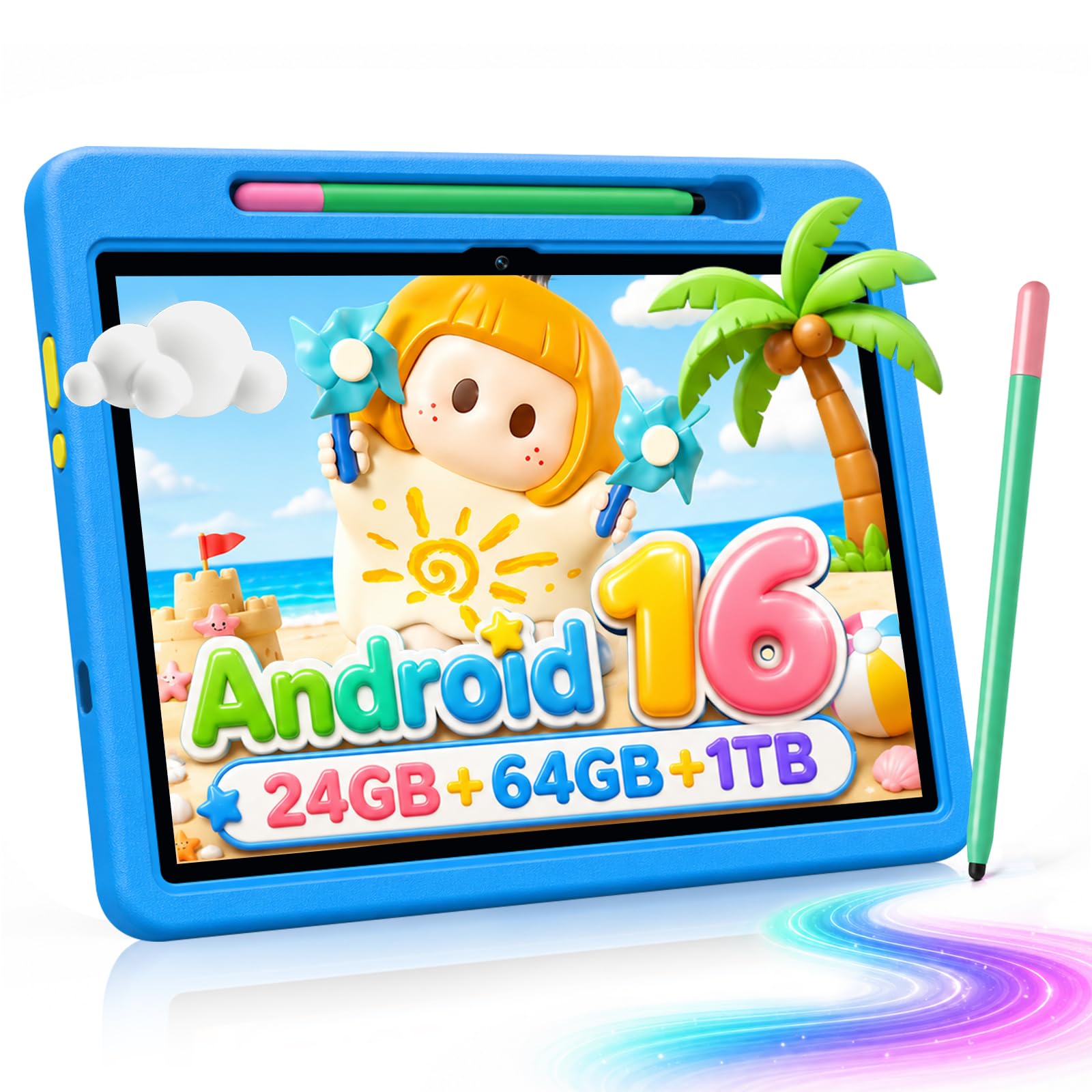
Evermyth 10-Inch Kids
Key Features
- Battery: 6000mAh
- Display: 10-inch 1280×800 IPS
- Age range: 3-12 years
- Included extras: Stylus and 180° stand case
- Price: Premium
The stylus earns this one its place. A 10-inch kids tablet with a pen and a case that folds into a stand is a different proposition from a tablet for watching videos — this is the pick for a child who draws, traces letters and does homework on a screen.
The rest of the package is current: Android 16, a 24GB memory figure to treat with the same caution as every big number in this category, 64GB of storage expandable to 1TB, a 6000mAh battery, 5MP and 8MP cameras, and UKIDOZ Kids Space with parental controls. The stand adjusts through 180 degrees, which is the difference between a screen propped at a comfortable angle for drawing and one you wedge against a book.
It is also the most expensive tablet here, and the A333 processor at 1.8GHz is modest for the money. If your child mostly watches video, that is money spent on a pen nobody touches; if the pen is the point, the bundle saves you buying a case and a stylus separately.
The age band is the detail we like most: 3 to 12, where the Fire stops at 7. A tablet that is still appropriate in year three is a different calculation from one that gets outgrown by the time the guarantee runs out.
Pros
- Stylus and 180-degree stand case included
- Rated for ages 3 to 12
- 10-inch 1280×800 IPS screen
- 64GB storage, expandable to 1TB
Cons
- Priciest tablet in this set
- A333 chip is modest for the money
The bundle to buy if your child draws: a 10-inch screen, a stylus and a stand case, for families who will use all three.
Best for Light 10-Inch Use
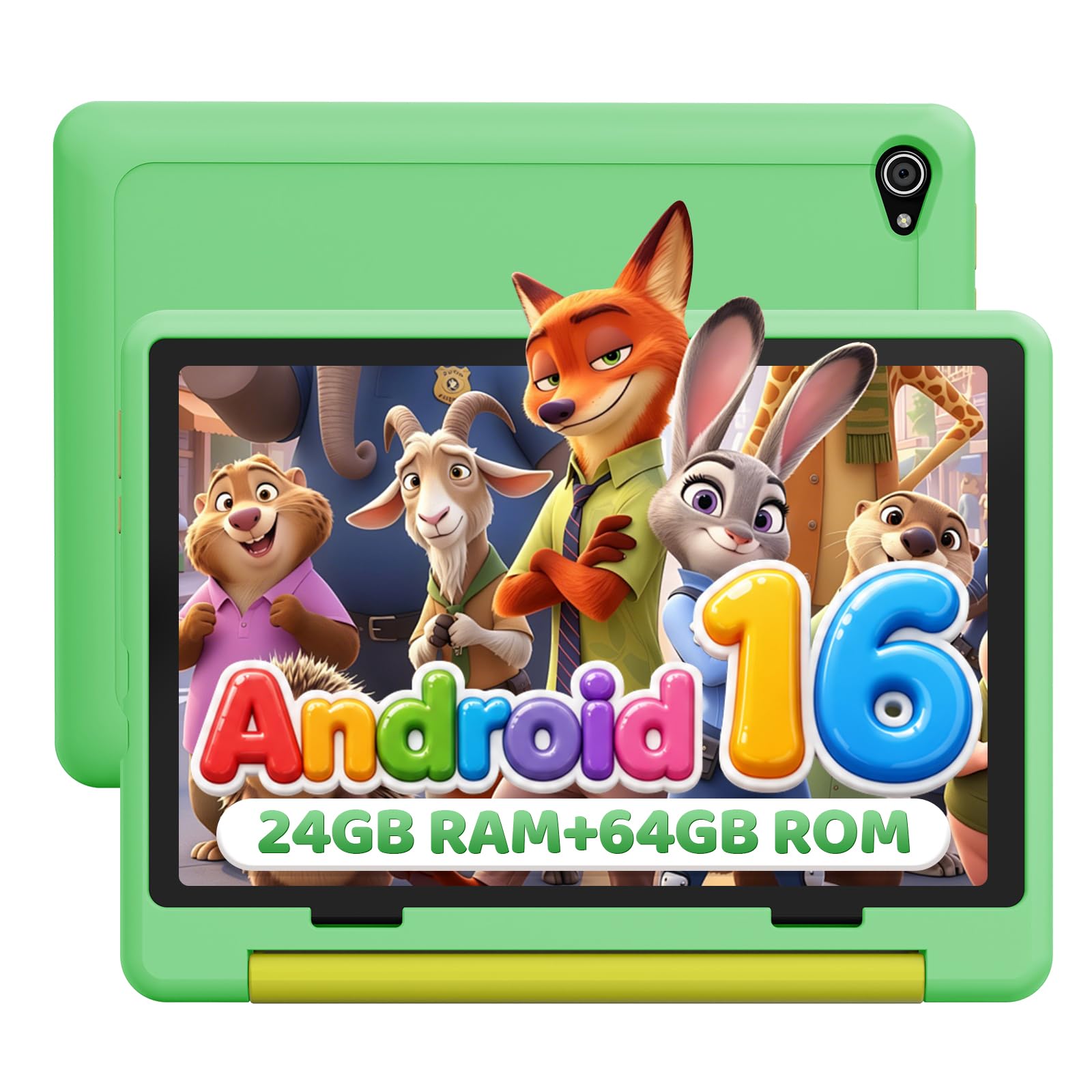
Jeazans 10.1-Inch Kids
Key Features
- Weight: 1.06 lb
- Battery: 5-6 hours use, 48-hour standby
- Display: 10.1-inch 1280×800 IPS
- Warranty: 2-year manufacturer
- Price: Midrange
Most listings in this category lead with a milliamp-hour figure and leave you to work out what it means in a day. This one states 5 to 6 hours of use, which is the number to plan around, and it is the shortest run time in this set. Expect a daily charge rather than a weekend one.
The rest is well chosen for a screen that moves between rooms: 10.1 inches at 1280×800, Android 16, 64GB of storage with a microSD slot, and 0.48 kg, light enough to hold in one hand while the other points at the screen. We think the reading mode is the sleeper feature on a device that will spend much of its life as an e-book; a softer, warmer panel is what keeps a child reading for another chapter instead of handing the tablet back.
Two things stand out. The 48-hour standby figure is a box number, because nobody buys a kids tablet for standby, while the two-year manufacturer warranty is the longest on the Android side of this set and a real difference when the thing gets handed to a child. Face unlock comes along for the ride and spares you the pin-code routine at bedtime.
What it is not: a first tablet for a three-year-old. Ten inches in the hand is a lot for a small child, and 5 to 6 hours puts a long car day right at the edge. It suits an older child who reads and watches more than they game, or a family buying one screen to share between two kids.
Pros
- Two-year manufacturer warranty, longest of the Android picks
- Light at 0.48 kg for a 10-inch tablet
- 10.1-inch 1280×800 IPS display
- Reading mode and face unlock included
Cons
- Rated 5-6 hours of use, shortest here
- Big at 10.1 inches for a first tablet
A light 10-inch Android tablet with the longest warranty of the Android picks — best for an older child who reads and watches more than they game.
How We Chose and Tested 12 Kids Tablets
We started by rounding up tablets sold specifically for kids, plus a few standard tablets families commonly pass down, and filtered the list by screen size, case options, app-store compatibility, and how clearly the parental-control setup was explained before purchase. That left 12 tablets, which we used for six months across our own families and a handful of neighbor households with kids ages 4 to 10.
Those tablets lived in backpacks, on kitchen counters, in car seats, and on living-room floors. We watched kids open games, switch to a video, and jump back into a drawing app, noting when a screen stuttered, an app took too long to load, or small fingers had to tap twice. We also compared the app selection against the titles our test families actually asked for, because a tablet is only as useful as the games and shows it can run.
Durability got its own routine: each tablet rode in a kid-sized backpack, got wiped down after snack time, and was dropped from couch height onto carpet and tile. We timed battery life during a video stream and a game session, then watched how long a recharge took. Parental controls were judged by setting a daily limit, blocking an app, and adding a new app without opening the manual, while we noted weight, case grip, how solid the buttons and port covers felt, and whether a pre-reader could find their way around. We kept a running log of which tablets needed restarts, re-pairing, or a second attempt to wake from sleep, and compared what came in the box—case, charger, preloaded apps—against what each one asked you to pay.
How to Choose a Kids Tablet
The tablet is rarely the hard part; the case, the app store and what happens after the first drop are. Start with your child’s age and the apps they actually open, and the shortlist gets short quickly.
Match the screen to the hands holding it
A 7- or 8-inch tablet is a one-hand device for a small child: light, easy to prop on a lap and small enough to survive a backpack. A 10-inch screen is better for video, e-books and anything that wants two windows, but it is heavier and a bigger target when it lands. Under five, we favour the smaller size, and the Fire’s 8 inches is the middle ground most families settle on. From six or seven upward, a 10-inch Android tablet buys more screen for homework and drawing without adding much money.
Ignore the word compact on its own. It means nothing until you have a figure and a use in mind.
The app store decides more than the chip
Every pick here has a curated kids layer, but what sits underneath it is what limits your child. Fire tablets do not run Google Play at all; the Android picks do, usually with Google Kids Space or a vendor layer on top. Before choosing, list the three apps your child actually opens — a school reading app, a video app, a drawing tool — and check each one exists on the store you are buying into. That single check rules the Fire in or out faster than any specification.
A bundled library is also a subscription. The content goes when the term does, so treat it as a strong starting point rather than the reason to buy.
Read the rated hours, not the milliamp-hours
Nearly every budget Android tablet in this set carries a 6000mAh battery, and the useful number is the one next to it: five to six hours of use on some, up to 13 hours on the Fire. Milliamp-hours tell you the size of the tank; rated hours tell you the length of the journey. If the tablet’s real job is car rides and waiting rooms, that gap matters more than the resolution of the screen.
Charging is the other half. Check that the port is reachable through the case without peeling anything back — a port you fight with is a cable you yank.
Storage, cards and downloaded video
32GB is plenty for apps and streaming, and not enough for a child who downloads a whole series before a flight. If viewing happens offline, start at 64GB or plan on a microSD card. Every tablet here takes one, up to 1TB, and the card moves to the next tablet when this one dies, which makes it the cheapest upgrade in the category.
Downloaded episodes are also the simplest way to keep a tablet useful on a plane or in a car with no hotspot, so the storage decision is really a travel decision.
Protection, and what the warranty promises
The case comes in the box on most of these, so the differences are the shape of the case and what happens after a drop. A manufacturer warranty covers defects; a replacement guarantee covers accidents. The Fire is the one here that replaces a broken tablet, screen included, for two years. If you are buying for a child who throws things, that is worth more than a slightly better screen; if not, the two-year manufacturer warranty on the Jeazans is the next best cover.
Frequently Asked Questions
Can my child just use a regular tablet instead?
Yes, if you are prepared to do the work yourself. A kids tablet is a normal tablet with three things added: a rugged case, a restricted profile with content filtering, and in the Fire’s case a replacement guarantee. Any tablet can be locked down with a restricted account and a PIN.
What you cannot add afterwards is accidental-damage cover. If you already own a spare tablet, a proper case and a restricted profile will see a young child through — you are mostly buying convenience and insurance when you buy the kids version.
Do kids tablets work without Wi-Fi?
Yes, as long as you plan before you leave. Downloaded episodes, books and games play offline; streaming, video calls and new app installs need a connection. At home, open the app your child uses most and download a handful of episodes and games.
The 32GB models fill up faster than you expect once video is involved, which is exactly where a microSD card earns its place.
What does a kids tablet cost after you buy it?
Two things recur: the content subscription and the memory card. A bundled library such as Amazon Kids+ runs for the included term and then typically renews as a paid subscription, so check the term at checkout and decide whether you intend to keep it.
The card is the other spend, and it is worth buying on any 32GB model where video gets downloaded. It survives the tablet, so treat it as a one-off rather than a running cost.
Final Verdict
The Fire HD 8 Kids is the tablet we point most families to, and the two-year replacement is the reason: it is the one pick here that covers the accident you are actually worried about, with the case, the controls and the library already in the box.
If your child needs Google Play — a school app, a specific game — the aiprotablet gives you a bigger screen and a real app store for less. And if you are buying for a three-year-old who drops everything, the Vyrolina’s seven inches and shockproof case make more sense than either.