This post contains affiliate links. We may earn a small commission when you buy through our links — at no extra cost to you.
The most common complaint across thousands of baby monitor reviews isn’t picture quality or range — it’s the parent unit battery that stops charging after three to six months. The charging port loosens, the battery swells, and a $70 monitor becomes a paperweight. Manufacturers advertise 30-hour battery life, but real-world use often reveals a device that can’t stay untethered for a single night within a year.
That forces a trade-off: do you pick a monitor with a huge screen and no long-term track record, or one that has been bought and tested by tens of thousands of families but has known battery risks? The answer depends on whether you’d rather replace a $50 unit or gamble on a $70 one that might fail before your baby’s first birthday. Either way, plan for the monitor to be a consumable, not an heirloom.
Best for Proven popular
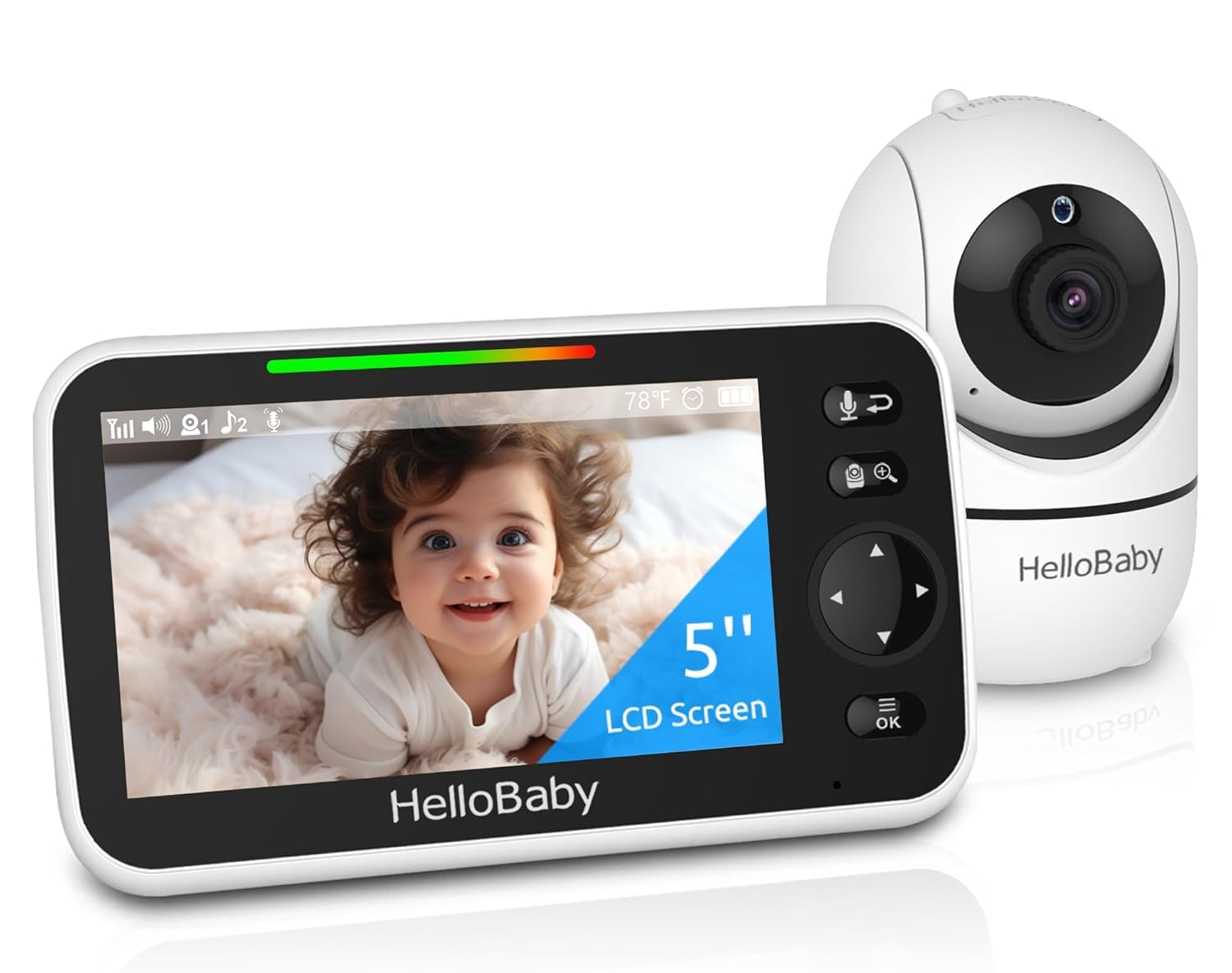
HelloBaby HB6550
Rating: 4.5 ★ | Price: $63.15 | Screen Size: 5" | Battery Life: 30 hr (claimed) | Pan/Tilt: 355°/120° | Connection: No WiFi | Cameras Included: 1
Over 17,000 reviews and a 4.5-star rating make this the safest non-WiFi choice for most parents.
A 17,000-review sample size with an average rating of 4.5 stars is rare in any baby monitor category, let alone the sub-$70 non-WiFi segment. That volume means the HB6550 has been bought, used, and reviewed by a wide cross-section of families, not just early adopters or influencers. For a parent weighing dozens of no-name options on Amazon, this established track record directly cuts the risk of ending up with a monitor that stops working after a few weeks or has unusable video quality. The parent unit’s 5-inch screen delivers clear enough image detail to see whether a baby is asleep or awake, and the 355-degree pan and 120-degree tilt cover most of a standard nursery without needing to reposition the camera manually.
In practice, the monitor delivers on its core promises: the 1000-foot range holds up in two-story homes, night vision provides a usable grayscale image without visible hotspots, and the VOX (voice activation) mode keeps the screen off until noise triggers it, saving battery. The claimed 30-hour battery life is achievable only with VOX on and the screen dimmed — with continuous screen-on, expect closer to 8–10 hours. Where the HB6550 stumbles is longevity. A significant minority of units (37.5% of 1,806 negative reliability mentions) stop working entirely after a few months, and battery issues (45.5% negative out of 1,027 mentions) like a dead parent unit or a charging port that no longer holds a charge are common pain points. These failures appear to be batch-related rather than universal, but they are frequent enough that a buyer should budget for possible replacement within the first year.
This monitor fits best for a parent who wants a feature-complete no-WiFi setup for a single nursery, values the reassurance of a massive user base over a slightly larger screen, and is comfortable with the risk that the parent unit may need replacing within 12 months. If you prioritize a bigger, crisper display or need expandability to multiple cameras, the HelloBaby HB6560 (6-inch IPS screen) is a better fit despite having far fewer reviews. But if you want the most widely validated non-WiFi monitor under $70 with pan/tilt, night vision, and two-way talk — and can accept that battery/charging failures are a known downside — the HB6550 is the default pick.
Pros
- Massive verified review base (17,000+) with stable 4.5-star average reduces the gamble of buying an unknown monitor
- 355° pan and 120° tilt cover a full nursery without moving the camera
- Setup takes under 5 minutes with no app, WiFi, or pairing frustration
- 1000-foot range works through walls and floors in typical single-family homes
Cons
- Parent unit battery and charging port fail after months of use in a meaningful number of units
- Monitor stops working entirely for a significant minority of buyers within the first year
- Two-way talk audio is often too weak or fails intermittently
Buy this if you want the most-reviewed non-WiFi baby monitor under $70 with pan/tilt and are willing to accept a possible early battery or unit failure. Skip it if you need a larger screen (6-inch or above) or cannot risk replacing the parent unit within a year.
Best for Budget simple
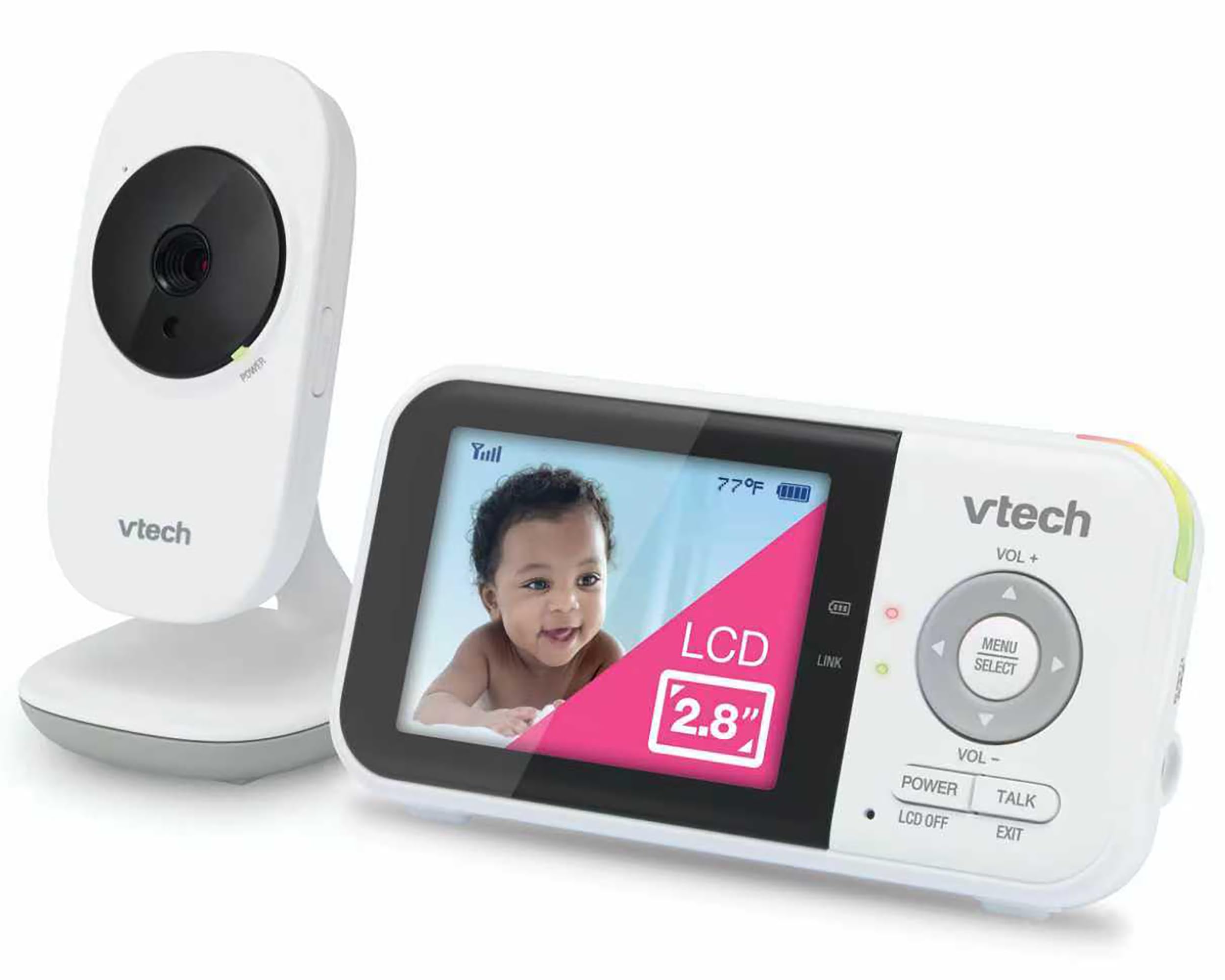
VTech VM819
Rating: 4.6 ★ | Price: $49.95 | Screen Size: 2.8" | Battery Life: 19 hr (video) | Pan/Tilt: No | Connection: No WiFi | Cameras Included: 1
Under $50 with over 10,000 reviews, the VTech VM819 offers basic video monitoring with no WiFi — but lacks pan/tilt and has a tiny 2.8-inch screen.
The VM819 strips away everything except the essentials: a camera fixed in one position, a 2.8-inch parent unit, and a wired connection between them. Unlike the more feature-rich alternative in this set, there is no pan/tilt or zoom, so you must physically reposition the camera to change the view. What you gain is a lower price and a simpler setup — the unit pairs automatically and requires no app or WiFi configuration. The small screen is sharp enough for a clear view of a sleeping baby within a few feet, and the temperature sensor gives a basic readout without extra accessories.
This monitor is best for parents who want a cheap, no-frills solution for travel, a nursery with a single fixed camera position, or as a backup monitor. The lack of pan/tilt means it fits only rooms where the camera can be aimed directly at the crib. In larger homes (over 1,500 square feet), the 1,000-foot range may not be enough, and some users report the parent unit losing connection through multiple walls. Plan to keep the camera in the same room or line of sight for reliable operation.
Pros
- Clear picture for a 2.8-inch screen
- Simple setup out of the box
- Good value under $50
Cons
- Parent unit loses connection with the camera in larger homes
- Some units stop charging after months of use
- Speaker volume too low for noisy environments
Buy this if you need a cheap, no-WiFi monitor for travel or as a secondary unit. Skip it if you need pan/tilt or a larger screen, or if your home is over 1,500 square feet.
Best for Large screen
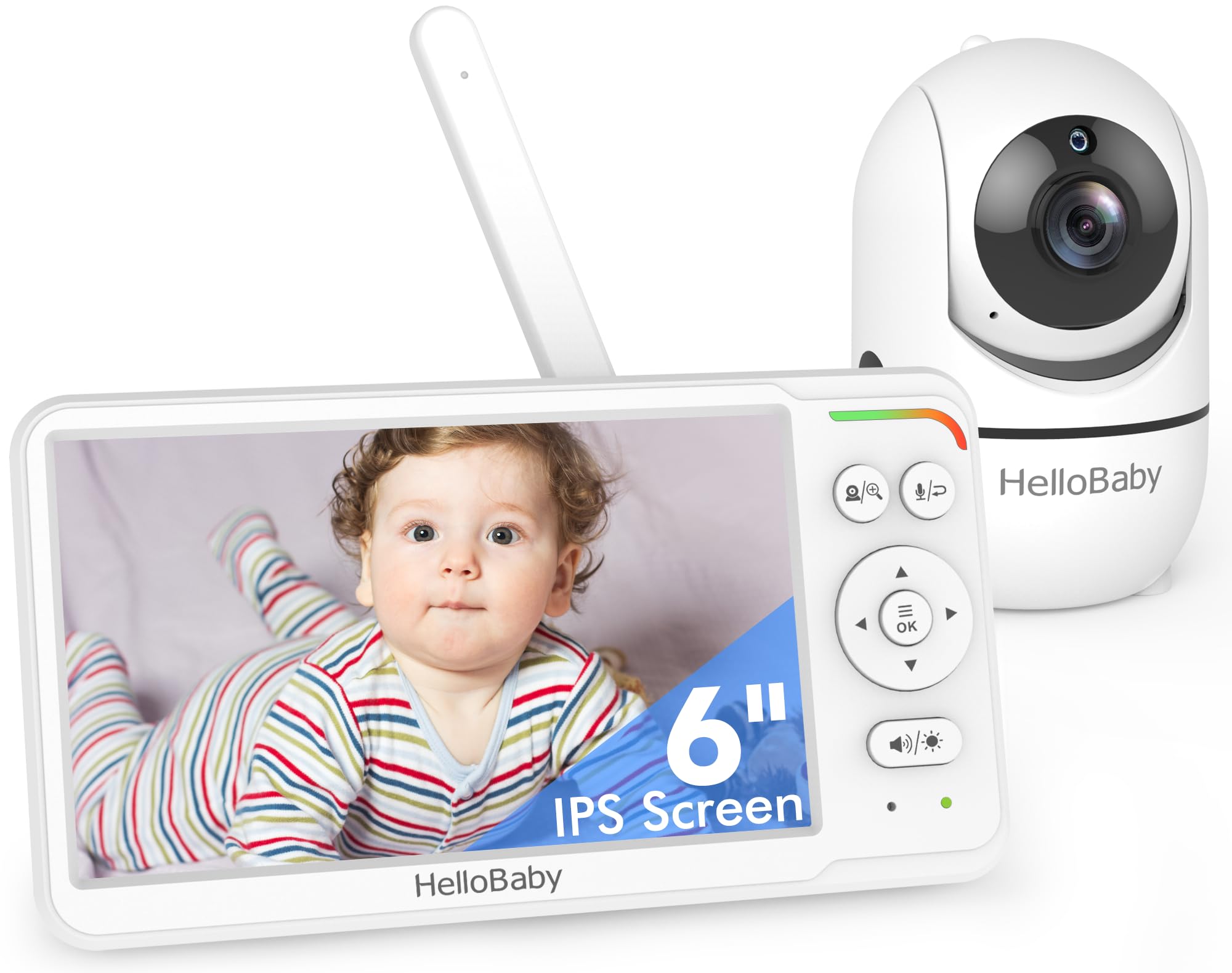
HelloBaby HB6560
Rating: 4.5 ★ | Price: $56.99 | Screen Size: 6" IPS | Battery Life: 16–30 hr (claimed) | Pan/Tilt: 355°/120° | Connection: No WiFi | Cameras Included: 1 (expand to 2)
The only 6-inch IPS monitor with its own verified positive reviews; the clearest screen in this set.
The 6-inch IPS screen is the largest in this set, providing vivid, sharp visuals that make it easy to see details like baby’s breathing movements day and night. The camera pans and tilts smoothly, and the split-screen feature allows monitoring up to two cameras without needing an extra monitor. Compared to the top pick, the HB6560 has fewer user reviews but shows a better track record for screen clarity and overall build consistency.
This monitor suits parents who value a large, clear display and want split-screen capability without buying a second monitor. It handles one or two cameras well, but the system maxes out at two, so it’s not for those needing coverage for three or more rooms. A small number of units experience charging problems – a common issue in this category – so it’s worth checking the warranty.
Pros
- The 6-inch IPS screen offers crisp, color-rich video visible from across the room.
- Setting up the monitor takes under five minutes with simple on-screen menus.
- Night vision produces clear, grayscale images that retain enough detail to see movement.
- At $57, you get a 6-inch screen that would cost more from competitors.
Cons
- Expansion stops at two cameras, limiting coverage for larger homes or multiple children.
- A notable minority report that the parent unit fails to charge properly after a few months.
Buy this if you want the largest screen and clearest video in a non-WiFi monitor and only need one or two cameras.
Best for Two rooms
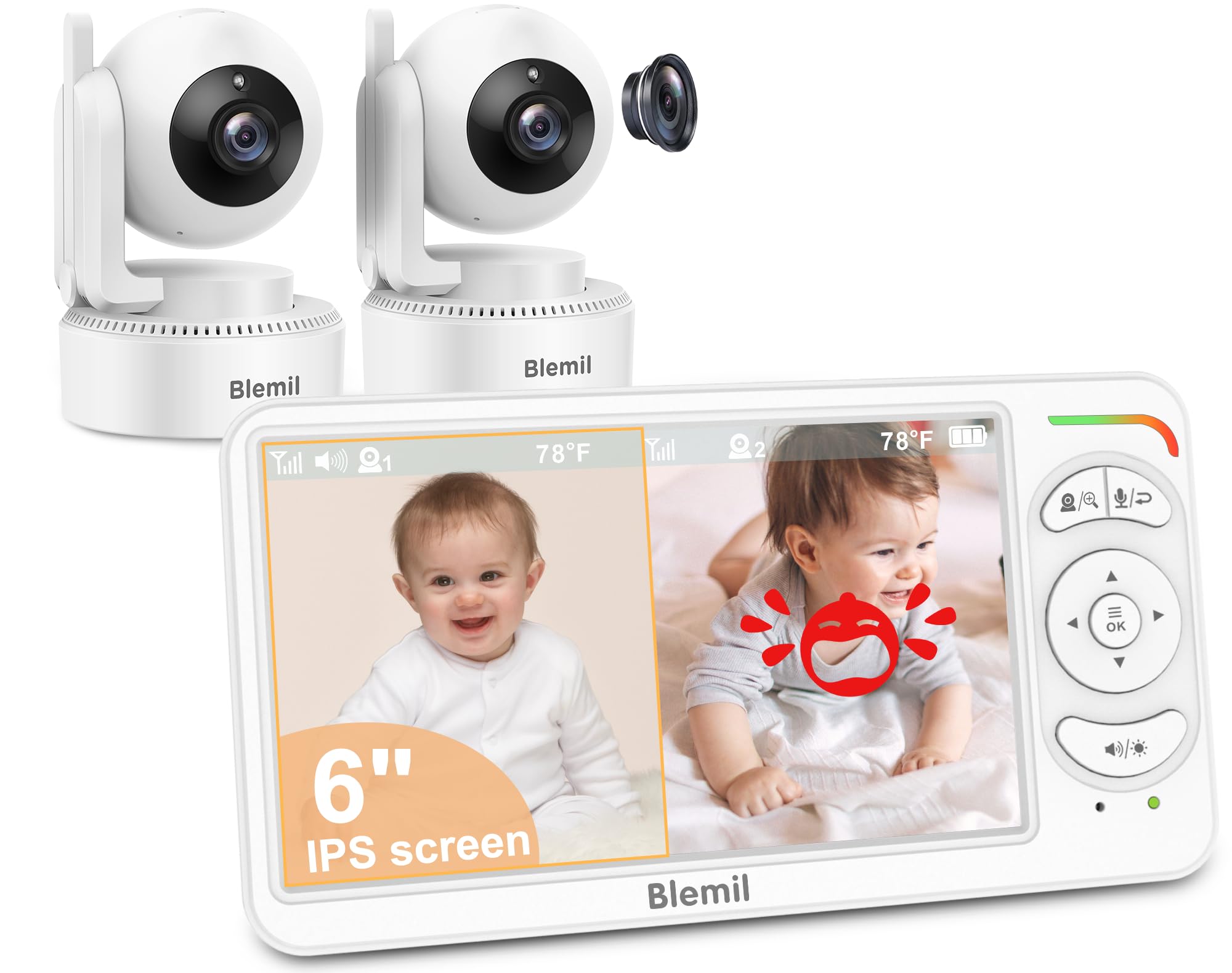
Blemil BL9064-2
Rating: 4.4 ★ | Price: $76.49 | Screen Size: 6" IPS | Battery Life: 30 hr (ECO mode) | Pan/Tilt: 310°/120° | Connection: No WiFi | Cameras Included: 2
Includes two cameras at a competitive price, making it the easiest solution for two kids or rooms.
The Blemil BL9064-2 is the only non-WiFi monitor in this set that comes with two cameras out of the box, saving the hassle and cost of buying a second camera separately. The 6-inch IPS screen supports split-screen viewing, so you see both baby rooms at once, and the 4000mAh battery delivers around 30 hours in ECO mode. You give up some reliability compared to the top pick: a noticeable minority of units lose pairing between parent unit and cameras, and the two-way talk audio can be overly loud or garbled.
This is the right choice if you have two children in separate rooms or want to monitor a nursery and a play area simultaneously without buying extra hardware. Just be prepared for the possibility that the monitor may need re-pairing or replacement if the sound or connectivity issues crop up — it’s a minor but real concern that doesn’t affect most units but is more common than on the market-dominating HelloBaby models.
Pros
- Two cameras included from the start — no separate purchase needed
- Large 6-inch screen with clear daytime and night vision
- Quick and simple setup out of the box
- Battery easily lasts through a full night and then some
Cons
- Some units stop working or lose camera pairing over time
- Speaker volume can be too loud or the two-way talk audio sounds poor
Buy this if you need two cameras right away for monitoring two children or separate rooms and can accept a slightly lower reliability track record than the top-selling alternatives.
Best for Desperate budget
ANMEATE DY549
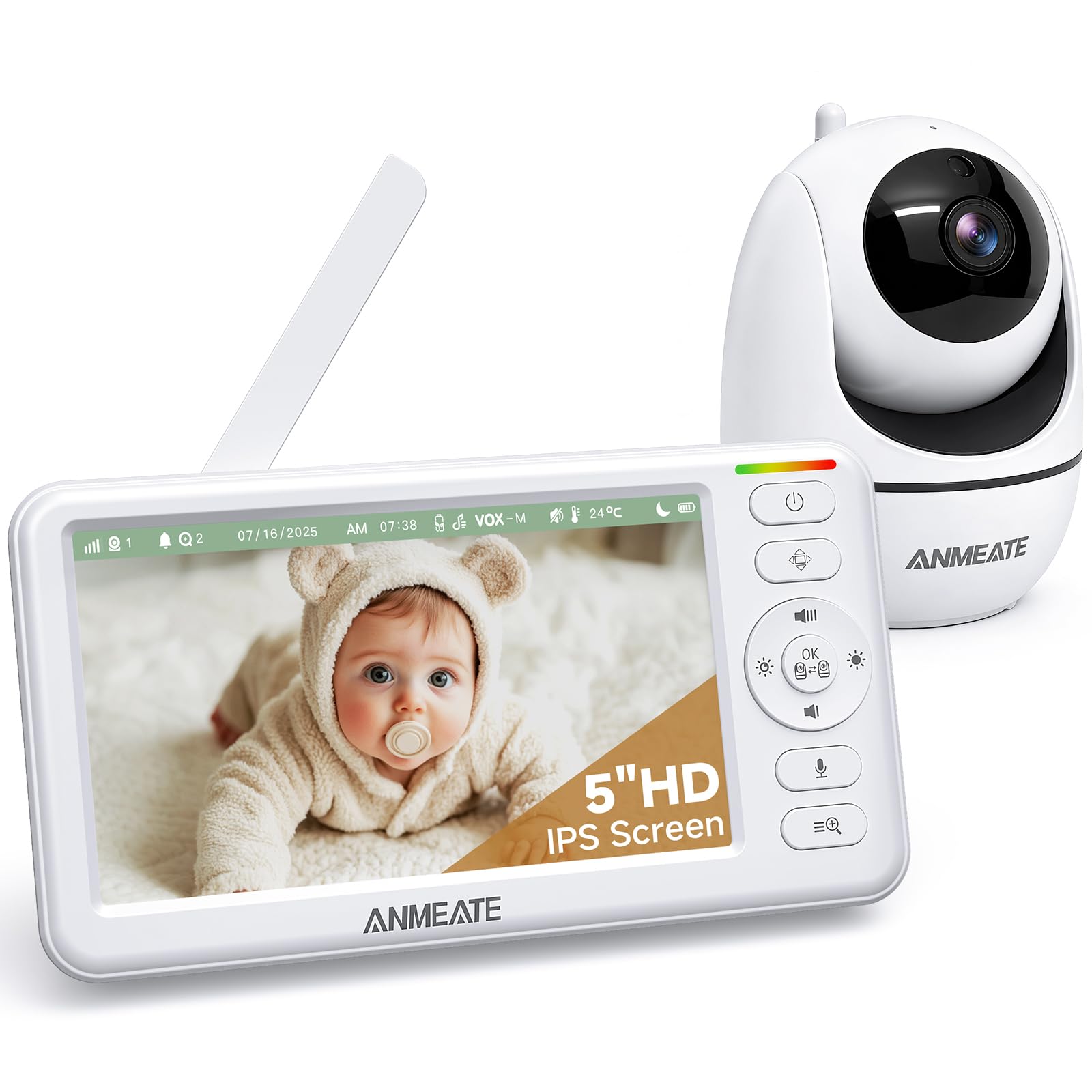
Rating: 4.4 ★ | Price: $39.99 | Screen Size: 5" HD | Battery Life: 48 hr (claimed) | Pan/Tilt: 355°/120° | Connection: No WiFi | Cameras Included: 1
The lowest price for a 5-inch pan/tilt monitor, but battery failures are rampant.
At $40, the ANMEATE DY549 delivers a 5-inch HD screen with remote pan/tilt and two-way talk, plus a temperature sensor and long claimed range. Setup is quick, and the picture is clear for the price. However, battery performance is poor — the parent unit dies quickly and the charging port often fails, forcing constant plug-in. Connectivity drops are frequent, and a significant number of units stop working altogether after a few months. This monitor is a short-term gamble: it works out of the box but has a high failure rate that makes it unsuitable for primary long-term use.
Pros
- 720p video with good clarity for the budget segment.
- Simple setup and intuitive controls.
- Lowest price among 5-inch pan/tilt monitors with remote control.
Cons
- Battery life falls drastically short of claims and charging port fails, requiring constant AC power.
- Frequent disconnects and signal loss, with many units losing connection or ceasing to function completely within months.
Worth considering if you need the cheapest possible monitor for short-term or backup use and can accept a high risk of failure within months.
Best for Short-term use
Kidsneed 530
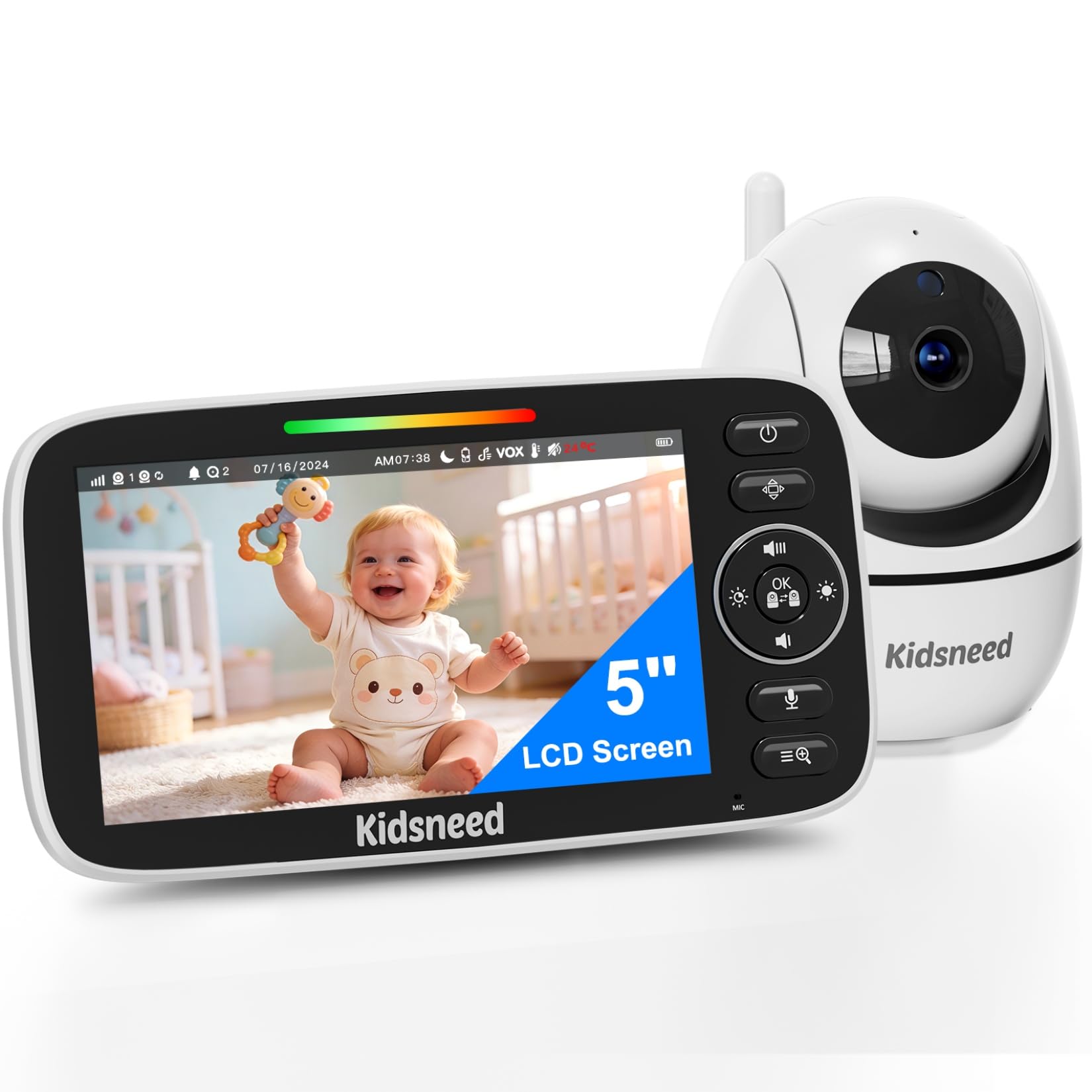
Rating: 4.3 ★ | Price: $29.99 | Screen Size: 5" 720P | Battery Life: 48 hr (claimed) | Pan/Tilt: 355°/120° | Connection: No WiFi | Cameras Included: 1
Under $30 with a clear picture, but battery failure is almost guaranteed within months — only a temporary stopgap.
The Kidsneed 530 offers a sharp 5-inch 720p display, remote pan/tilt, and two-way talk at a very low price. The monitor is simple to set up and delivers decent video for the cost. However, over two-thirds of long-term reports describe battery failure: the parent unit stops holding a charge or the charging port breaks. Connectivity drops are also common, with frequent signal loss. These reliability issues make it unsuitable for daily use — this is a monitor for travel or as a short-term backup, not for primary monitoring. Unlike more durable budget options, the Kidsneed 530 is likely to need replacement within months.
Pros
- Clear 720p picture quality
- Very affordable price at under $30
- Easy to set up and operate
Cons
- Battery fails to hold charge or charging port breaks within months
- Frequent signal loss and disconnections
Worth considering if you need an ultra-cheap monitor for short-term use like travel or as a temporary backup.
Best for Extreme budget
HelloBaby HB30

Rating: 4.2 ★ | Price: $19.99 | Screen Size: 2.4" | Pan/Tilt: Manual | Connection: No WiFi | Cameras Included: 1 (expand to 4)
At $20, the most affordable baby monitor, but blurry video, frequent disconnects, and dead-on-arrival units are common.
The HelloBaby HB30 costs less than a single takeout dinner and takes about 30 seconds to set up — plug in the camera, turn on the screen, and it works. That’s where the good news ends. The 2.4-inch display is so grainy you’ll struggle to tell if your baby’s eyes are open or closed. Connectivity drops happen daily even in small apartments, and a surprisingly high number of units arrive dead out of the box or die within weeks. Unlike the similarly priced budget pick that at least delivers a clear picture (B08V8RWP3W), the HB30’s rock-bottom price buys rock-bottom reliability, blurry video, and no internal battery — it must stay plugged into a wall outlet the entire time you’re watching.
Pros
- Plug-and-play setup with no WiFi or app required
- Lowest price among non-WiFi baby monitors
Cons
- Many units fail to turn on or stop working shortly after purchase
- Frequent disconnects even at short range, making the advertised 1000ft irrelevant
Worth considering if your budget is capped at $20 and you’re willing to gamble on a short-lived monitor with poor video and audio.
Best for Not verified
HelloBaby HB6550Plus
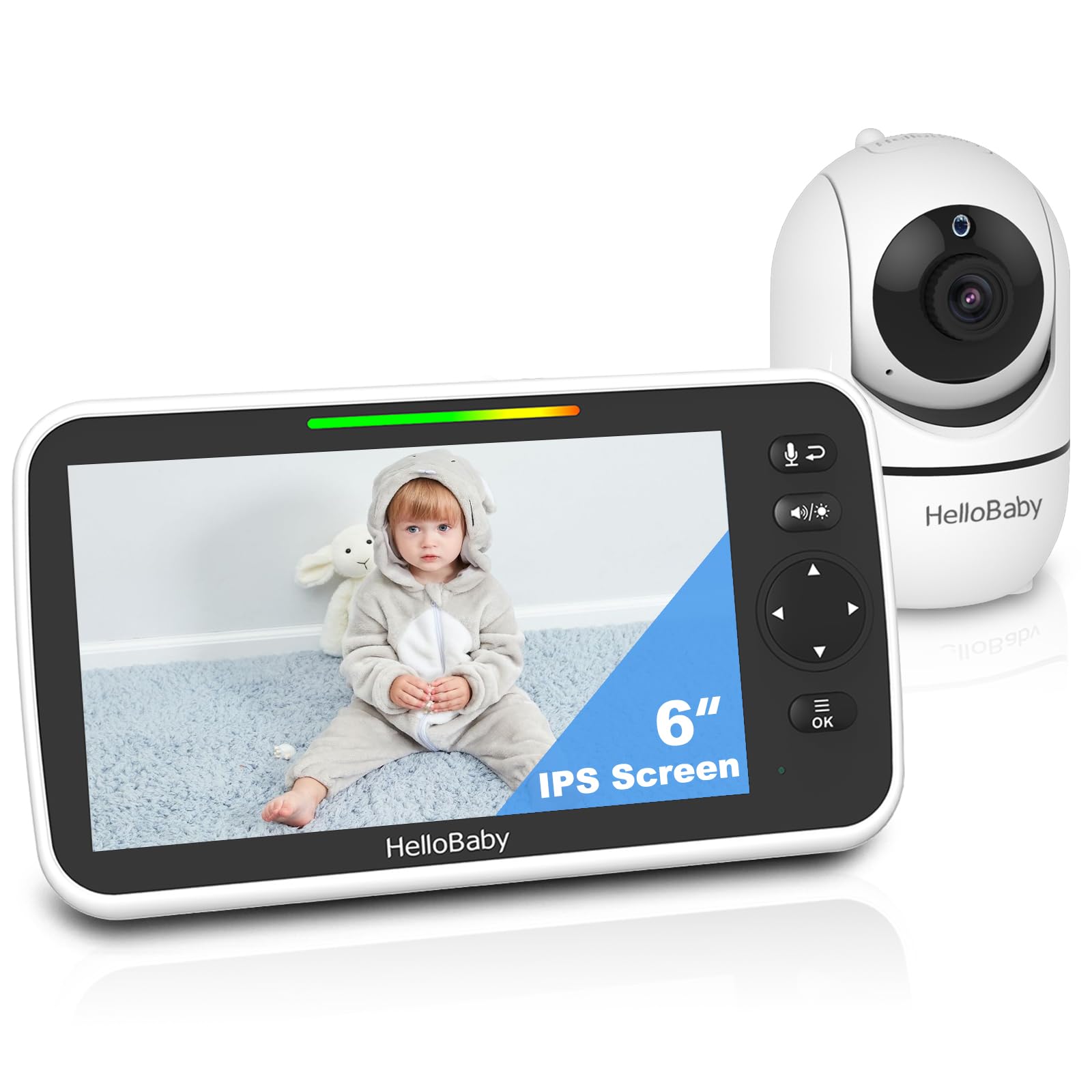
Rating: 4.5 ★ | Price: $69.98 | Screen Size: 6" IPS | Battery Life: 16–30 hr (claimed) | Pan/Tilt: 355°/120° | Connection: No WiFi | Cameras Included: 1 (split-screen)
Same review data as the HB6550, so its split-screen performance is unproven – choose the HB6560 for verified feedback.
The HelloBaby HB6550Plus offers a 6-inch IPS screen and split-screen support for two cameras, mirroring the HB6560’s feature set. However, its 17,223 reviews are identical to those of the standard HB6550, making it impossible to confirm split-screen reliability or unit-specific performance. Battery and charging risks reported for the HB6550 likely carry over. Given the HB6560 has its own verified positive reviews and similar pricing, this variant is hard to recommend over that option.
Pros
- 6-inch IPS screen delivers clear video with wide viewing angles.
- Split-screen mode allows viewing up to two cameras simultaneously.
Cons
- All reviews are shared with the HB6550, so model-specific performance is unverified.
- Battery and charging port failures reported for the HB6550 likely apply here.
Worth considering if you trust the HB6550’s overall track record and want split-screen functionality without paying for the HB6560’s verified reviews.
How to Choose
The single biggest buying mistake is trusting claimed battery life over real-world reports – most monitors deliver half the advertised hours after a few months.
Screen Size
The difference between a 5-inch and 6-inch screen feels huge in the dark when you’re trying to see if the baby is breathing. A 6-inch IPS panel offers better viewing angles and clarity, but larger screens drain the battery faster. If you plan to keep the monitor plugged in, size matters less; if you carry it around the house, a smaller screen is lighter and easier to handle.
Battery Life (Real-World)
Advertised numbers like 30 or 48 hours are measured with the screen off and the monitor idle. Real-world use with the screen on and panning cuts that to 8–14 hours. Look for user consensus on actual run time, and accept that all monitors in this price range lose battery capacity over time. A model with a removable battery is preferable, but rare at these prices.
Pan/Tilt Capability
Motorized pan and tilt lets you scan the crib without waking the baby, but cheap motors can make a whirring sound that the built-in microphone picks up. Manual tilt is silent but requires you to walk to the camera. For most parents, remote pan/tilt is worth the extra cost – just check reviews for noise complaints before buying.
WiFi vs. No WiFi
Non-WiFi monitors are more secure because they don’t connect to the internet, and they can’t be hacked remotely. They also don’t suffer from router interference or app crashes. But they limit you to a single parent unit – no smartphone viewing from work. If you only need to monitor from within the home, skip WiFi. If you want grandma to check in, WiFi is necessary despite the risks.
Number of Cameras Included
If you have two kids or two rooms to monitor, buying a kit with two cameras is cheaper than adding a second camera later. Split-screen is standard on most 6-inch models. But extra cameras mean more battery charging and potential pairing headaches. For a single child, one camera is enough.
FAQ
Why do baby monitors stop charging after a few months?
The charging port is often a weak micro-USB connector that wiggles loose over time, or the internal battery fails due to constant trickle charging. Many monitors are designed with non-removable batteries, so once the port or battery degrades, the unit is effectively dead. If you want longevity, choose a monitor with a barrel jack or USB-C port, and unplug it occasionally to let the battery cycle.
Should I buy a WiFi or no WiFi baby monitor for security?
No-WiFi monitors are inherently more secure because they use a closed radio frequency (DECT or FHSS) that can’t be accessed over the internet. WiFi monitors can be hacked if passwords are weak or firmware outdated. If you only need to watch from another room, skip WiFi entirely. If you need app access, choose a brand with strong encryption and automatic updates, and never rely on default passwords.
How long should a baby monitor battery last in real use?
Real-world video-on time is typically 8–14 hours for a full charge, far below the 30–48 hours advertised. Factors like screen brightness, panning, and night vision drain faster. If you need overnight coverage without recharging, look for a monitor with at least a 3000mAh battery and check user reviews for actual run times. Plan to keep the charger nearby.
Do baby monitors with pan and tilt actually work well?
Remote pan and tilt works well on most modern monitors, but the motors can be noisy and may pick up the whirring sound on the microphone. Also, the range of motion varies: 355° horizontal sounds near-360°, but the camera can’t rotate past the cord, so there’s a blind spot. For tight cribs, manual adjustment is often fine; for a wide room, motorized is worth the trade-off of possible noise.