This post contains affiliate links. We may earn a small commission when you buy through our links — at no extra cost to you.
The biggest surprise for gift-givers? Every kids instant print camera prints in black and white, no matter how colorful the listing photos look. Those vibrant shots refer to the digital file, not the thermal slip that comes out of the camera. This gap between marketing and reality fuels many returns—especially when a camera stops printing after a week.
Beyond the color confusion, durability is the real battleground. Many units churn out blank paper or simply freeze after a few uses. The best options manage expectations upfront and show fewer reports of early printer failure. This guide helps you steer toward the cameras that deliver reliable, smiling-at-the-kitchen-table fun, not a one-day wonder.



Best for Dependable All-Rounder
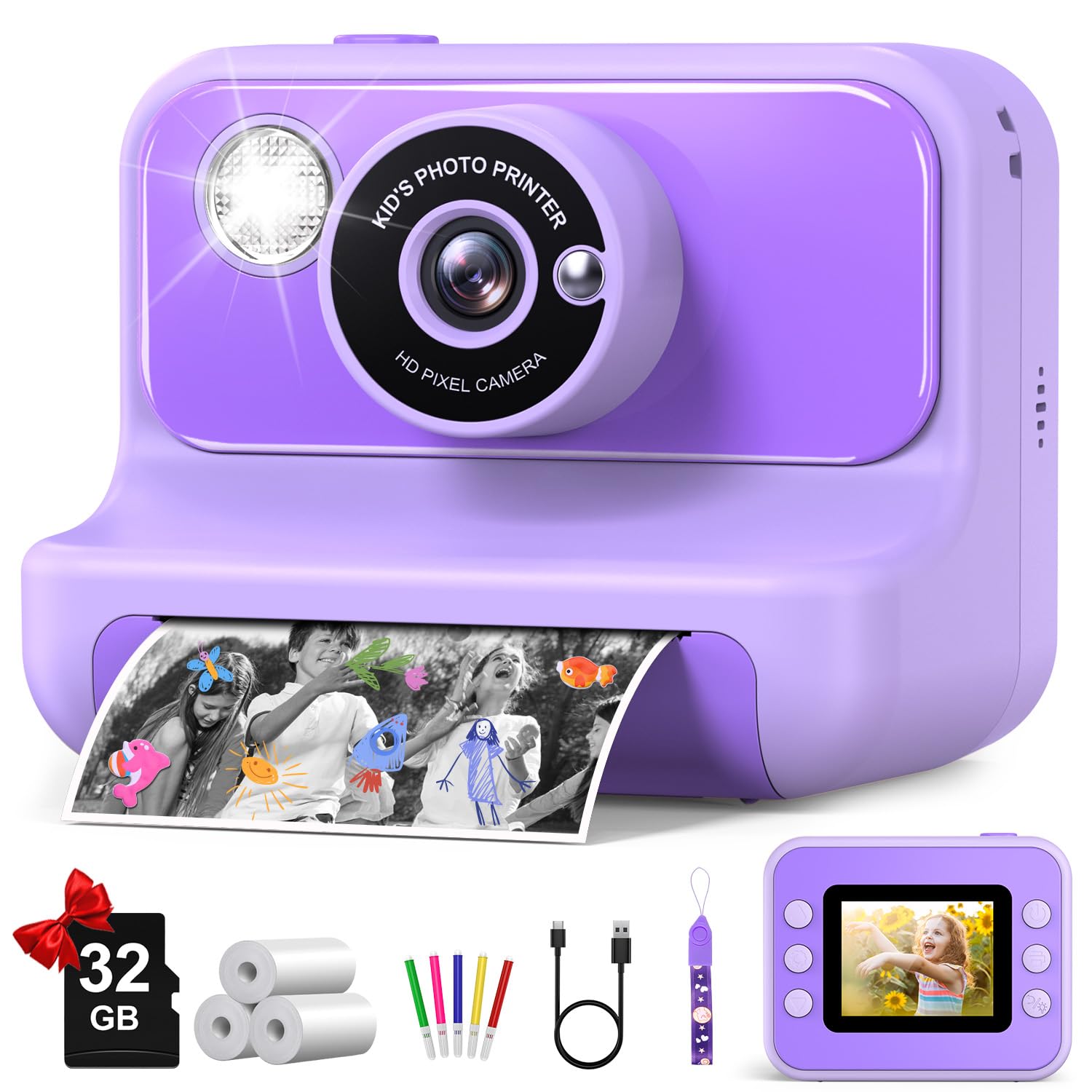
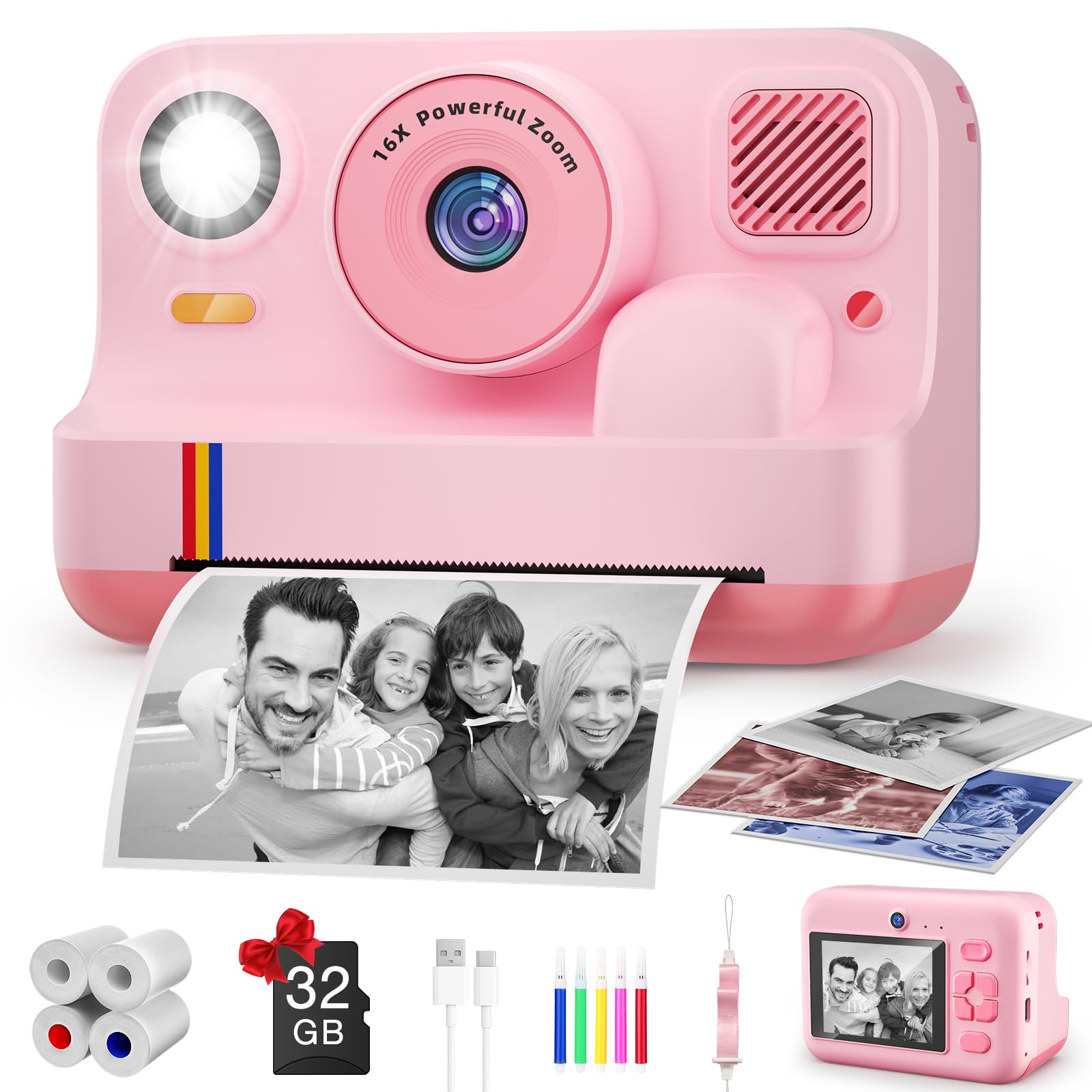
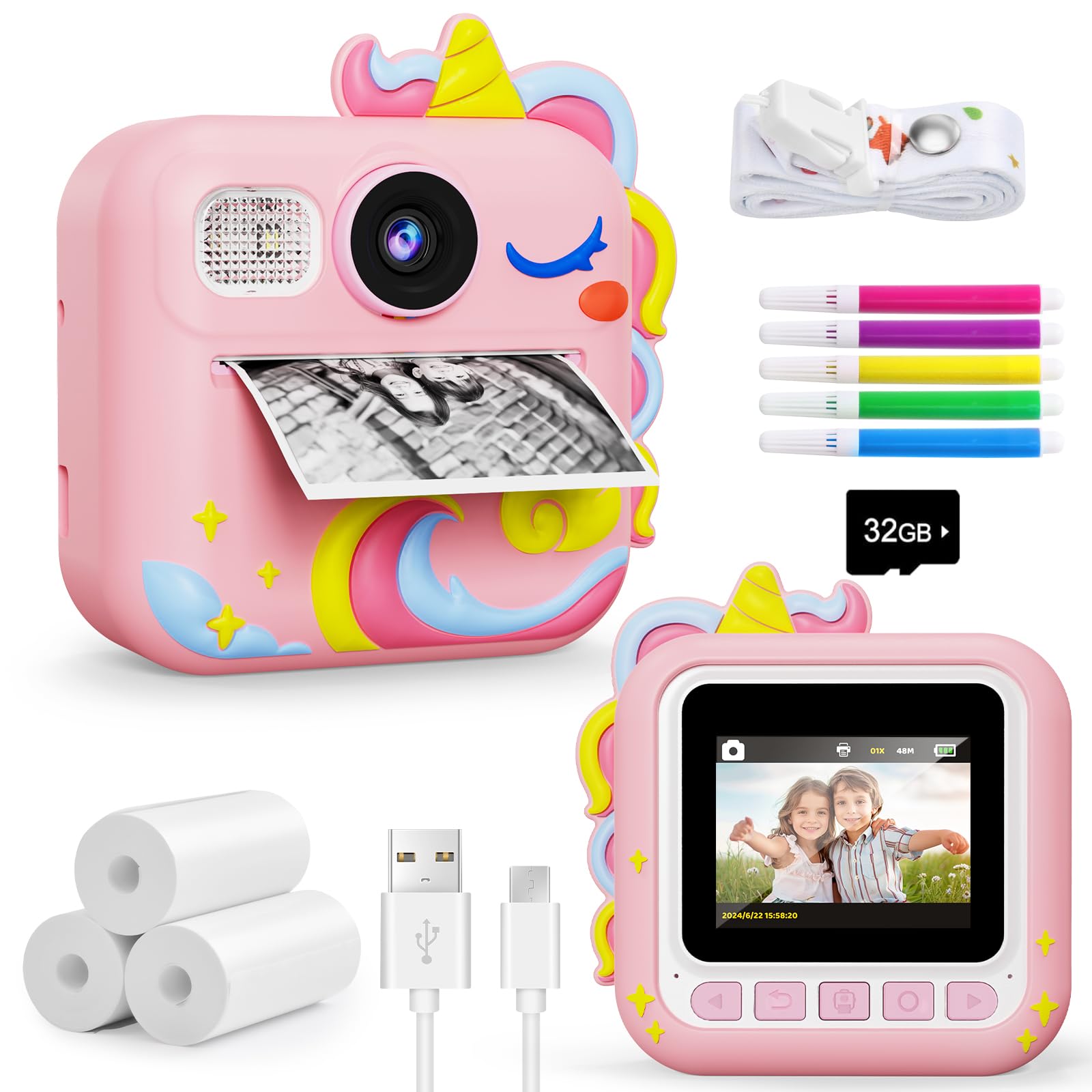
DUDUDRAGON Instant Print Cam
Key Features
- Print Technology: Thermal B&W
- Screen: 2.4-in LCD
- Included Storage & Rolls: 32GB, 3 rolls
- Price: Mid-Range
The DUDUDRAGON Instant Print Cam distinguishes itself by prioritizing durability: the printer keeps working through multiple rolls of paper, and the body withstands drops and rough handling without cracking. Parents who have dealt with other kids’ cameras that stop printing after a few uses will notice the difference immediately. The build is solid enough that this camera feels more like a small electronic toy than a fragile novelty.
In well-lit rooms or outdoors, the thermal prints come out with acceptable clarity for a toy camera. Indoors with dimmer lighting, images can appear grainy and the black-and-white output loses detail. The camera is best used near a window or in bright daylight. The print quality is unmistakably toy-grade – think thermal receipt paper, not photo paper – but that matches the intended use as a creative play tool rather than a keepsake maker.
This camera suits families who want a dependable gift that will survive enthusiastic toddler use without the disappointment of a non-functional printer after a few weeks. It is a better fit for parents who value durability and long‑term play value over crisp visuals or color prints. Buyers expecting photo-quality keepsakes or full-color output will need to look at a different category entirely.
Pros
- Designed for toddlers and young kids; simple enough for a 3-year-old to operate independently.
- Build quality holds up to drops and repeated use better than most competitors in this category.
- Menus are intuitive enough that children can figure them out without parental help.
- Built-in games, coloring modes, and instant prints provide lasting entertainment.
Cons
- Indoor shots can appear grainy; the camera performs best in bright natural light.
- Thermal prints are black-and-white and toy-grade; not suitable for detailed or color photos.
For families who want a kids’ instant camera that keeps working through the playdates and drops rather than ending up in the recycling bin, this is the dependable option that delivers on that promise.
Best for Feature-Packed Fun
ESOXOFFORE Instant Print Cam
Key Features
- Print Technology: Thermal B&W
- Screen: 2.4-in LCD
- Included Storage & Rolls: 32GB, 3 rolls
- Price: Mid-Range
With 15 scene filters, 16 sticker overlays, built-in MP3 player, and multiple games, this camera offers a feature set that dwarfs most competitors in the category. Kids can snapshot, decorate, and print instantly without parental help — the interface is that intuitive. The included 32GB SD card and three thermal paper rolls (372 prints) mean opening the box is all that’s needed to start playing.
Where this model differs from more reliability-focused options is its emphasis on first-day wow factor. Parents who want the biggest toy-like experience for a 3–5 year old will find it hard to beat. That said, the thermal printer has shown a tendency to stop producing clear prints after a few weeks, and some units can become unresponsive over time. This suits gift-givers who prioritize immediate fun and are comfortable with the possibility that the printer may have a shorter working life than the camera itself.
Build quality overall feels solid for the price — the blue casing takes minor drops without cracking, and the 2.4-inch LCD is bright enough for indoor play. The camera also records 1080p video, adding a second use once the novelty of prints fades. It’s a deliberately feature-rich package that makes sense for families who value variety over long-term print reliability.
Pros
- Perfect fit for ages 3–5 — widely praised as an instant hit with toddlers and preschoolers.
- Games, filters, and instant prints keep children engaged for hours of solo play.
- Intuitive controls that even young kids figure out without adult assistance.
- Decent build quality and included accessories make it feel like a complete gift inside the box.
Cons
- Some units may freeze or become unresponsive after a few weeks of use, requiring a reset or replacement.
- The thermal printer can stop producing legible black-and-white prints after a short period, depending on unit variance.
If you want the most feature-packed instant-print camera for a young child and are willing to accept that the printer may give out before the games do, this blue ESOXOFFORE delivers exactly that.
Best for Crisp Prints, Value
Gofunly Instant Print Camera
Key Features
- Print Technology: Thermal B&W
- Screen: 2.4-in LCD
- Included Storage & Rolls: 32GB, 3 rolls
- Price: Budget
Among budget-friendly instant-print cameras, this model stands apart with its surprisingly crisp thermal prints — a noticeable step up from the dark, blurry output typical of ultra-low-cost alternatives. The dot-matrix images render with enough contrast to actually make out faces and scenes, which isn’t a given in this category.
Usability is where it shines for young children. The 2.4-inch screen and large buttons let even a four-year-old scroll through frames, shoot video, and print with almost no adult coaching. The included 32GB card and extras like games, music player, and DIY frames add to the first-day wow factor, making it a highly giftable package that doesn’t require separate accessory purchases to start having fun.
The camera targets families who want prints that look like something — not a smudgy guess — without spending more than a typical toy. A small number of units can experience a printing freeze after the first day or two, though the rate is lower than that of many competitors. If that variable feels like a hassle, the top pick offers better long-term printing consistency with a similar feature set.
Pros
- Highly giftable — a huge hit with young kids right out of the box.
- Print clarity is above average for the price, with legible black-and-white output.
- Toddler-friendly interface; a 4-year-old can snap and print without help.
- Good value with affordable replacement paper, keeping ongoing costs low.
Cons
- Output is grayscale only — no color images, which may limit creative expression for some kids.
- Printing may freeze or stop after initial use, requiring a reset or replacement.
For parents who prize print legibility and straightforward controls, this camera delivers a gratifying experience for the price. Stock extra paper rolls and understand that, as in all cameras of this type, the printing mechanism can occasionally falter — though here it’s less likely than in many cheaper alternatives.
Best for Toddler Budget Pick
BOFIDAR Instant Print Cam
Key Features
- Print Technology: Thermal B&W
- Screen: 2.4-in LCD
- Included Storage & Rolls: 32GB, 3 rolls
- Price: Budget
The BOFIDAR Instant Print Cam packs a surprising amount of play value into an entry-level price. A 32GB SD card, colored pens for decorating photos, and four built-in puzzle games come in the box — extras that often cost more elsewhere. This combination turns the camera into a mini entertainment hub for very young children, not just a printer.
Toddlers and preschoolers take to it quickly. The controls are genuinely manageable for 3‑year‑olds, and the puzzle games keep them engaged long after the initial excitement of snapping pictures fades. The camera’s thermal prints, however, can appear dark or blurry, especially indoors. Black-and-white clarity doesn’t match what sharper options in the category deliver, so the output feels more like a craft canvas than a photo keepsake.
This is a camera for families who see instant printing as a novelty, not as a way to build an album. The cheap replacement paper makes ongoing use painless, and the color pens give kids a reason to decorate every print. A small number of units may stop working after a few weeks, so it is best approached as a short-term toy rather than a durable device — perfectly fine for a birthday surprise that sparks early creativity.
Pros
- Designed for tiny hands — even 3‑year‑olds can operate it independently
- Built-in puzzle games provide entertainment beyond picture-taking
- Replacement thermal paper is inexpensive, keeping ongoing costs minimal
- Includes a 32GB card and colored pens for decorating prints right out of the box
Cons
- Print quality is inconsistent — images can turn out dark or blurry without bright light
- In isolated cases, the camera may stop printing after a short period of use
A low-risk introduction to photography for the youngest kids — stuffed with games and creative tools, but best for families who will trade print crispness for playful, disposable fun.
Best for App-Printing Novelty
Cowilax Instant Print Cam
Key Features
- Print Technology: Thermal B&W
- Screen: 2.4-in IPS
- Included Storage & Rolls: 32GB, 4 rolls
- Price: Budget
The Cowilax Instant Print Cam stands apart by letting parents beam photos directly from their phone to the camera’s thermal printer. Unlike the top pick that crams in the largest collection of stickers and filters, this model leans into app-driven versatility: the JoyPrinter app unlocks single-color printing (blue, red, green) far beyond the usual black‑white thermal output, and you can print any image saved on a phone—not just what the camera itself captures.
It’s a clever fit for tech‑savvy families where a parent’s smartphone is usually in the same room. Kids who enjoy picking a color theme for each print will get the most out of it. Print clarity is a tradeoff: image sharpness can vary, and some prints come out blurry—fine for casual, playful snapshots but not for detail‑rich keepsakes. Full‑color printing also requires that phone link, so it’s less suited to completely standalone, screen‑free play.
Pros
- Kid‑friendly design that suits a wide age range, from preschoolers to preteens.
- Intuitive controls let even young children operate the camera independently.
- JoyPrinter app enables printing photos from a parent’s phone, adding single‑color and full‑color options to thermal prints.
Cons
- Print clarity can be inconsistent; some prints may appear blurry, especially with busy scenes.
If you can live with occasional blurry prints and have a smartphone nearby, the Cowilax unlocks a print-from-phone experience no other camera in this set offers.
Best for Drop-Proof Toddler
KOKODI Instant Print Camera
Key Features
- Print Technology: Thermal B&W
- Screen: 2.4-in HD
- Included Storage & Rolls: 32GB, 3 rolls
- Price: Mid-Range
The KOKODI Instant Print Camera stands apart with its included shock-absorbing silicone case — a design choice that instantly shifts the category from fragile toy to toddler-ready tool. Where the top pick crams in dozens of stickers, filters, and games for maximum first-day excitement, this camera strips back to what a 3-year-old actually needs: drop protection and big, simple buttons.
Picture quality is surprisingly clear for the price, with thermal prints that render sharp black-and-white images kids can color or collect right away. The 1080p video adds a secondary way to capture moments, and four puzzle games plus an MP3 player are kept light so the interface stays uncluttered. A 2.4-inch HD screen and a 32GB SD card round out the basics without overwhelming a young user.
This camera fits parents who would trade a heavier feature set for a device that can survive repeated drops onto hardwood floors. The silicone sleeve not only absorbs shock but also makes the camera easier for small fingers to grip. Early printer hiccups have been reported in a few cases, and the smaller review pool leaves long-term durability less documented than on category leaders — it is best treated as a first camera rather than a years-long keepsake machine.
Pros
- Sharp thermal prints produce clear black-and-white photos that kids enjoy immediately.
- Drop-proof silicone case cushions falls and makes the camera easy for small hands to grip.
- Oversized, toddler-friendly buttons and a simple menu keep operation frustration-free.
- Includes a 32GB SD card and three rolls of thermal paper, offering plenty of prints right out of the box.
Cons
- Printer issues can arise after a few weeks of heavy use, making it less suitable for daily non-stop printing.
For parents who want a camera that survives drops first and prints second, this silicone-wrapped model is a sensible choice — just treat it as a starter camera rather than a durable long-term companion.
Best for Craft-Ready Bundle
ARNSSIEN Instant Print Cam

Key Features
- Print Technology: Thermal B&W
- Screen: 2.4-in IPS
- Included Storage & Rolls: 32GB, 7 rolls
- Price: Budget
Seven rolls of paper, 12 colored pens, and sticker sheets give the ARNSSIEN M3 a craft‑kit feel that keeps kids coloring and snapping without immediate refill trips. The camera is easy enough for a four‑year‑old to navigate, and the included 32GB card starts capturing 1080p video as soon as batteries are in. Print output can be too dark or blurry to stand alone — kids will spend more time coloring over the images than admiring them. Units can ship unresponsive or freeze unexpectedly, so testing after unboxing is wise. This trade‑off of massive art supplies against middling camera performance holds the M3 in the budget‑craft tier.
Pros
- Simple enough for a 4‑year‑old to use right away.
- Seven rolls of paper, 12 colored pens, and stickers supply weeks of crafting without refills.
- 32GB SD card included and 1080p video recording add out‑of‑box video capability.
Cons
- Prints can come out too dark or blurry, often needing heavy coloring to become recognizable.
- Units can arrive dead or freeze unexpectedly, requiring a return or exchange.
For families where the craft activity outweighs photo quality and who want to avoid refill runs, this all‑in‑one kit is a sensible gift — just power it on before wrapping.
Best for Well-Rounded Gift
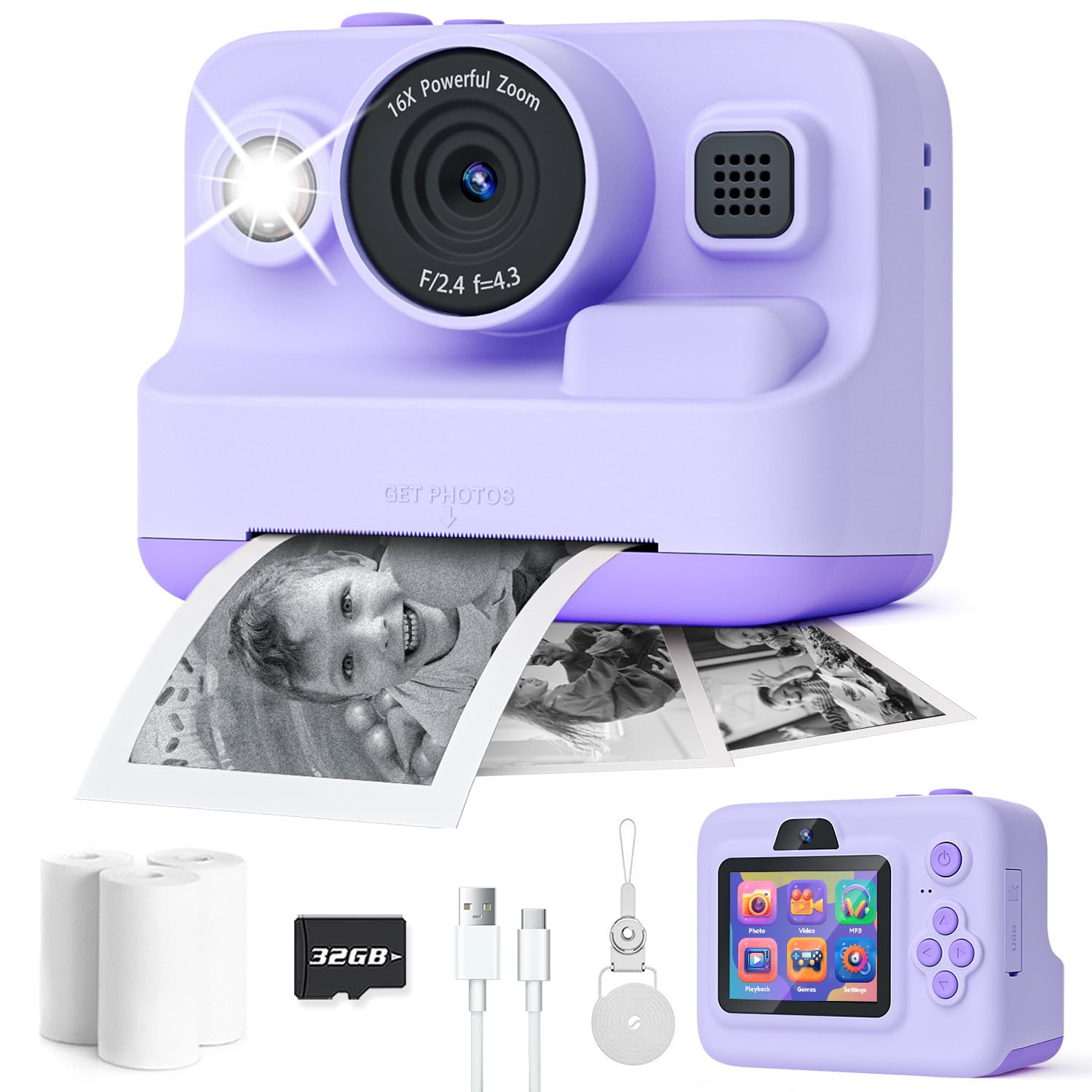
Dylanto Kids Instant Print Camera
Key Features
- Print Technology: Thermal B&W
- Screen: 2.4-in IPS
- Included Storage & Rolls: 32GB, 3 rolls
- Price: Mid-Range
Affordable replacement paper rolls make the Dylanto camera one of the most economical options for ongoing use, especially for families who print often. It arrives with a 32GB card, lanyard, and three paper rolls—everything a child needs to start shooting instantly. Controls are intuitive, and kids enjoy the instant black-and-white prints. The tradeoff: the printer in some units can stop working after a couple of weeks, which means it falls behind the most dependable models in this category. That risk is easier to absorb at a sale price or for casual, short-term fun.
Pros
- Excellent gift appeal, especially for young children and toddlers.
- Intuitive controls make it easy for a 5-year-old to operate independently.
- Affordable replacement paper rolls keep the ongoing cost of printing low.
Cons
- Printed pictures can look blurry or grainy, though children are often unfazed.
- The printer may stop working after a few weeks, even with correct paper insertion.
For gift-givers who want an all-inclusive package with economical refills and are okay with potential early printer hiccups, this is a sensible pick.
Best for Gamer’s Camera
TIATUA Instant Print Camera

Key Features
- Print Technology: Thermal B&W
- Screen: 2.4-in LCD
- Included Storage & Rolls: 32GB, 3 rolls
- Price: Mid-Range
The TIATUA camera succeeds at keeping kids engaged with a suite of games—arcade-style diversions that pull double duty when photography loses its novelty. The straightforward menus and included colored pens add to the out-of-box fun. Printer reliability can be inconsistent: some cameras may stop printing after about two months, a boundary to consider if long-term print output is the priority. This suits families who value the gaming angle and are comfortable treating the printer as a bonus rather than the main event.
Pros
- A big hit with young kids, especially ages 5–6, who pick up the controls quickly.
- Built-in games extend entertainment well beyond photo printing.
- Simple menu that children can navigate independently, reducing setup frustrations.
Cons
- Printer may stop working after a couple of months; not suited for consistent long-term printing.
For kids who will treat this as a gaming device first and a camera second, it’s a fun mid-range gift. Families needing a printer that holds up for months of frequent output should explore options with stronger reliability data.
How to Choose
The only printing technology these cameras use is thermal, which always produces black-and-white output, so the first decision is accepting that and focusing on print clarity and reliability.
Print Technology and Replacement Paper
All these cameras rely on thermal printing, meaning monochrome output only—the ‘color photos’ shown in listings are the digital files saved on the SD card. The print is grayscale, often with a grainy texture. Cameras that offer density settings or dot-matrix modes can slightly improve readability, but the output remains toy-grade.
Replacement rolls cost roughly $5–$8 for a multi-pack, so ongoing costs stay low. The bigger issue is that many cameras stop printing before the first roll is finished. Prioritizing a brand with fewer reports of printer jams or blank-paper failures matters far more than the number of rolls bundled in the box.
Screen Size and Quality
A 2.4-inch LCD is the standard, and it’s enough for kids to frame a shot. Some models use an IPS panel, which delivers better viewing angles and color accuracy on the preview. This matters when a child is trying to line up a photo outdoors or passing the camera among friends.
The trade-off: IPS screens can draw a bit more power, but the improved visibility often outweighs the small battery hit. If the camera will mostly be used indoors, an LCD works fine. For bright parks or backyards, an IPS screen reduces squinting and missed shots.
Battery Life
Most kids instant print cameras run 2–4 hours on a charge, with a few stretching toward 6 hours. The true test is whether the battery degrades after repeated short charges. Some units stop turning on after a few weeks because the charging circuit or battery cell fails.
Look for user feedback that mentions longevity over time, not just out-of-box runtime. A camera that holds a charge through a full afternoon of play is enough; one that refuses to turn on after a month turns into useless plastic.
Included Storage and Paper Rolls
A 32GB SD card is nearly universal, and it can store thousands of photos, so digital capacity is rarely a concern. The number of included thermal rolls (typically 3 to 7) affects how long a child can print before needing refills.
However, a camera with 7 rolls that jams after a week delivers less value than one with 3 rolls that prints reliably. Choose based on the camera’s track record, not the size of the paper stash. Extra rolls are cheap and easy to order later.
Durability and Easy Paper Reloading
A shock-absorbing silicone case or thick plastic shell can prevent screen cracks and internal damage from drops. This is especially important for toddlers, who treat cameras like any other toy—tossed into a bag or dropped on the floor.
Paper reloading also separates practical cameras from frustrating ones. Models with a simple top-load slot let a 4-year-old swap rolls, while tightly sealed internal compartments often require an adult. A camera that survives drops and accepts paper without a battle keeps the creative flow going.
FAQ
Why are the prints black and white rather than color?
These cameras use thermal printing, which heats special paper to create grayscale images; there is no ink or color ribbon inside. The ‘color photos’ advertised are the digital files saved on the SD card, not the physical prints. Accepting black-and-white output upfront avoids the most common return trigger.
How long do these cameras typically last before the printer stops working?
Reliability varies widely. Some units stop printing after a few days or spool blank paper; others keep running for months. The models with the lowest complaint rates about printer failure tend to prioritize consistent paper feeding and better internal components. Choosing one with a strong record of printing past the first roll significantly reduces the risk of a short-lived toy.
Are replacement paper rolls expensive and where can I get them?
Replacement thermal rolls are typically sold in multi-packs for under $10, making them inexpensive to restock. They are widely available online, often from the same brand or through generic listings. The low cost means the real concern is whether the camera itself will keep printing, not the price of keeping it fed.
Why are some prints blurry or dark, and can I improve them?
Thermal prints depend heavily on lighting—dim rooms produce underexposed, grainy output, while bright outdoor light yields clearer silhouettes. Some cameras include a print-density setting to adjust contrast, and teaching kids to shoot in well-lit spaces makes the biggest difference. If prints are still muddy, the camera’s sensor may simply be low resolution, a common trait in budget models.