This post contains affiliate links. We may earn a small commission when you buy through our links — at no extra cost to you.
Many printers marketed for children are simply rebranded beginner machines that lack reliable long-term performance or adequate build volume. A printer that requires constant bed leveling, assembly, and troubleshooting will quickly lose a child’s interest — or become a source of frustration for the whole family.
This guide focuses on what matters most for young users: out-of-the-box usability, consistent print quality, and a print area that allows for actual projects rather than just keychains. You’ll find options that prioritize ease of setup and auto-leveling, balanced against the trade-off between app convenience and offline reliability. The goal is to match the printer to your child’s age and patience level, so the first experience is a success, not a lesson in tinkering.




Best for Kids 7–12
Asani TINA2S 3D Printer
Key Features
- Auto Leveling: Yes
- Assembly: Fully assembled
- Print Size: 3.9 x 3.9 x 3.9 in
- WiFi/App: WiFi, app, SD card, USB
- Price: Budget
Fully assembled and auto-leveling, the TINA2S eliminates the two biggest barriers to entry: setup and calibration. Out of the box, children and non-tech parents can load filament, insert an SD card, and start printing within minutes. The one-touch loading and auto-leveling mean no manual bed adjustments or frustrated first attempts.
Customer reports describe months of trouble-free printing for small trinkets, keychains, and toys. The included 10 meters of PLA and pre-loaded models on the SD card give new users immediate projects. While some units have experienced SD card or nozzle clogs – typical for budget machines – the majority find the TINA2S consistent enough for casual, daily use in a home or classroom setting.
This printer is built for absolute beginners, especially children aged 7 to 12, parents who want a gift that works immediately, and schools with tight budgets. The trade-off is a small 100mm cube print area – kids will outgrow it quickly if they want larger items like helmets or full-size figures. For the first year of learning and small projects, it delivers exactly what families need without frustration.
Pros
- True out-of-box use with auto-leveling and one-touch filament loading.
- Print quality is smooth and detailed for a mini printer.
- Includes everything needed to start – PLA, SD card, glue stick.
- Compact and quiet design fits on any desk.
- Consistent performance over months of casual use.
Cons
- Print area is limited to about 100mm cubes – only small toys and trinkets.
- Occasional quality variance: SD card failures and nozzle clogs reported by a minority.
Buy this if you want a reliable, pre-assembled first printer for a child or beginner that works from the moment it arrives. Skip it if you need to print items larger than a fist or expect industrial-grade durability.
Best for Kids 8–13
Entina Tina2 Plus 3D Printer
Key Features
- Auto Leveling: Yes
- Assembly: Fully assembled
- Print Size: 3.9 x 4.7 x 3.9 in
- WiFi/App: WiFi, Poloprint Cloud app
- Price: Mid-Range
The Entina Tina2 Plus swaps the top pick’s offline SD-card simplicity for a full app ecosystem. The Poloprint Cloud app gives you over 1,500 free models and one-tap printing – no slicing or file transfers needed. It also prints at 250mm/s, cutting typical toy-sized objects down to under an hour. The trade-off: reliability is a weaker point. Some owners report layer shifting after a few weeks of use, suggesting quality control isn’t as consistent as the Asani TINA2S.
This printer suits families with multiple users who want to launch prints from a phone or tablet without fuss. Kids aged eight and up can operate it independently, and the curated library removes the need to hunt for files. But the occasional reliability hiccup means a parent or teacher should be ready to troubleshoot if a shift occurs. It’s not the set-it-and-forget-it option – that’s the Asani – but for connected, app-first households the Tina2 Plus is a capable starter.
Pros
- Sharp print quality for a beginner model.
- Design accessible to children as young as 8.
- Easy setup – fully assembled and printing in minutes.
- WiFi and app control for remote slicing and printing.
Cons
- Inconsistent reliability – some units develop layer shifting after weeks of use.
Buy this if you value a phone-controlled printer with a huge built-in model library and fast prints. Skip it if you need offline SD-card reliability and minimal troubleshooting.
Best for Kids 6–10
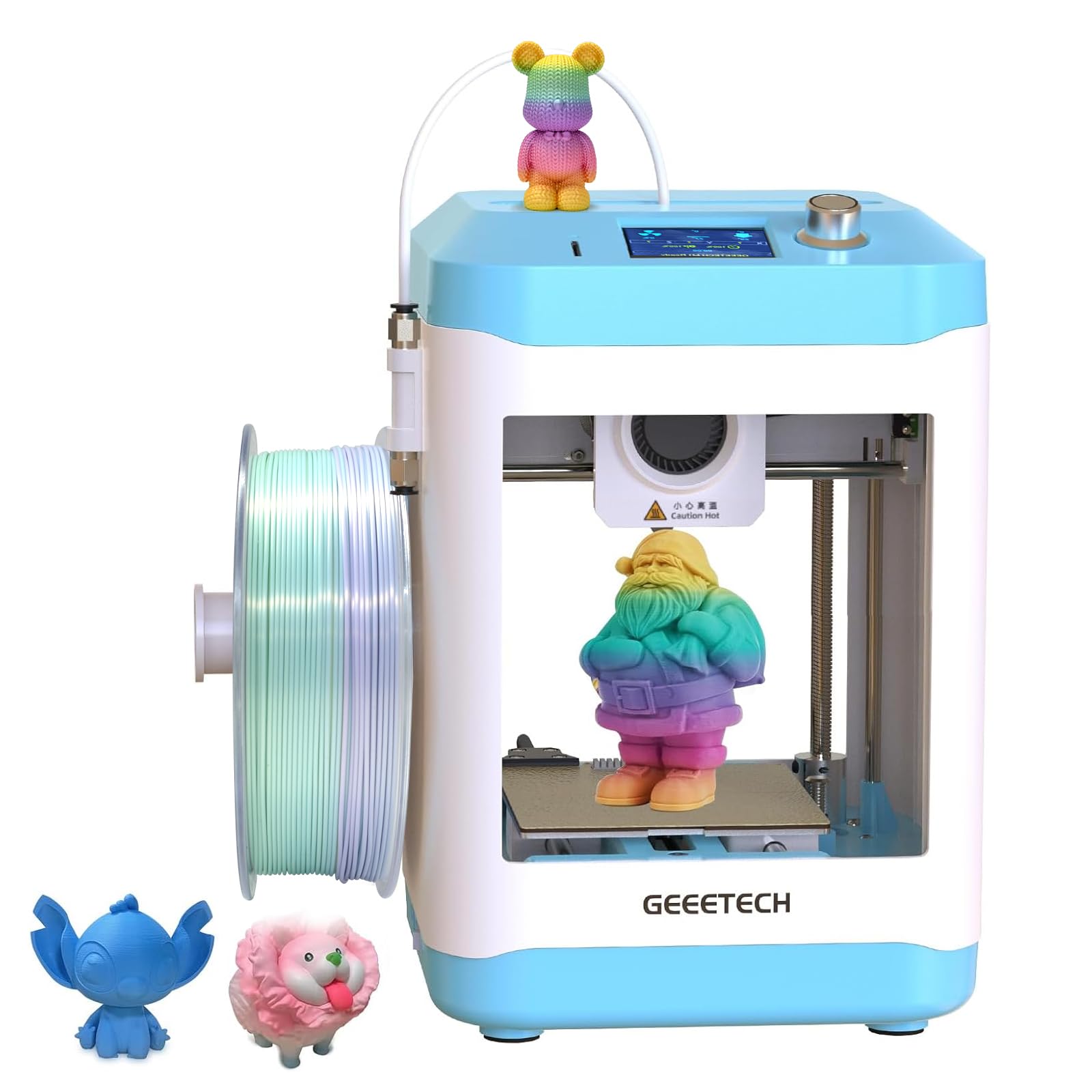
Geeetech M1 Mini 3D Printer
Key Features
- Auto Leveling: 16-point full-auto
- Assembly: Fully assembled
- Print Size: 3.94 x 4.33 x 3.94 in
- WiFi/App: No WiFi, SD card only
- Price: Budget
The Geeetech M1 Mini emphasizes safety for little hands: a compact frame with no exposed moving parts and a lower nozzle temperature reduce burn risk. Its direct-drive extruder handles flexible filaments like TPU, which the top pick doesn’t support. The 16-point auto-leveling and fully assembled design make setup nearly instant—just load filament and start. Yet the 3.94-inch cube build volume is even smaller than the top pick’s, restricting prints to coin-sized trinkets and simple toys.
Best for supervised children ages 6–9 who want a gentle introduction to 3D printing without large projects. It fits easily on a desk and runs quietly. But the tiny print area means kids will outgrow it quickly if interest expands, and occasional quality control issues (some units arrive non-functional) require patience. This printer is not for teens, adults, or anyone needing functional parts—stick with the Asani TINA2S for a larger build volume and more reliable first experience.
Pros
- Touchscreen interface and one-button filament loading for instant use.
- Consistent, smooth print quality for a mini printer.
- Automated bed leveling saves first-time users from manual tweaking.
- Compact footprint fits on a desk or shelf without crowding.
Cons
- Build volume (100×110×100 mm) limits prints to fist-sized objects.
- Occasional quality control variances – some units fail to print out of the box.
Buy this if you need the safest, most compact printer for a 6–9 year old’s first 3D printing experience. Skip it if you want room to grow into larger projects or prefer a more reliable track record.
Best for Older Kids 12+
FLASHFORGE Adventurer 5M
Key Features
- Auto Leveling: One-click fully automatic
- Assembly: Minimal assembly
- Print Size: 220 x 220 x 220 mm
- WiFi/App: WiFi, USB, SD card
- Price: Mid-Range
With a 220mm print volume and claimed 600mm/s speed, the Adventurer 5M prints full-size helmets and masks — something the smaller, beginner-focused printers in this roundup cannot. Compared to DIY kits that require hours of assembly and manual leveling, this printer ships nearly ready to run with automatic bed leveling and a quick-swap nozzle. The trade-off for this speed and size is durability: the ribbon cable is a known weak point, and bed adhesion can be inconsistent without surface prep.
This printer is best for older kids (12+) whose parents are comfortable troubleshooting mechanical issues and replacing parts occasionally. The fragile ribbon cable and intermittent bed adhesion mean it’s not a set-it-and-forget gift for families who want zero maintenance. If you’re willing to tinker and stock a few replacement parts, the Adventurer 5M offers performance that punches above its price class.
Pros
- Exceptional print speed and quality for the price
- Very easy to get started with minimal assembly and auto-leveling
- Good value for a high-speed, fully featured printer
- Large community support and upgrade potential
Cons
- Ribbon cable and mechanical parts can break after moderate use
- Bed adhesion inconsistent; often needs glue or surface prep
- Reliability split: good units exist, but a notable minority face repeated failures
Buy this if you want a large, fast printer for teens or tech-savvy parents and are prepared for occasional maintenance. Skip it if you need a zero-hassle printer for young children or non-tech users.
Best for Budget Learners
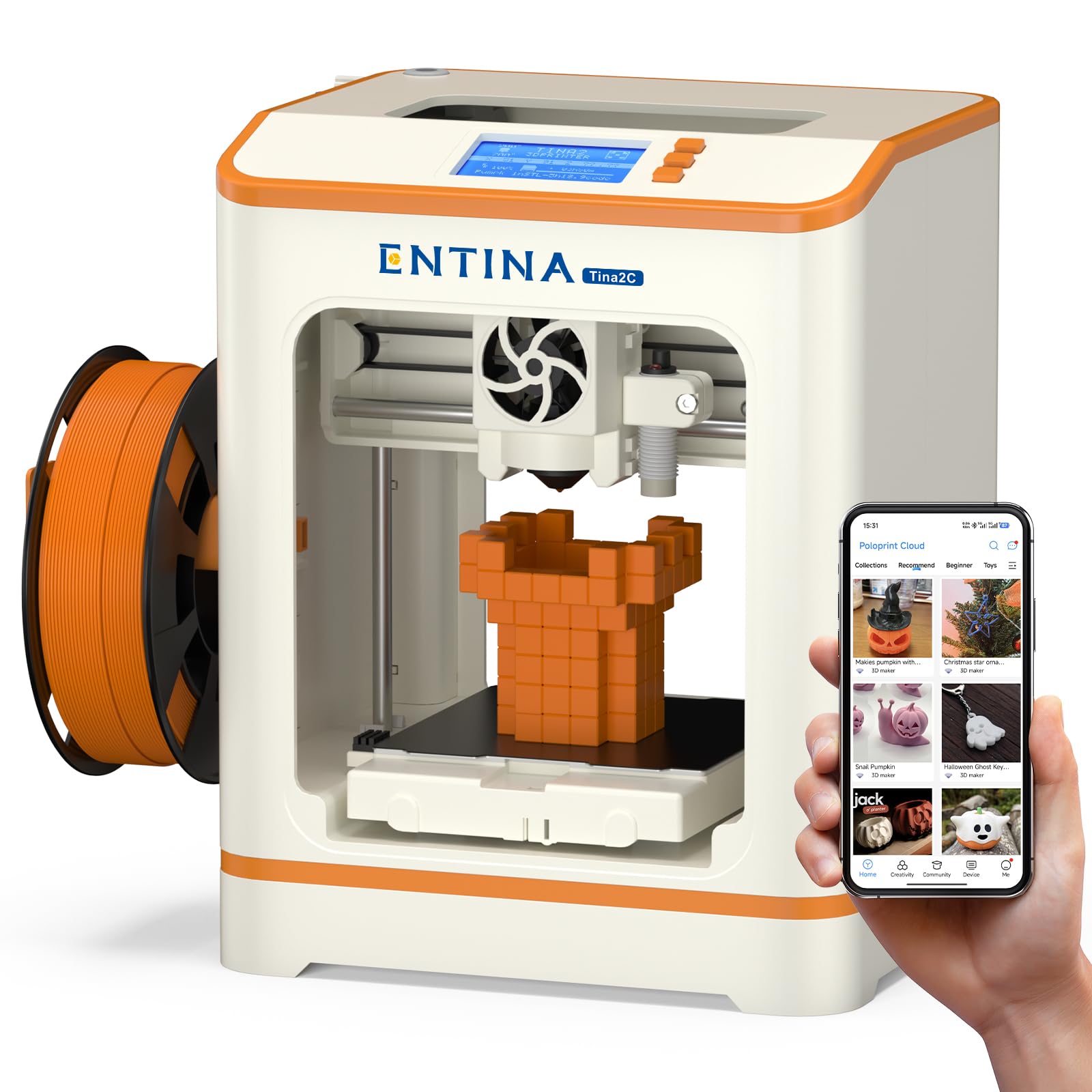
Entina Tina2C 3D Printer
Key Features
- Auto Leveling: Yes
- Assembly: Fully assembled
- Print Size: 3.9 x 3.9 x 3.9 in
- WiFi/App: 2.4G WiFi, app, TF card, USB
- Price: Budget
The Entina Tina2C undercuts the top pick by offering WiFi connectivity and app control at the lowest price in this roundup, but the trade-off is visible in user feedback: the app often fails to connect, and the software experience is less polished than the offline SD-card workflow of the Asani TINA2S. Print quality matches its small build volume — acceptable for trinkets and toys — and the auto-leveling simplifies first-layer setup. However, the cost savings come with a higher chance of early hardware issues.
This machine makes sense for classrooms or families on a tight budget who have someone on hand to troubleshoot connectivity and potential breakdowns. Setup is genuinely fast — under 10 minutes out of the box — and the 1,500+ model library is a nice perk for children. But the app is unstable for many users, and a notable fraction of units stop working within six weeks. If that risk is acceptable, the Tina2C gets a child started at the lowest entry cost. Otherwise, the top pick offers a more dependable experience for a small price increase.
Pros
- Setup takes under 10 minutes – truly out-of-box for beginners.
- Print quality is good for small projects like toys and game pieces.
- Designed for kids and beginners – 16/16 reviewers agree it’s a great first printer.
Cons
- App connectivity issues – some users cannot get the app to run at all.
- A minority of units develop hardware issues within weeks of use.
Buy this if you’re on a tight budget and willing to troubleshoot app connectivity and occasional early failures. Skip it if you need a reliable, out-of-box experience for a child.
Best for Teens & Hobbyists
Creality Ender 3 3D Printer
Key Features
- Auto Leveling: Manual
- Assembly: Requires 2-hour build
- Print Size: 8.66 x 8.66 x 9.84 in
- WiFi/App: SD card, USB (no WiFi)
- Price: Budget
The Ender 3’s 8.66-inch cube is nearly twice the volume of the top pick’s 100mm chamber, making it capable of printing full-size helmets and cosplay props. That extra space comes with a steep learning curve: the printer ships as a box of parts requiring two hours of assembly, manual bed leveling, and ongoing calibration. Owners gain access to one of the largest 3D printing communities on the internet, with thousands of free mods and troubleshooting guides — but only if they’re willing to invest the time to tune the machine.
This printer is ideal for teens or adults who enjoy tinkering and want to understand every component of a 3D printer. It is not a gift for young children or non-tech parents — expect to spend a dedicated afternoon assembling the frame, leveling the bed, and dialing in settings. Without that upfront commitment, the printer will likely frustrate rather than inspire. The payoff is a large-format machine that teaches real mechanical and troubleshooting skills, backed by a community that keeps it running for years.
Pros
- Large 8.66-inch print volume at a budget price — ideal for helmets and large models.
- Huge modding community with thousands of guides and upgrades available online.
- Teaches fundamental 3D printing skills through hands-on assembly and tuning.
- Solid print quality after calibration — many users achieve excellent results.
Cons
- Requires 2+ hours of assembly and manual bed leveling for every print setup.
- Occasional quality control variances — some units arrive with bent frames or faulty parts.
- Sparse printed instructions — most users rely on YouTube guides for setup.
Buy this if you want a large print volume on a tight budget and enjoy tinkering with hardware. Skip it if you need a printer that works reliably out of the box without mods.
Best for Budget Families
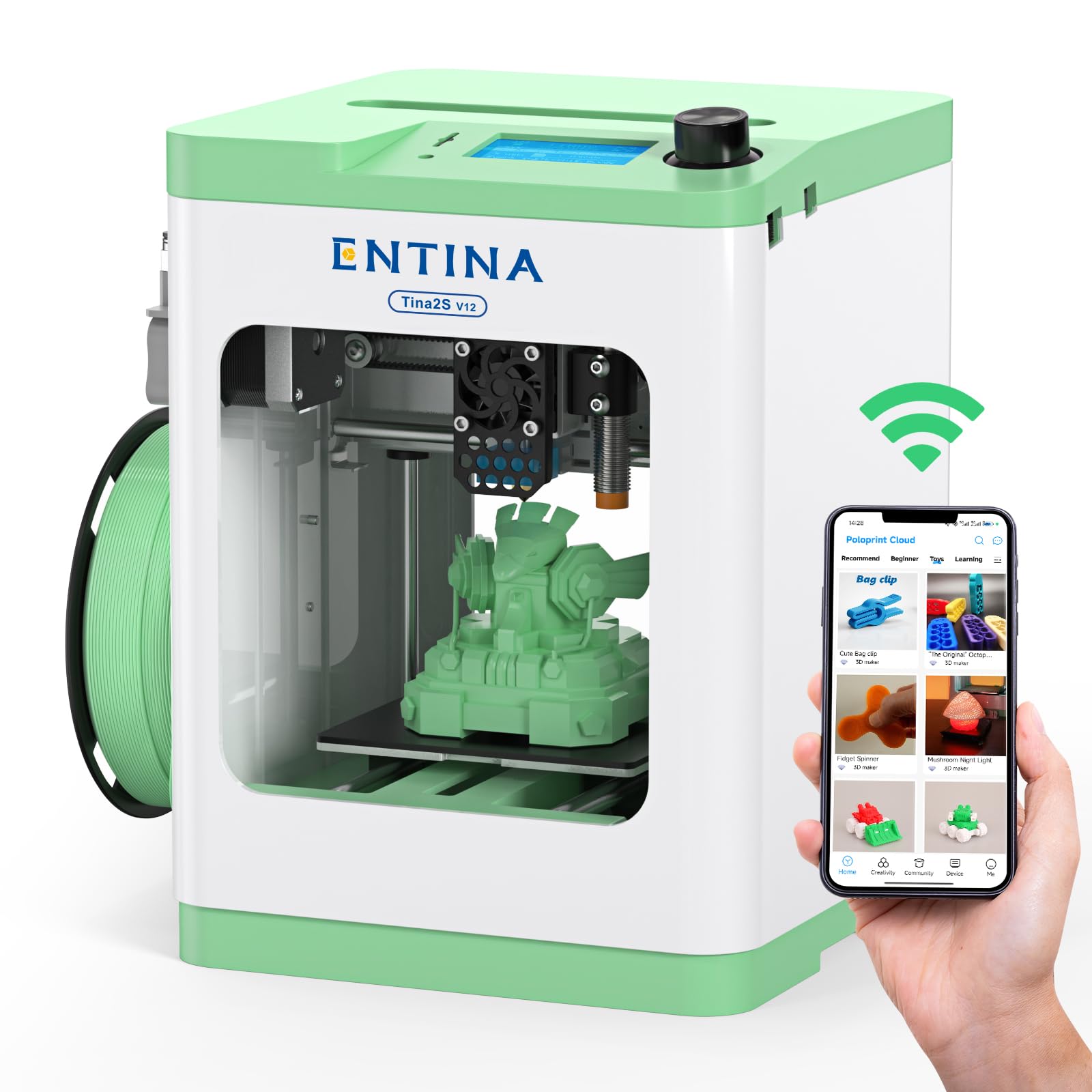
Entina TINA2S 3D Printer
Key Features
- Auto Leveling: Yes
- Assembly: Fully assembled
- Print Size: 3.9 x 4.7 x 3.9 in
- WiFi/App: WiFi, app, USB, TF card
- Price: Budget
For a beginner-friendly machine, this printer delivers decent print quality and is fully assembled with auto-leveling, making it easy for kids aged eight and up. The WiFi and app control add convenience, and the built-in library offers plenty of starting models. However, it falls short of being a top recommendation because it shares the same hardware as the Asani TINA2S but costs more, and some units develop shifting issues or SD card errors after a few weeks of use. With fewer reviews on hand, the risk of encountering a problem is slightly higher, making the Asani a safer bet for families seeking long-term dependability.
Pros
- Great print quality for a beginner machine.
- Suitable for children and beginners, with easy operation.
- Fully assembled and intuitive to set up.
Cons
- Long-term performance can be inconsistent; some units develop shifting issues or SD card errors after a few weeks.
- Small print area (3.9 x 4.7 x 3.9 inches) limits project size.
Worth considering if you want a fully assembled, WiFi-enabled printer for a young beginner and are willing to accept occasional reliability quirks in exchange for a budget-friendly price.
Best for Wifi Mini Fans
Geeetech M1S Smart 3D Printer

Key Features
- Auto Leveling: 16-point
- Assembly: Fully assembled
- Print Size: 3.94 x 4.33 x 3.94 in
- WiFi/App: WiFi, app control
- Price: Premium
The Geeetech M1S adds WiFi and app control to the same compact platform as the M1 Mini. It prints well out of the box, and the auto-leveling and app library are genuinely beginner-friendly. But the build volume remains tiny — roughly the size of a fist — and the price is noticeably higher than many larger, more capable printers. For a family that specifically wants a small, connected printer and doesn’t need to print anything bigger, it works. But most buyers will find better value in bigger machines at the same or lower cost.
Pros
- Beginner-friendly setup with auto-leveling and WiFi app control.
- Solid print quality for a mini printer with direct-drive extruder.
- Convenient app-based model library for one-tap printing from a phone.
Cons
- Very small print area limits projects to palm-sized objects only.
- Higher cost than larger printers with much more build volume.
Worth considering if you specifically need a WiFi-controlled mini printer for small, quick projects and don’t mind paying a premium for the compact form factor.
Best for Discount Seekers
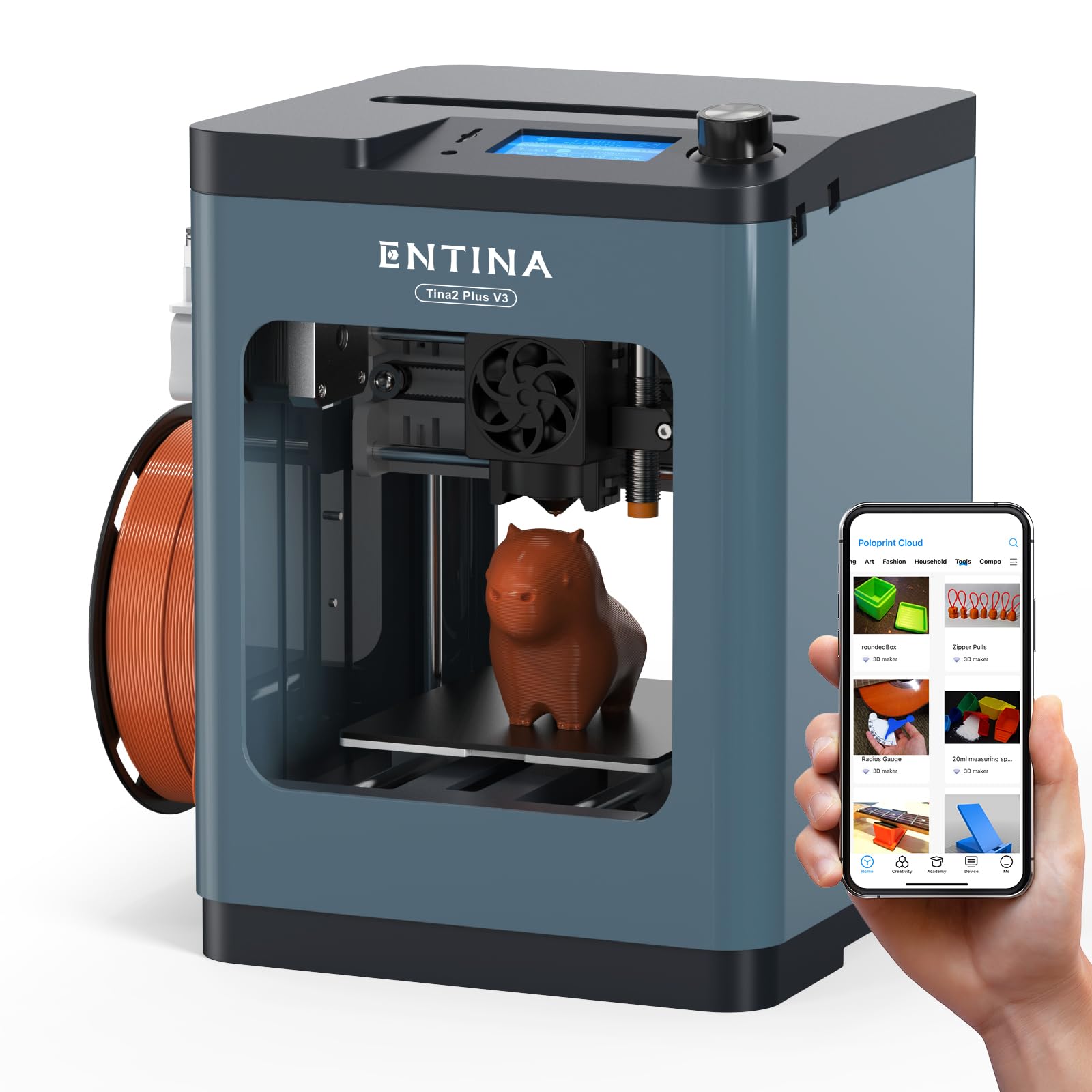
Entina TINA2Plus V3
Key Features
- Auto Leveling: Yes
- Assembly: Fully assembled
- Print Size: 3.9 x 4.7 x 3.9 in
- WiFi/App: WiFi, Poloprint Cloud app
- Price: Mid-Range
The TINA2Plus V3 boosts print speed to 250mm/s and adds a spring steel build plate for better adhesion compared to the base Tina2. However, it shares the same Poloprint app connectivity issues and early failure reports seen in other Entina models—some units develop nozzle problems or dig into the plate within weeks. At its price point, the speed upgrade is minimal value when the top pick offers more consistent performance and a full starter kit for less.
Pros
- Fast printing speed improves turnaround for small projects.
- Fully assembled and easy for beginners to start printing right away.
- Spring steel build plate provides better adhesion than standard plates.
Cons
- App and WiFi connectivity frequently fails to establish connection.
- Some units experience nozzle failures or head gouging into the build plate after a month.
Worth considering if you are an experienced buyer willing to gamble on a speed boost for small projects, and can tolerate app issues.
Best for Risky Gamble
HEPHI3D TINA2S 3D Printer
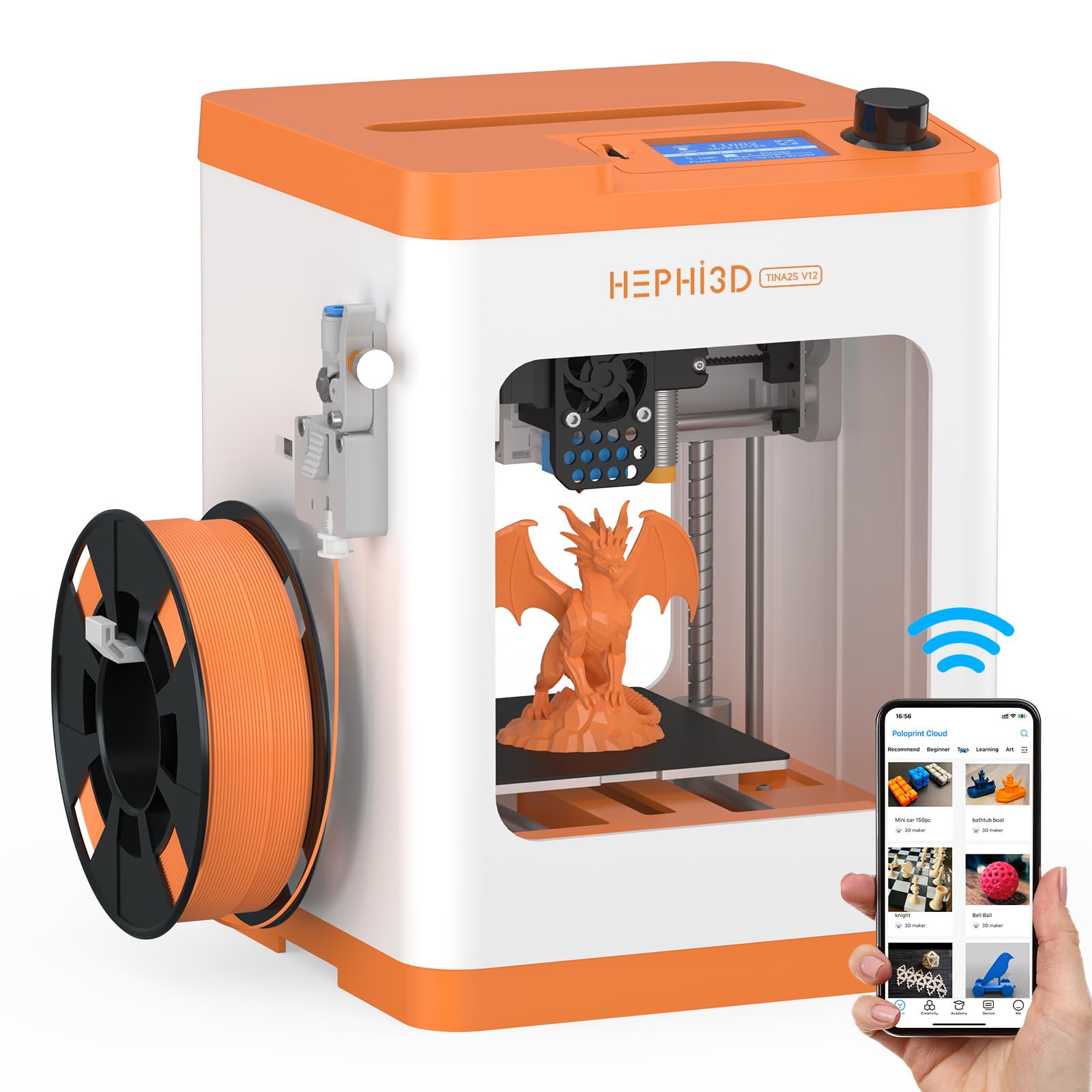
Key Features
- Auto Leveling: Yes
- Assembly: Fully assembled
- Print Size: 3.9 x 3.9 x 3.9 in
- WiFi/App: WiFi, Poloprint Cloud app
- Price: Mid-Range
This HEPHI3D version of the familiar TINA2S offers the same auto-leveling, WiFi cloud printing, and compact silent design that make it easy for beginners to get started. However, with only 178 reviews and multiple early failure reports—jams, drift, and hotend failures—its durability is inconsistent. Customer support is limited, and the hotend warranty only covers 60 days. Compared to the more established Asani TINA2S, which has a stronger track record and better support, this variant carries higher risk. It’s best reserved for shoppers who find a steep discount and accept the possibility of troubleshooting.
Pros
- Easy for beginners to set up and operate, great for kids 10+.
- Compact, quiet design fits neatly in a child’s room without noise complaints.
Cons
- Inconsistent print quality – some units experience jams and drift after moderate use.
- Short warranty (60 days on hotend) and limited customer support increase long-term risk.
Worth considering if you find a steep discount and are willing to accept occasional troubleshooting and limited support.
Best for Ecosystem Fans
HEPHI3D TINA2 Plus
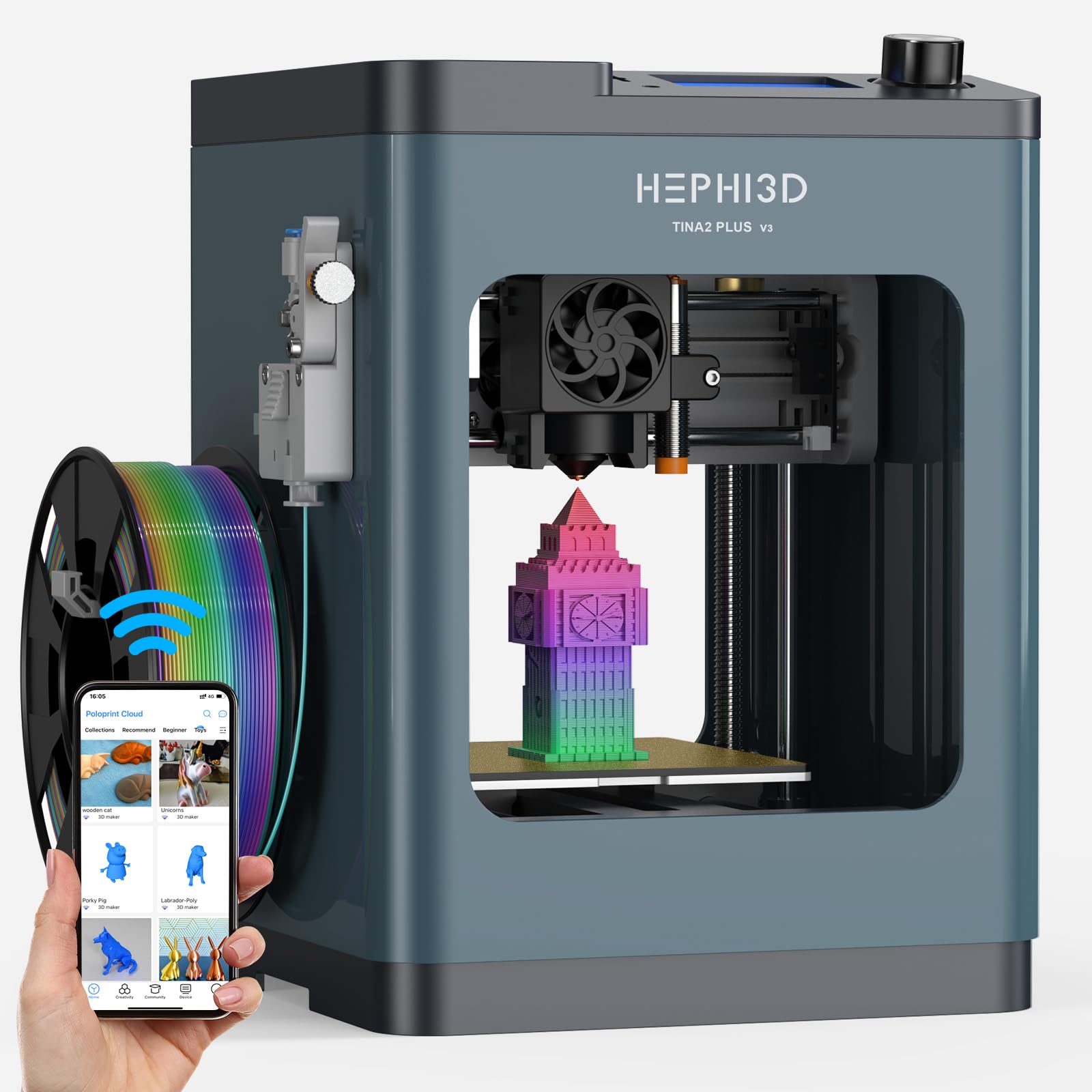
Key Features
- Auto Leveling: Yes
- Assembly: Fully assembled
- Print Size: 3.9 x 3.9 x 3.9 in
- WiFi/App: WiFi, Poloprint Cloud
- Price: Mid-Range
This printer arrives fully assembled and ready to print in minutes, with a claimed 250mm/s speed that reduces wait times for kids. The WiFi and Poloprint Cloud app let you start prints from a phone. However, reliability is less consistent here than on the Entina variant: some units develop jams or layer shifting after a few weeks, and the 60-day hotend warranty plus limited support mean early failures are harder to resolve. For the same hardware with a stronger track record, the Entina Tina2 Plus is the safer bet.
Pros
- Fully assembled and auto-leveling for quick first prints.
- Fast 250mm/s speed keeps kids engaged with shorter wait times.
- WiFi and Poloprint Cloud for app-based printing.
Cons
- Occasional quality control issues cause jams or layer shifting after weeks of use.
- Limited warranty on hotend (60 days) and support videos that don’t resolve common problems.
Worth considering if you already own HEPHI3D products and want ecosystem consistency, or if you find this version at a discount and accept a higher risk of early issues.
Best for Multi-Color Fans
FLASHFORGE AD5X Multi-Color

Key Features
- Auto Leveling: One-click
- Assembly: Minimal assembly
- Print Size: 220 x 220 x 220 mm
- WiFi/App: WiFi, USB, SD card
- Price: Premium
FLASHFORGE AD5X offers a rare combination: multi-color printing from a single extruder at 600 mm/s, with vibrant output that users consistently praise. Setup is straightforward, and the price undercuts competitors significantly. Yet durability concerns—including motherboard malfunctions, WiFi drops, and tricky bed adhesion—make it a gamble. This printer rewards experienced hobbyists who can troubleshoot and maintain it, but families or beginners should look elsewhere. The high incidence of hardware faults prevents it from being a primary recommendation for kids.
Pros
- Produces vibrant multi-color prints that consistently impress users.
- Fast printing at 600 mm/s with simple assembly out of the box.
- Cost-effective entry to multi-color printing versus premium brands.
Cons
- Quality control variances can lead to motherboard or hotend malfunctions within months.
- WiFi connectivity drops frequently, complicating remote monitoring.
Worth considering if you’re an experienced hobbyist seeking affordable multi-color prints and are prepared to handle potential hardware issues.
How to Choose
Print area determines what kids can make more than any other spec—a 100mm cube limits to trinkets, so check dimensions before buying.
Auto Bed Leveling
Manual bed leveling is the top cause of failed prints for beginners. An auto-leveling system handles this automatically, saving time and frustration. Look for a printer that actively levels before each print, not just once during setup.
Fully Assembled Out of Box
Many budget printers require hours of assembly, which can be a dealbreaker for families. A fully assembled printer allows a child to start printing within minutes. If you want a learning experience, a kit is fine, but for immediate use, assembled is the way.
Print Bed Size
A 100mm cube printer can only make small toys, keychains, and chess pieces. For larger items like masks or action figures, look for a build volume of at least 200mm in each dimension. Children quickly outgrow tiny build plates.
WiFi and App Control
App-connected printers let kids browse and print models from a phone, which is convenient. However, app servers can be unreliable, and connectivity issues are common. An SD card slot provides a dependable offline backup that always works.
FAQ
Do kids need a fully assembled 3D printer to start?
Yes, for most children under 12. Assembly can take 1–2 hours and requires mechanical know-how. A fully assembled printer lets them start printing in under 10 minutes, which is critical for maintaining interest. The Creality Ender 3 is a great learning tool for teens, but not for impatient younger kids.
Is auto-leveling worth it for a child’s first 3D printer?
Absolutely. Manual bed leveling is the most common source of first-layer failures, and it’s tedious. Auto-leveling eliminates that frustration and makes the printer ‘just work.’ Every printer in our main recommendations includes it for that reason.
Why does my 3D printer’s app keep crashing?
Many budget printers rely on third-party cloud servers that get congested on weekends or holidays. If the app fails, use the SD card slot to print directly from the files on the card. That backup method is always reliable, even when the cloud is down.
Can a 3D printer be left running unattended with children?
No printer should be left unattended while printing, especially with children nearby. The nozzle gets hot (200°C+), and moving parts can pinch fingers. Always supervise, keep the printer in a well-ventilated area, and consider models with enclosed frames for extra safety.